




Login/Register
Upload a photo and remove the background automatically. Isolate the subject as a transparent PNG cutout for ecommerce, ads, and creative workflows—directly inside any MCP-compatible AI agent.
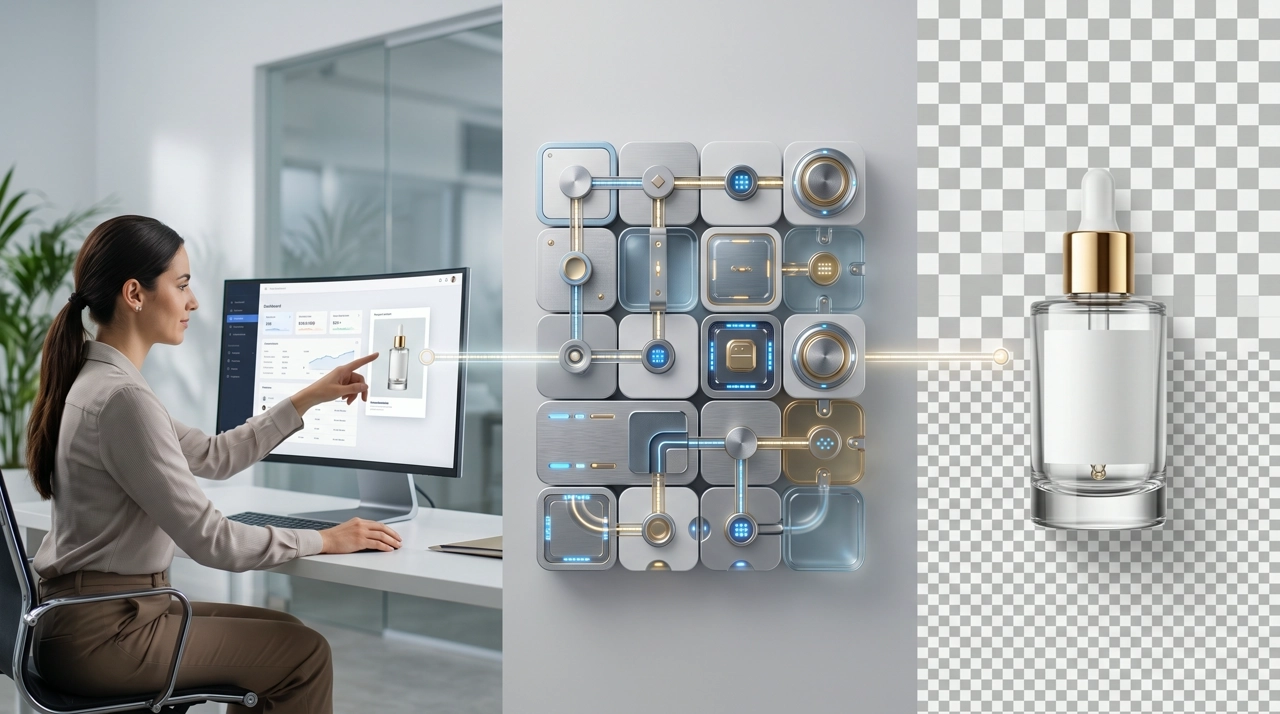
Send a product shot, portrait, or graphic and get a clean subject isolation—typically in about five seconds—without drawing a mask by hand.
Export a transparent background (PNG) ready for ecommerce main images, paid-social creatives, and downstream resize or ad-creative tools.
Works across common marketing subjects—people, products, animals, cars, and graphics—so catalog and campaign assets can share one cutout step.
Remove the background, then hand the PNG to Multi-Size Ad Image MCP or Ad Creative MCP in the same Cursor or Claude session.
Add the KreadoAI MCP endpoint to your AI agent—Cursor, Claude Desktop, Claude Code, or any MCP-compatible workflow system.

Provide the photo URL or file. Keep the picture within 4000×4000 pixels and about 20MB so analysis stays reliable.

Your agent runs smart cutout and returns a subject on a transparent background—ready to preview in the same conversation.
Save the PNG, drop it onto a new backdrop, or pass it to resize and ad-creative tools without leaving the agent.
Simple, Flexible Plans for Developers
Turn packed lifestyle photos into clean listing cutouts for Shopify, Amazon, and marketplace catalogs—hair, bottles, and packaging edges stay intact.
Isolate the hero product, then composite it onto campaign backgrounds or feed it into multi-size generation for Meta, TikTok, and Google Display.
Run a set of SKU photos in one agent session so every cutout follows the same transparent-PNG spec before you resize or localize.
Extract a person or product from a busy frame when you need a clean still for thumbnails, avatars, or promo cards.
Describe the cutout in Cursor and get a transparent PNG—no desktop pen-tool session for every SKU.
One isolation step turns a source photo into a layer you can reuse on white, color, or generated scenes.
After cutout, generate every placement size or a new ad background in the same MCP workflow your team already uses.
Background removal sits next to AI Image, Ad Creative, and Multi-Size tools—one KreadoAI credential set, no extra cutout SaaS to onboard.
Combine MCP servers in your agent workflows—each tool covers a specific content generation task.
Connect MCP, send the photo, and get a transparent PNG cutout in seconds—then continue into ads and multi-size creatives in Cursor and Claude.