




Login/Register
Upscale footage you already have to 1080P, 2K, 4K, or 8K with AI. Enhance UGC, marketing clips, landing-page loops, and AI-generated drafts inside any MCP-compatible agent—without rebuilding the edit or voiceover.
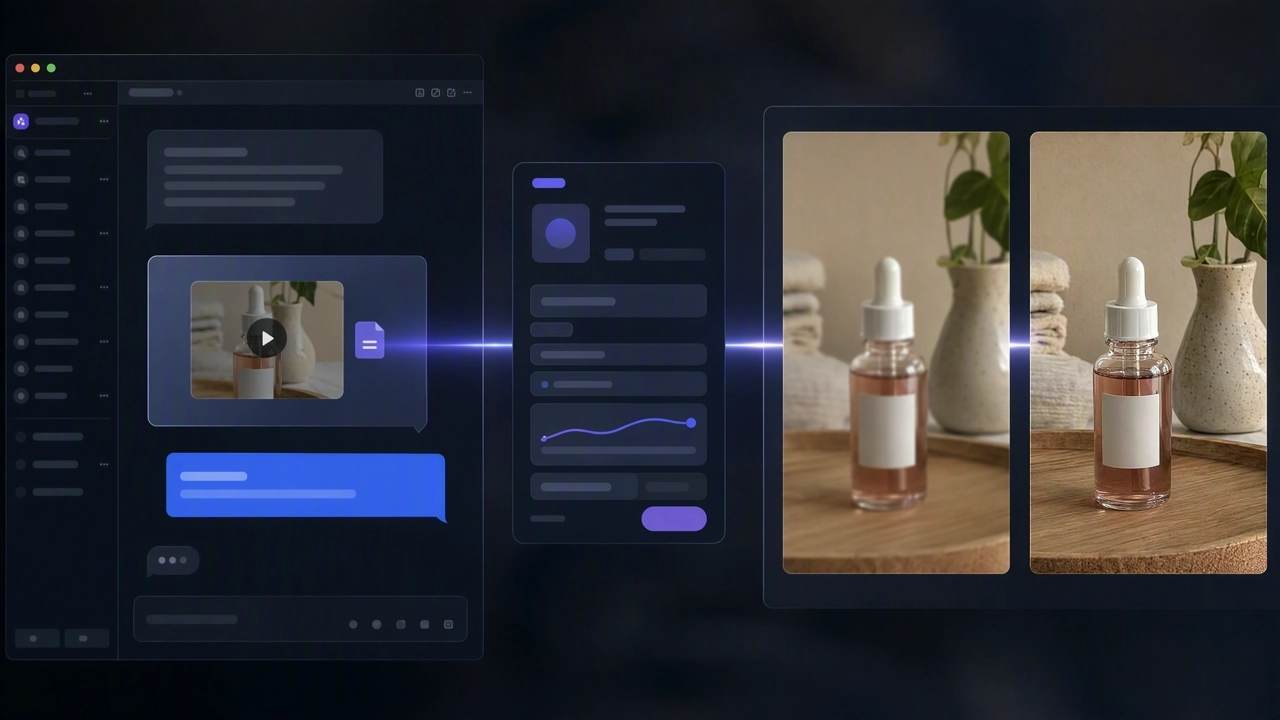
This is not a new image-to-video generation. Upload a shot or generated clip, run quality enhancement, and keep the original edit, timing, and audio.
Standard is the lighter pass for footage that is already fairly clean. AI Pro uses a heavier model for compressed phone clips and soft AI drafts—choose by source, not by marketing labels.
Output 1080P, 2K, 4K, or 8K. Target frame rate ranges from 15 to 120 FPS. For most paid-social UGC, 1080P at 30 FPS is enough.
Pair enhancement with translation, trim, and video generation in one KreadoAI MCP workflow. If the trafficked version is translated, enhance after translation—not twice.
Add the KreadoAI MCP endpoint to your AI agent—Cursor, Claude Desktop, Claude Code, or any MCP-compatible workflow system.

Provide the video you already have and tell your agent the mode (Standard or AI Pro), output clarity (1080P–8K), and frame rate (15–120 FPS).

Your agent runs quality enhancement and returns a sharper file—resolution and detail improve, while story, timing, and voiceover stay in place.
Preview at normal speed, confirm lips, labels, and audio, then download or send the file into ads, landing pages, or the next MCP tool.
Simple, Flexible Plans for Developers
Move a vertical phone unboxing or creator take to 1080P so Meta’s short-side minimum is met, without reshooting a clip that already converts.
A 1080P loop can still look mushy on a large display. Start with Standard; step to 2K or 4K only when the page actually plays at that size.
Seedance, Kling, or Sora clips often land soft. Lock the cut first, enhance once, then export. A warped original will not become live-action at 4K.
Run several files in one agent session so a launch stays on the same resolution and frame rate instead of mixing 720P and 1080P in one ad set.
Enhancement upgrades clarity on footage you trust—no reshoot, no new image-to-video pass, no rebuilt voiceover.
Standard for clean masters. AI Pro when phone compression or AI softness needs more recovery. Your agent can follow that rule every time.
Most social ads need 1080P / 30 FPS. Raising a shaky handheld clip to 120 FPS mainly makes the shake easier to see.
Stay inside Cursor or Claude with the same KreadoAI MCP credentials used for AI Video, translation, and TTS—no extra desktop upscaler.
Combine MCP servers in your agent workflows—each tool covers a specific content generation task.
Connect MCP, send the file, choose Quality Enhancement, and export 1080P–8K without rebuilding the edit—inside Cursor and Claude.