


Step 1: Upload the Audio
Open speech to text. Under Local upload, click the box or drag the file in. You can also upload an MP4; the tool reads the audio track first.


Transcribe audio and MP4 videos online with KreadoAI. Upload a file, and the tool detects the spoken language, places a Chinese translation beside the original transcript, and lets you copy the text or export timestamped SRT subtitles.
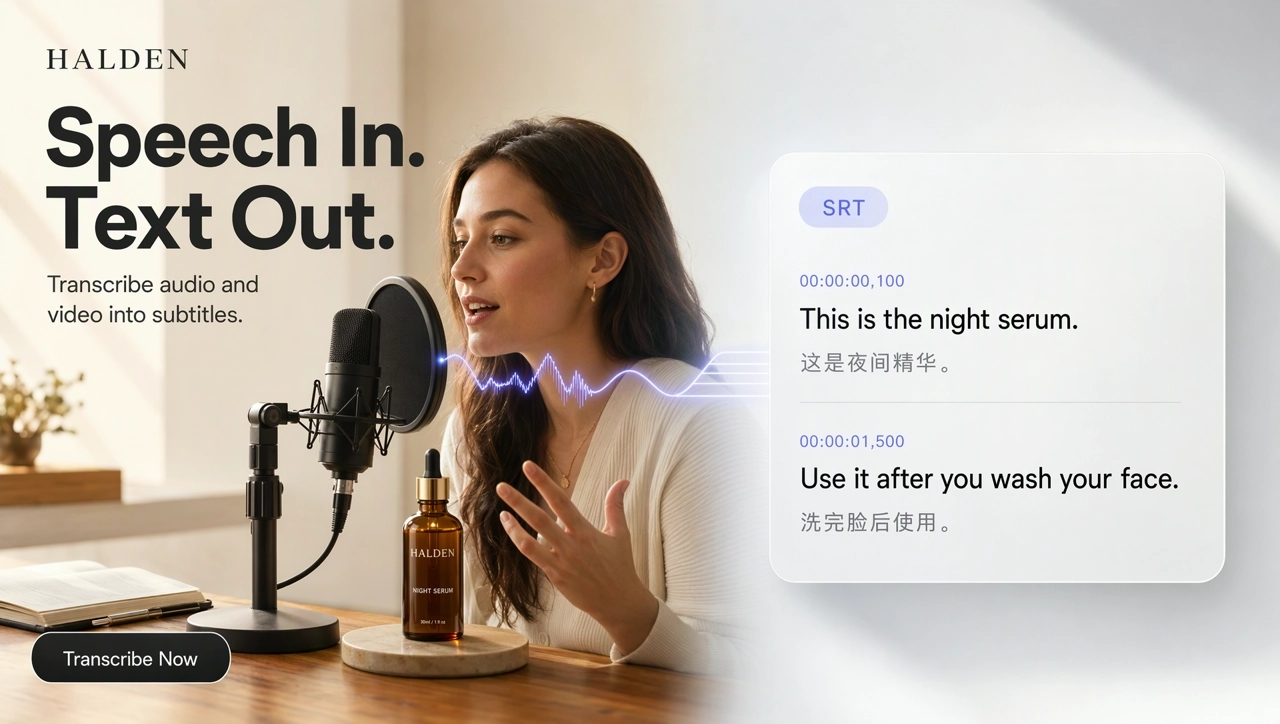
KreadoAI AI Speech to Text is an online transcription tool that converts uploaded audio files and MP4 videos into editable text. It automatically detects the spoken language, provides a Chinese translation, and allows users to copy transcripts or export timestamped SRT subtitles. If you want to turn a script into a voiceover, use Text to Speech instead.
Start Transcribing →Upload the recording and get the words back as text. You check a draft instead of typing every line during playback.
Export SRT and the timing comes with it. Drop the file on the subtitle track of your edit.
The transcript stays in the spoken language, with a Chinese translation beside it so you can check each line.
Upload an audio file or an MP4. The steps are the same: upload, transcribe, then copy or export.
Open speech to text. Under Local upload, click the box or drag the file in. You can also upload an MP4; the tool reads the audio track first.
Confirm Gemini 3.5 Transcribe as the model, then click Start transcription.
On the results page, read the source text beside Chinese. Copy all, copy the source only, copy the translation only, or export SRT.
Use it as an audio to text converter. Upload an audio file, and the tool transcribes speech from recordings you already have into editable text.
Start Transcribing →Upload an MP4. The tool extracts the audio track and transcribes it. The original video remains unchanged, and subtitles download separately as SRT.
Start Transcribing →The transcript stays in the spoken language, with a Chinese translation beside it, so audio transcription and translation happen in one pass.
Start Transcribing →Copy all, copy the source only, copy the translation only, or export SRT. The SRT keeps the timestamps.
Start Transcribing →Turn a recorded product line into text, export the SRT, and place it on the subtitle track of the ad.
Turn an interview recording into searchable text, then pull quotes from the Chinese column.
Pull the spoken script out of a tutorial and prepare Chinese subtitles before you recut the video.
Edit the transcript, then open Text to Speech to turn it into a new voiceover. Speech to text gives you the words, not a new voice.
Four real recordings: an English product voiceover, an English testimonial, a Japanese tutorial, and an English video voiceover. Press play to hear the original. Each cover shows the first three exported SRT lines, with the full Chinese translation under each line. Each title is the first line.
Turn the transcript into a new voiceover with Text to Speech, change the voice of a recording, or add music and sound effects.
Upload audio or an MP4, read the source text beside Chinese, then copy the text or export SRT.