


Step 1: Select A Model
Open Sound Effects and select an available sound generation model from the menu.


Describe the sound you need, and KreadoAI's AI sound effect generator turns your text prompt into a downloadable audio clip. Create whooshes, impacts, ambient sounds, and product or UI effects for videos, ads, and more.
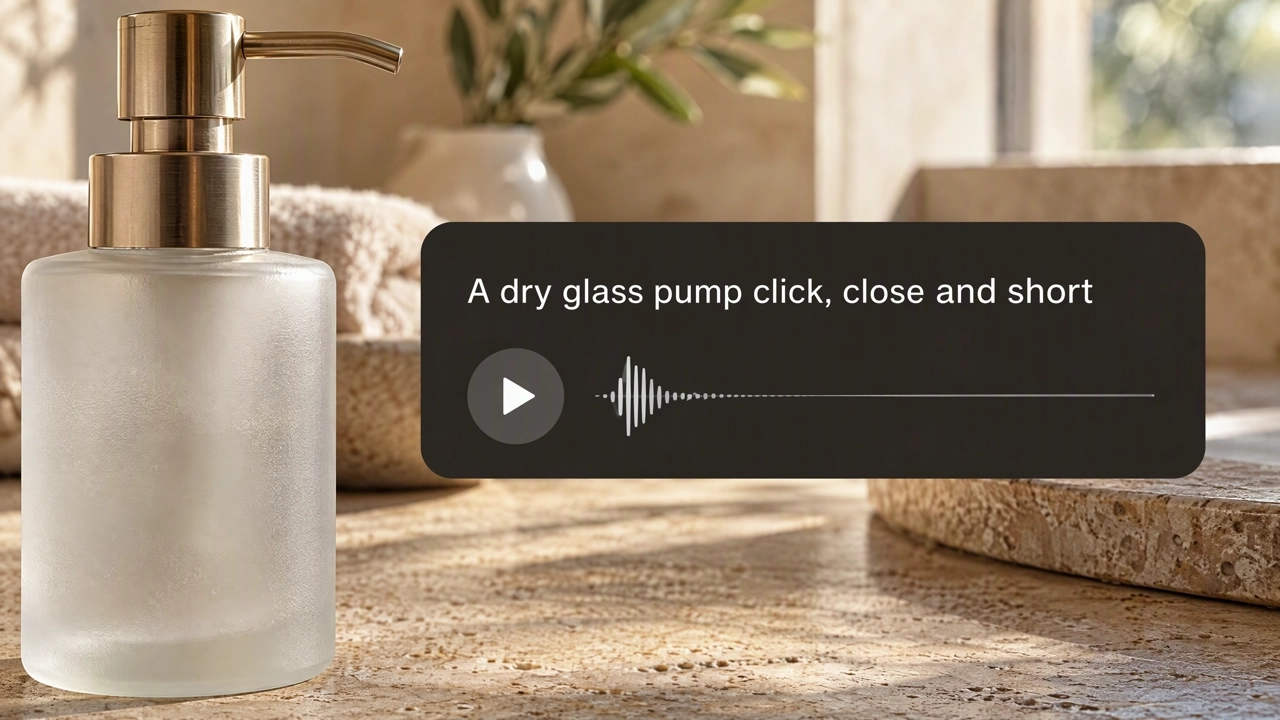
An AI sound effect generator creates short audio clips from text prompts. On KreadoAI, describe a whoosh, impact, ambient sound, UI tone, or product action, then preview and download the clip for videos, ads, and other creative work.
Generate Sound Effects →Write what you want to hear—the source, material, and mood—and get a clip you can preview and download.
Cover the short sounds editors need most: transitions, hits, room tone, and other scene details.
Give product demos and interfaces clearer feedback with clicks, cap twists, and soft notifications.
Listen in History, then download MP3 or WAV for your video or ad.
Open Sound Effects and select an available sound generation model from the menu.
Describe the sound you want to create, and choose MP3 or WAV.
Play the clip in History. Generate another version, or download the one you want and add it to your video edit.
Describe the source, the material, the action, and the mood. For example: "Steady rain on a window, close and even, for a quiet product film."
Generate Sound Effects →Generate transition whooshes and title impacts. For example: "Soft air whoosh as the shot changes."
Generate Sound Effects →Create product actions and light interface tones. For example: "Dry glass pump click, very close, for a skincare demo."
Generate Sound Effects →In History, you can preview the clip, download it, or generate another version. Then add the sound to the right place in your video.
Generate Sound Effects →Add the sound of a button, a cap, a switch, or a pump so each product action feels clearer. Add the sound effect to the relevant moment in your demo.
Use a whoosh, an impact, or a reveal to mark the cut that should land and keep the ad’s rhythm sharp.
Set a place with rain on a window, waves on a shore, or a quiet room. Use ambient sounds to create a more immersive scene.
Mark a tap, a confirmation, or a notification with a short UI sound. Keep it light so the interface still feels clear.
Eight examples: window rain, a pour, a pan, a countdown, shore waves, a reveal, a title hit, and a tap.
Add music under a scene, change a recorded voice, turn speech into text, or turn a script into a voiceover.
Describe the effect you need. Preview the clip, then download it for a video or an ad.