


Step 1: Select A Model
Open Music Generation and choose a song model or background music. The menu shows the models available now.


Create songs and instrumental background music from text prompts with KreadoAI's AI music generator. Make music for product videos, ads, and social content, then preview and download your track.
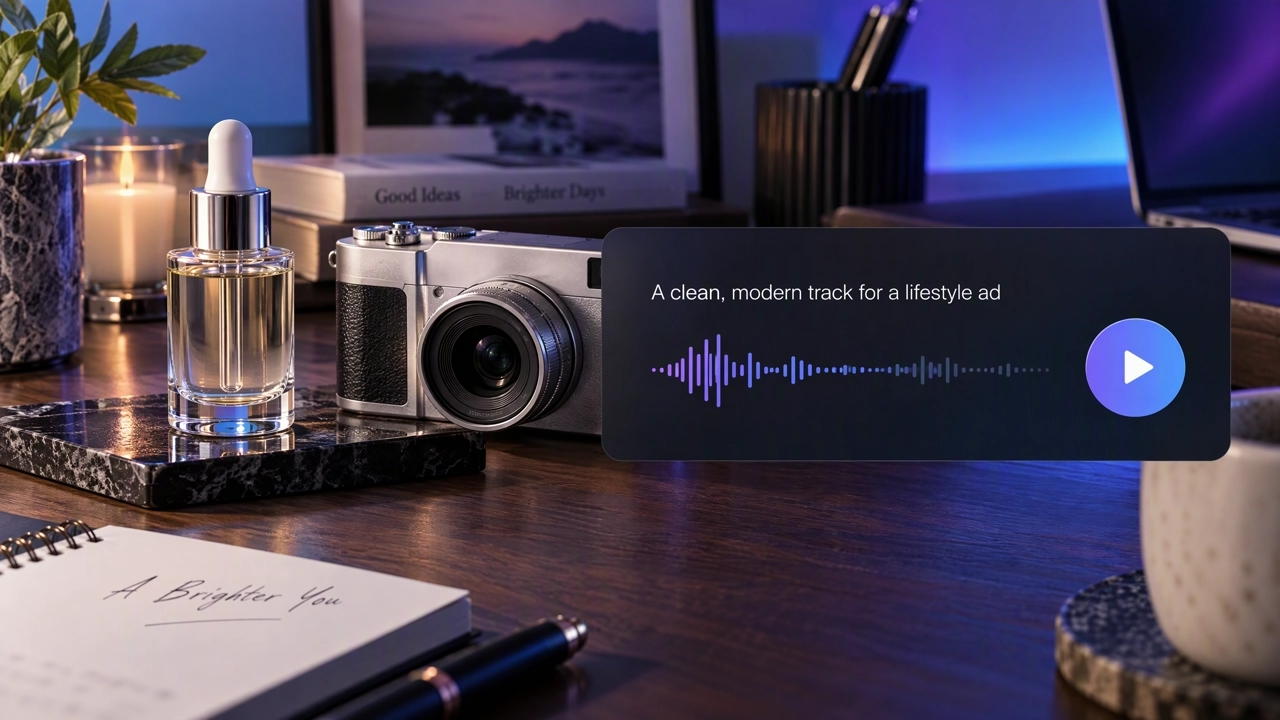
An AI music generator creates music from a text prompt. On KreadoAI, a song generates lyrics and vocals from your description. Background music is an instrumental track for product videos, ads, and social posts. You preview the result and download the file.
Generate Music →Describe the style, mood, and theme. KreadoAI generates lyrics and vocals, and returns a full song you can preview.
Describe the atmosphere, instruments, and mood. You get an instrumental track for a product video, an ad, or a social post.
Play the result in History, then download MP3, WAV, or FLAC and add the track to your video edit.
A product demo often needs an instrumental bed. A short ad may need a song with a hook. Pick the output that fits the video.
Open Music Generation and choose a song model or background music. The menu shows the models available now.
Describe the style, mood, and scene you want. Choose MP3, WAV, or FLAC, then submit.
Play the track in History, then download it and add it to your video.
Describe the style, mood, tempo, and theme. KreadoAI generates a song with AI-created lyrics and vocals.
Generate A Song →Describe the atmosphere, instruments, and mood for an instrumental track. Use it under a product video or an ad.
Generate Background Music →A more specific prompt can help guide the result. A song prompt might say: "Bright indie-pop, summer afternoon, a short hook about sunlight on a city street." A background prompt might say: "Soft piano, slow, for a skincare demo, with room for a voiceover." Then choose MP3, WAV, or FLAC.
Write A Prompt →In History, you can preview a track, download it, generate another version, or delete it. Listen first, then save the file for your video edit.
Preview A Track →Use instrumental background music under a product demo or a feature walkthrough, so the explanation stays easy to follow. Choose a song when the video needs a memorable hook.
Match the pace and mood of a short ad, whether it is bright, tense, or calm. Download one track and cut it to the length of the post.
Set the tone of a brand film with the atmosphere and emotion in your prompt. Listen, then keep the song or the instrumental that fits the story.
Choose instrumental background music so the track supports the explanation. A vocal song is a better fit when the video itself is the message.
Sample tracks from the generator: four songs with vocals and four instrumental pieces. Press play to hear each one.
Add a short sound effect, change a recorded voice, turn speech into text, or turn a script into a voiceover.
Describe the style, mood, and scene. Preview the track, then download it for a product video or an ad.