


Step 1: Upload the Recording
Open Voice Changer and upload the audio. Click the box, or drag the file in.


Start from a recording you already like. KreadoAI's AI voice changer keeps the wording and the pauses, and returns that take in another voice. Preview it, download it, and place it in the edit yourself.
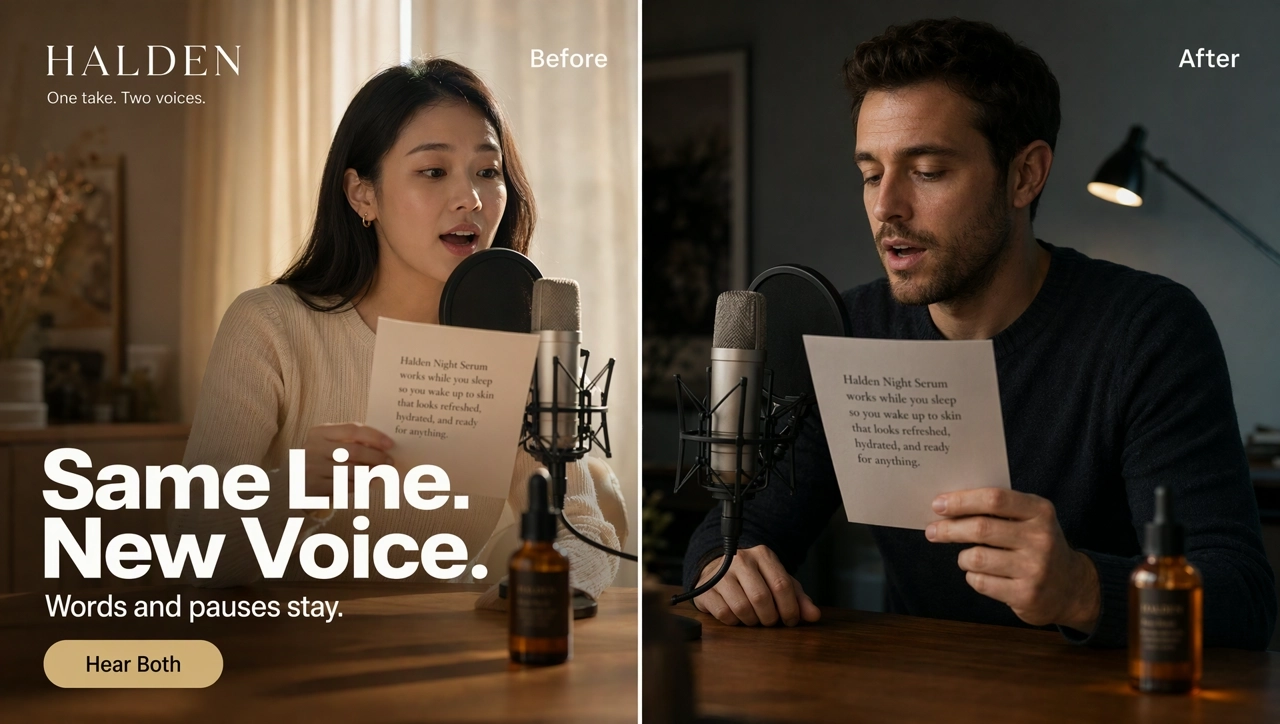
An AI voice changer turns one recorded voice into another while the words and the timing stay. On KreadoAI you upload a recording, choose a system voice or a cloned voice, and download a new take for a video or an ad. If you want to generate speech from text, use Text to Speech instead. A live game microphone is a different tool.
Change a Voice →The wording is already right. This page changes the voice, not the script and not the pauses.
One read can come back warmer, clearer, or as a second character, without booking another session.
Choose a system voice or a cloned voice, then use it again on the next clip.
Listen, download, and drop the new take on the timeline. The tool does not rewrite the video for you.
Open Voice Changer and upload the audio. Click the box, or drag the file in.
Pick a system voice or a cloned voice, then apply it.
Start the voice conversion. Preview the result, download it, and place the file on the timeline yourself.
Start with an audio recording you already have. Say the line the way the ad needs it, then change the voice.
Change a Voice →Choose a system voice or a cloned voice, then apply it. This page does not impersonate a named person.
Change a Voice →The new file follows the wording and the pauses. It does not rewrite the script.
Change a Voice →Listen, then download. You place the file. The changer does not read the picture or lock the new voice to a frame.
Change a Voice →Record the offer once, then hear it in a warmer or clearer voice. The pauses stay where you put them.
The same read can become another speaker. Change that line instead of booking a second reader.
Use the same target voice on the next clip so a set of ads keeps one speaker.
Keep the delivery you recorded, and use another voice in your content.
Four recordings, each followed by the same words in a different voice. Press play and compare the pair.
Add music or a sound effect, turn speech into text, or turn a script into a new voiceover.
Upload a recording, choose a voice, then download the new take for a video or an ad.