
Login/Register
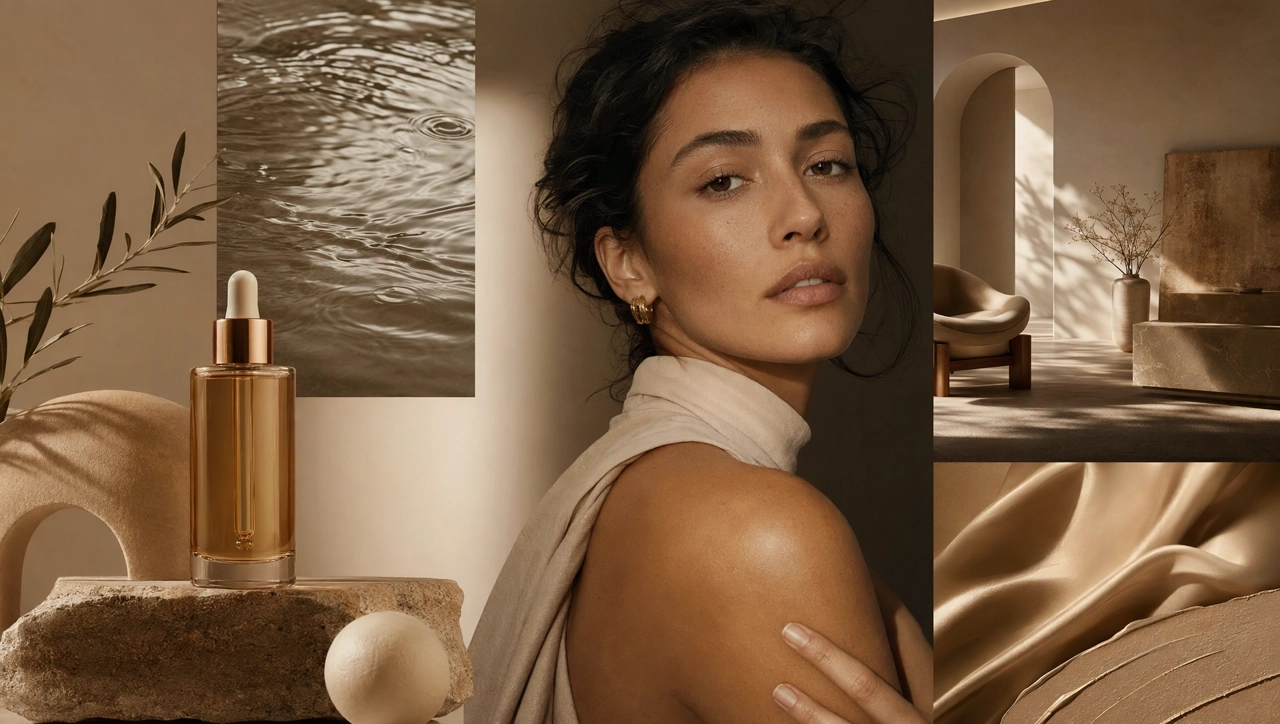
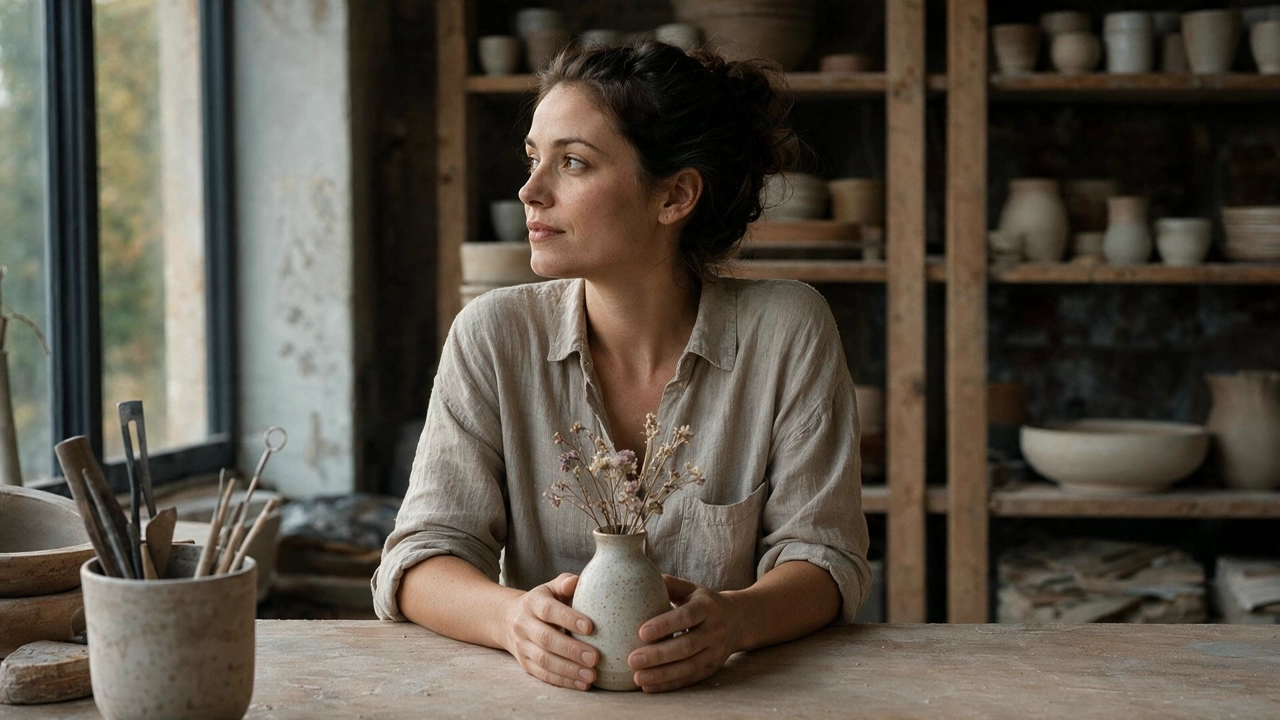
Edit images with greater control and consistency across multiple rounds. Seedream 5.5 changes what you ask for, works to keep the rest of the image as it was, and creates realistic visuals and RGBA transparent assets.
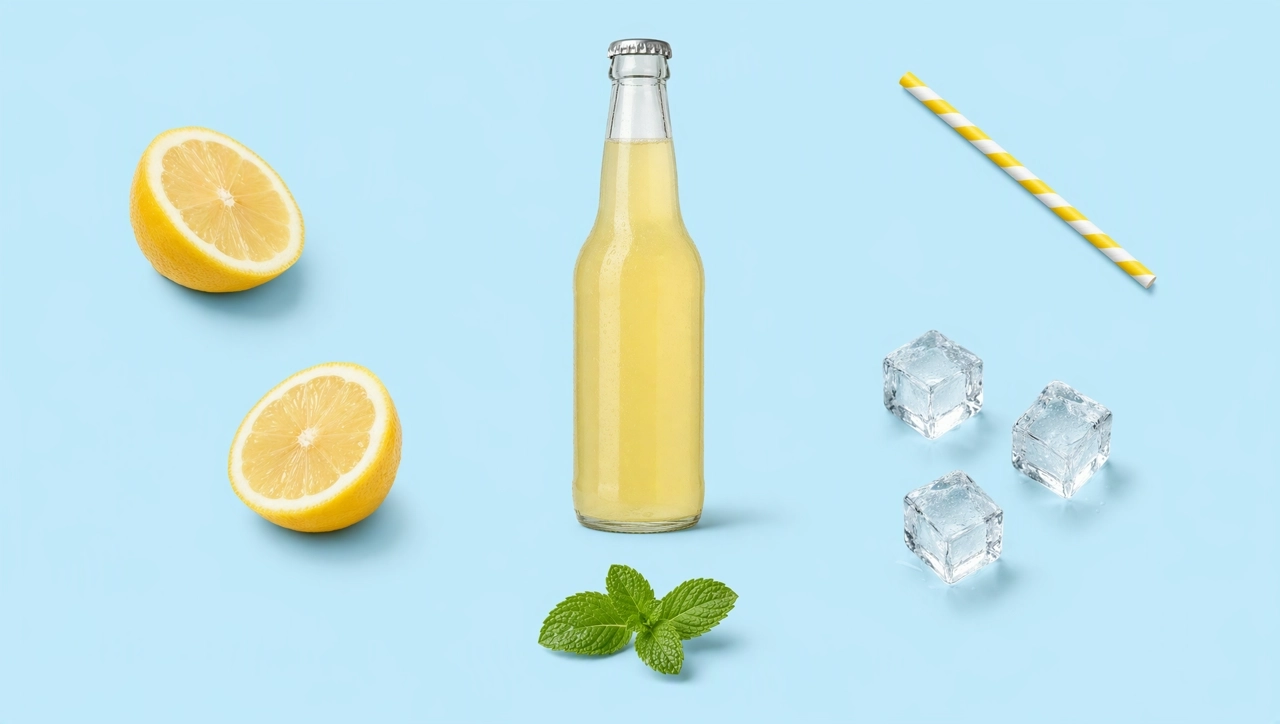
Change colors, backgrounds, or seasonal props on the same product photo while the shape, label position, and lighting stay as close to the original as possible. Useful for ecommerce listings, ad variants, and seasonal launches.
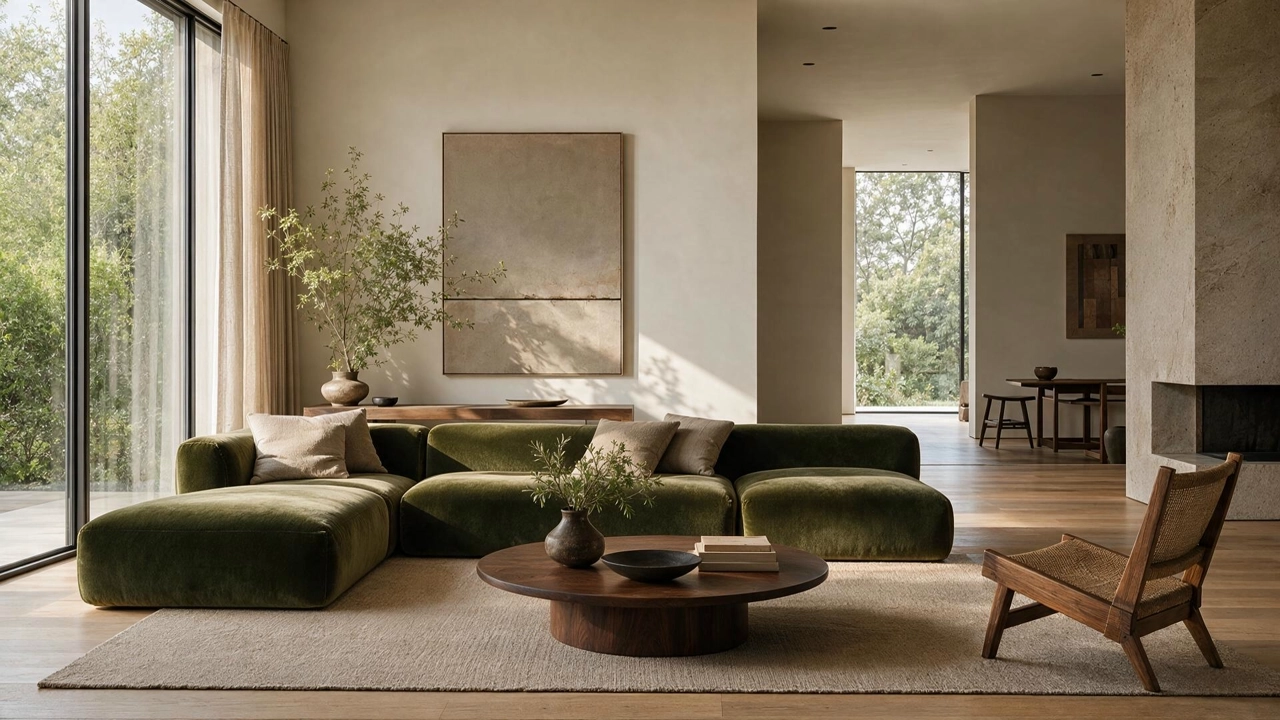
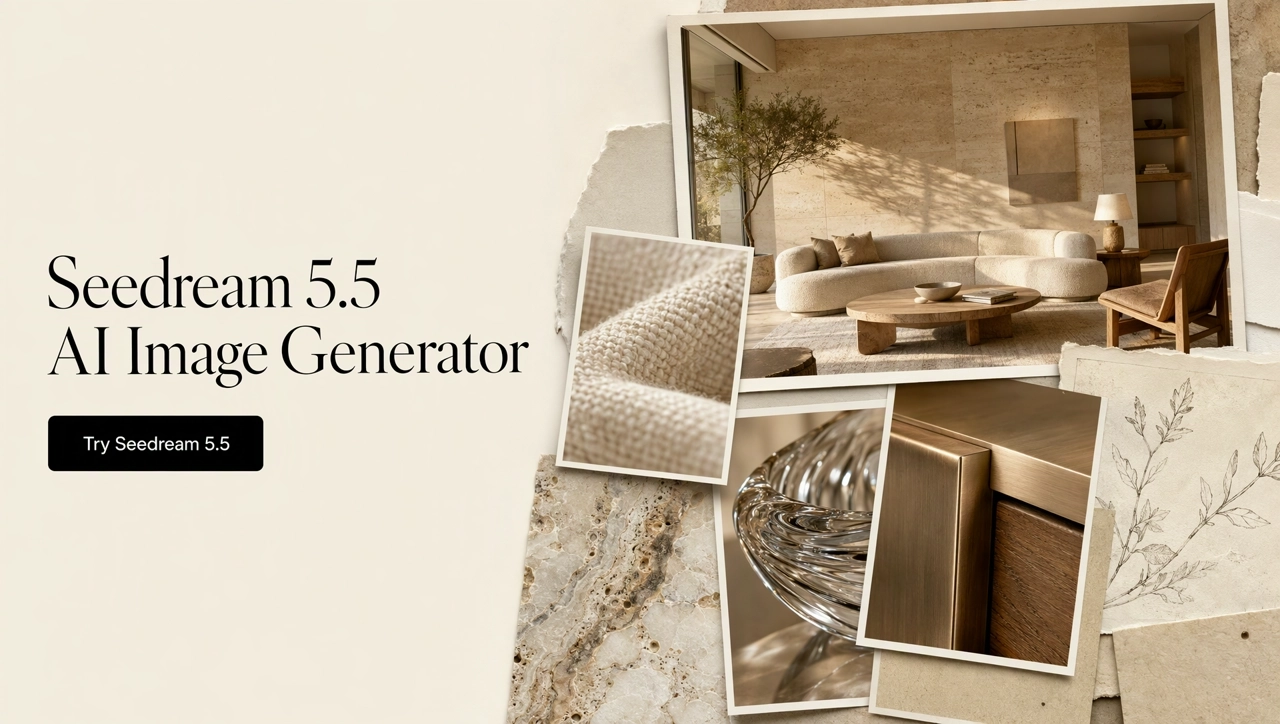
Swap only the sofa, the table, the decor, or a material, and keep the room's structure, windows, and perspective. Show clients several options or compare styles in the same space.
Use Seedream 5.5 as an AI transparent background generator: create products, stickers, and design elements with a native alpha channel, or separate an existing image into layered image assets for posters, ads, and decks.
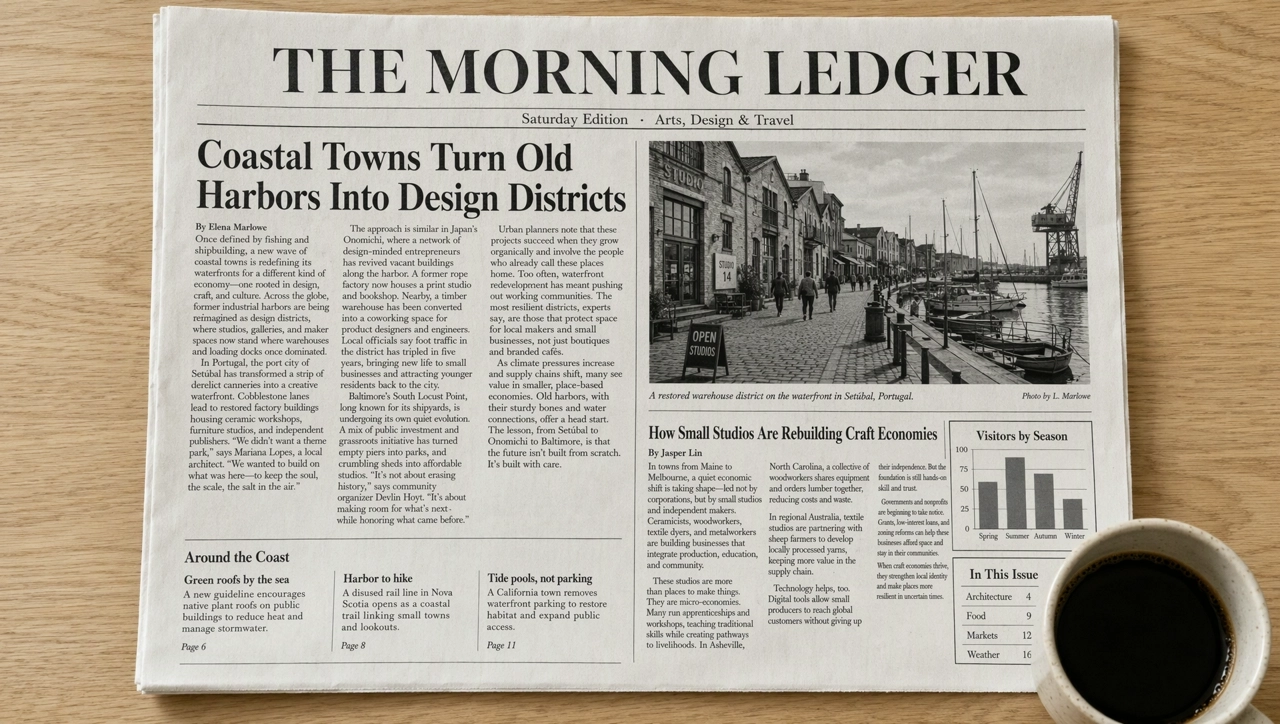
Use it as an AI poster generator for posters, infographics, and newspaper-style layouts with headlines, body text, and charts. Say where each block of text goes, and proofread before you publish.
Open the AI Image Generator and select Seedream 5.5. Start from a prompt, or upload the image you want to edit.
Say what to change and what must stay, for example: change only the background to blush pink and keep the bottle and lighting unchanged. For transparent assets, ask for a transparent background or for the layers you want separated.
Check the result, then edit the same image again for the next change. Download the final image, or keep the transparent assets for layouts and composites.
Seedream 5.5 handles creation and refinement. Finish the rest of your assets with KreadoAI's other image models, inpainting, and canvas tools.
Generate an image, refine it round by round, and create transparent assets you can reuse, all on KreadoAI.