Login/Register
Create and refine marketing images with Nano Banana 2.1 on KreadoAI. Generate detailed product visuals, design ad posters, and explore creative ideas with prompts or reference images.
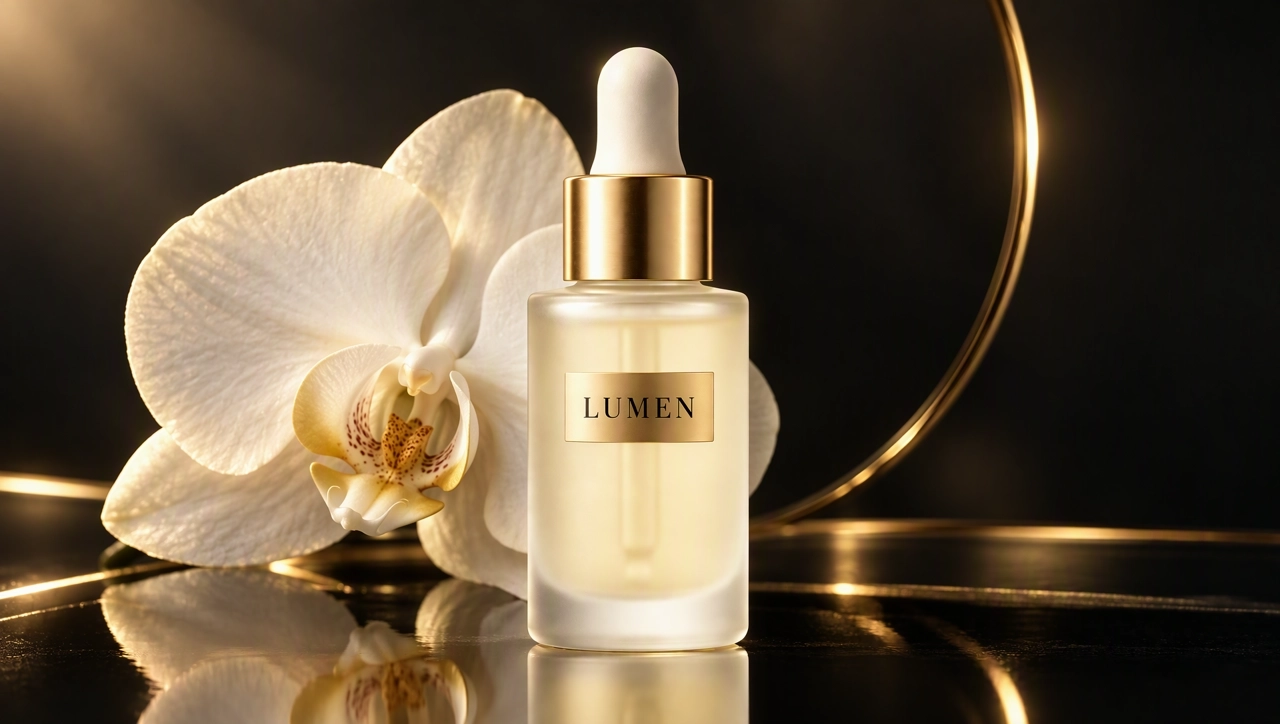
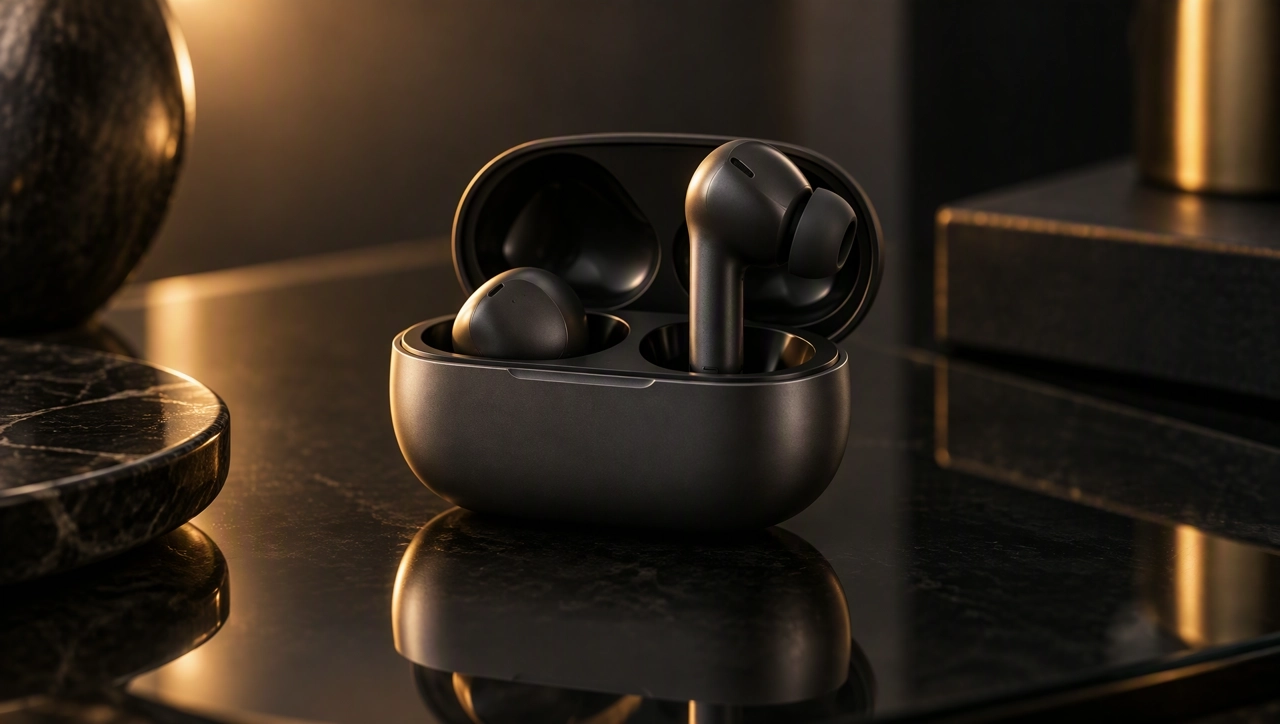
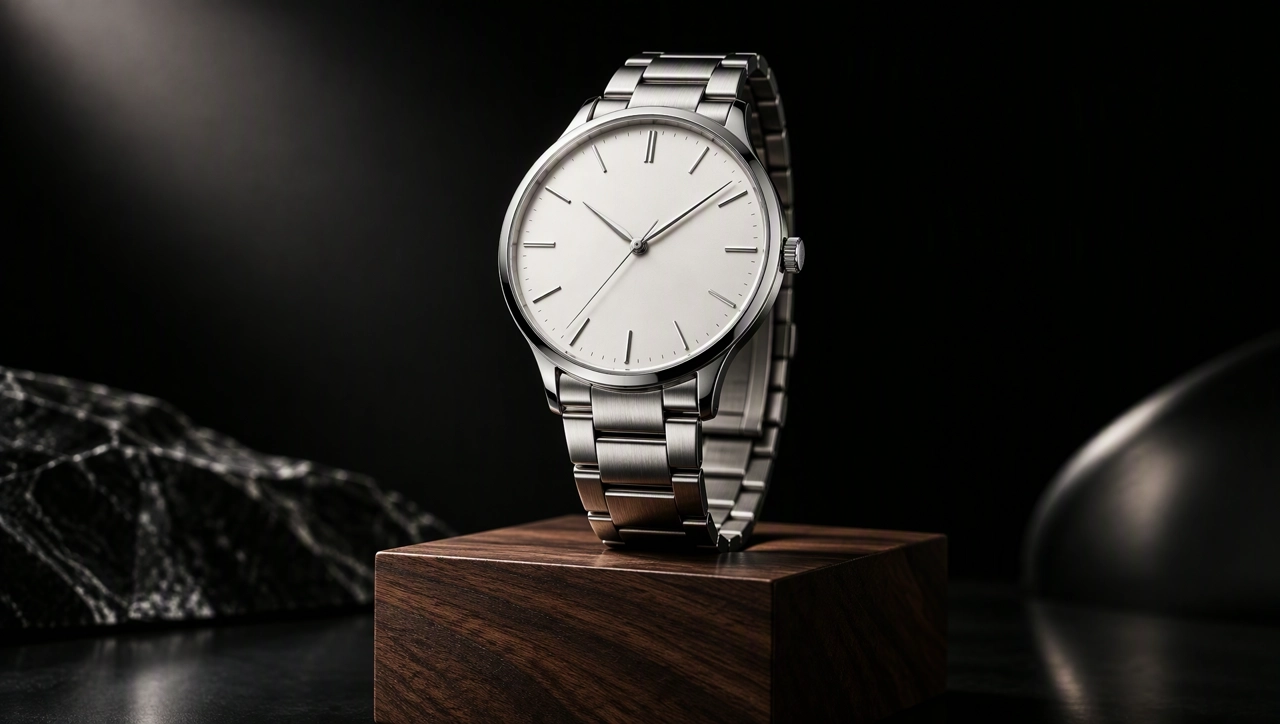
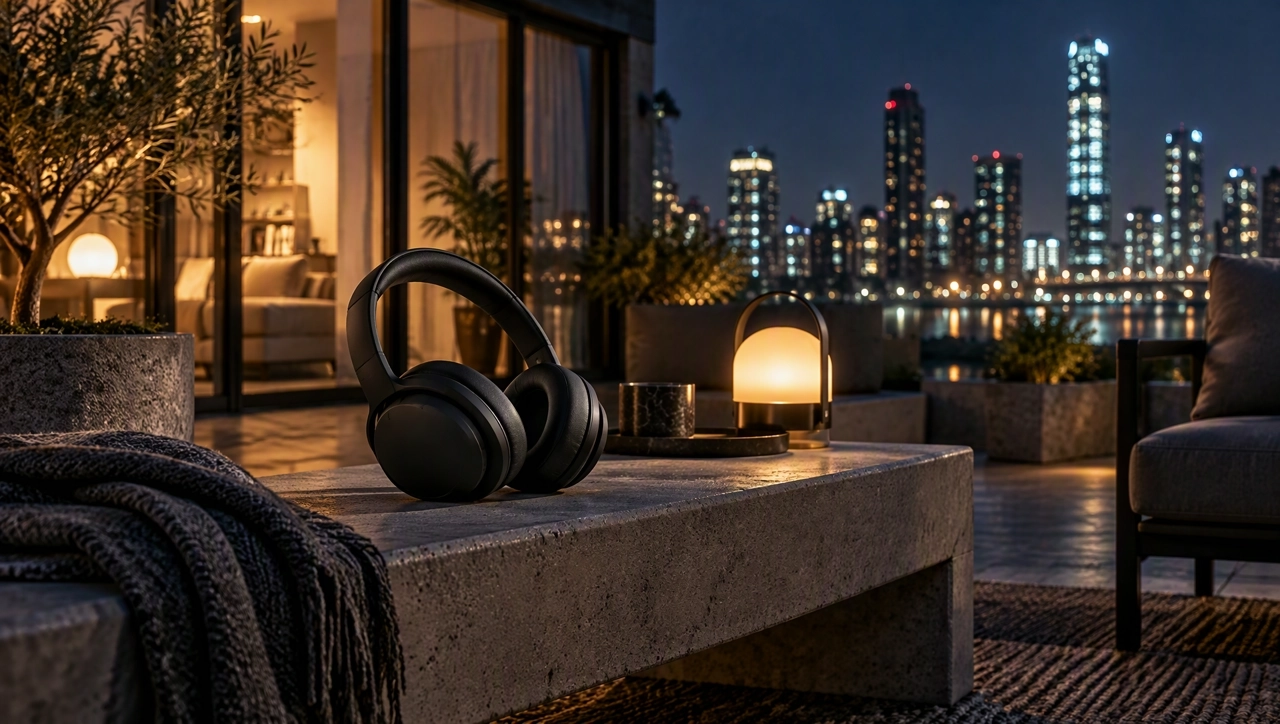
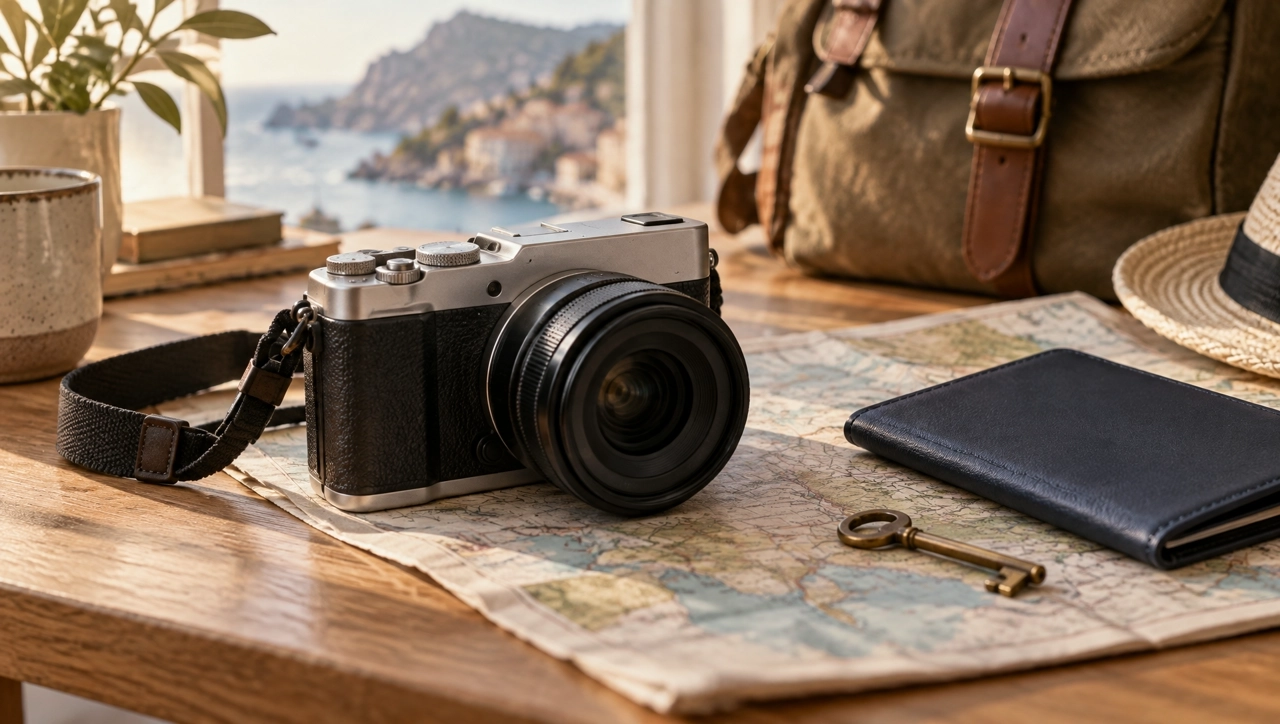
Generate product imagery with detailed materials, lighting, and compositions for ecommerce listings and marketing campaigns. Review the generated image to make sure important product details remain accurate.
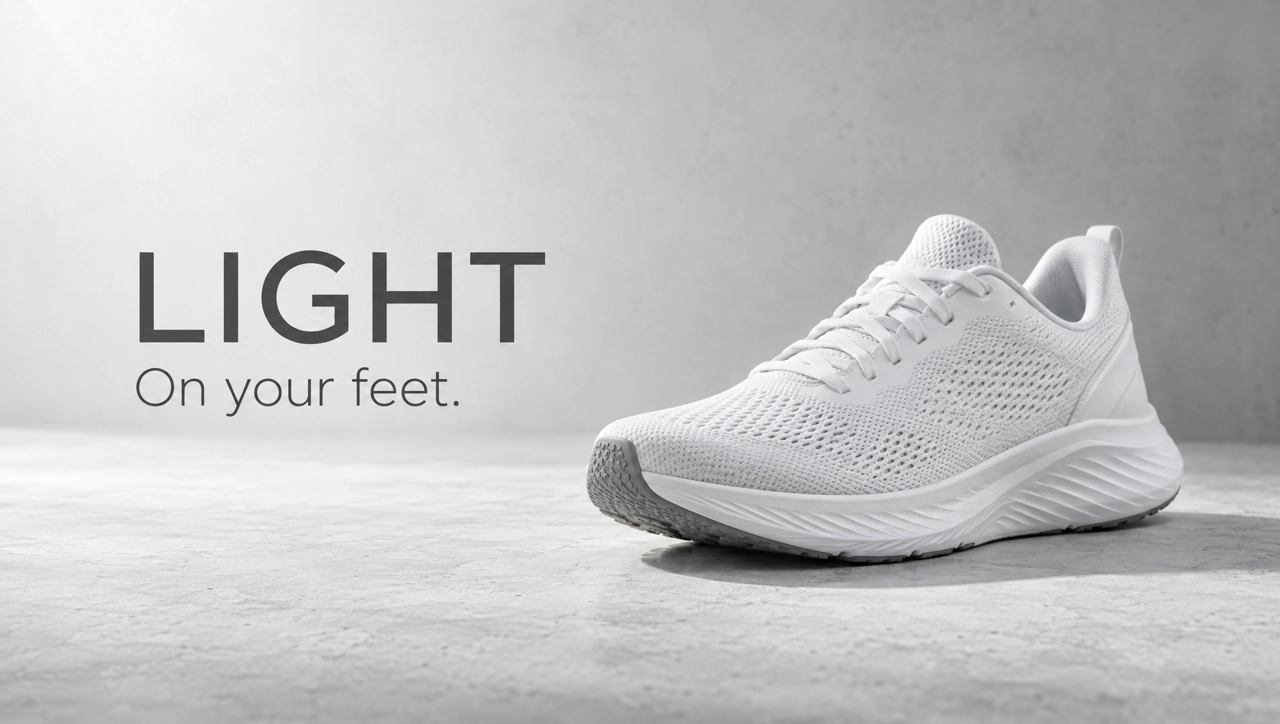
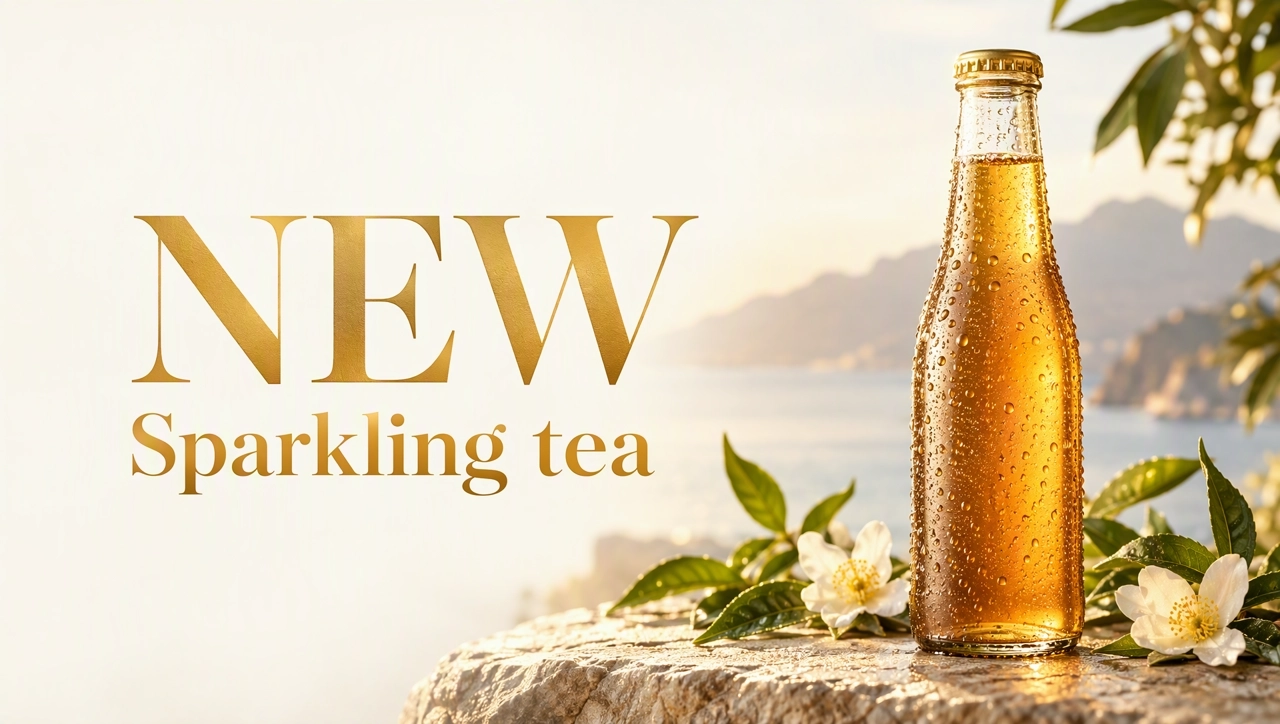
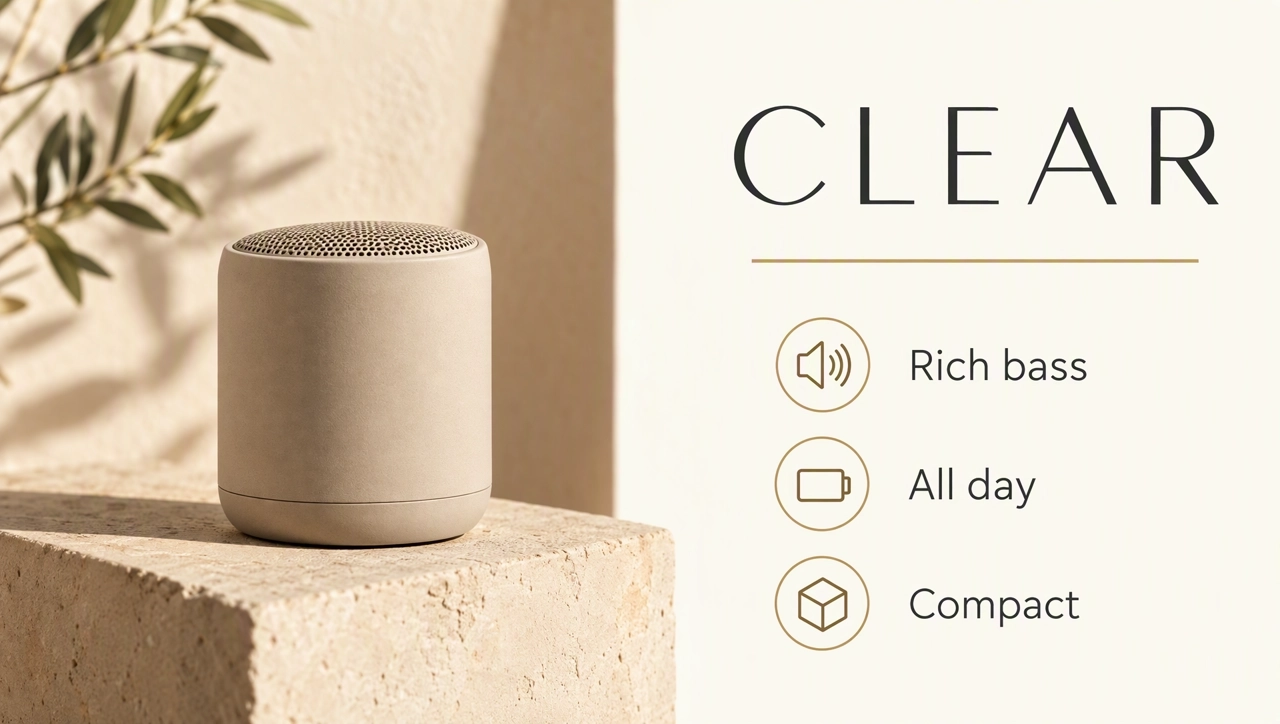
Explore poster and infographic concepts with headlines, short labels, and structured layouts. Check spelling, spacing, and text placement before publishing.
Adjust the background, lighting, or composition using follow-up prompts or reference images where supported. Describe what should change and what needs to stay the same.
Nano Banana 2.1 supports 1K, 2K, and 4K, so you can choose the image size for the placement you need.
Open the AI Image Generator and choose Nano Banana 2.1 from the available models.
Describe the subject, setting, lighting, composition, and any text you need. If editing an existing image, specify what to change and what to preserve.
Check product details, text, and layout. Refine the prompt if needed, then download your image. Use Smart Canvas when you need additional manual layout adjustments.
Continue creating with KreadoAI. Generate image variations, edit text, resize creatives, and prepare visuals for different marketing placements with the tools available on the platform.
Generate product photos, ad posters, and marketing visuals from a prompt or a reference image, then download and refine the result.