
Login/Register
Create detailed images, edit existing visuals, and explore new creative possibilities with GPT Image 2.6. Choose Sunburst for precise edits and high-quality visuals, or Flare for faster image generation.
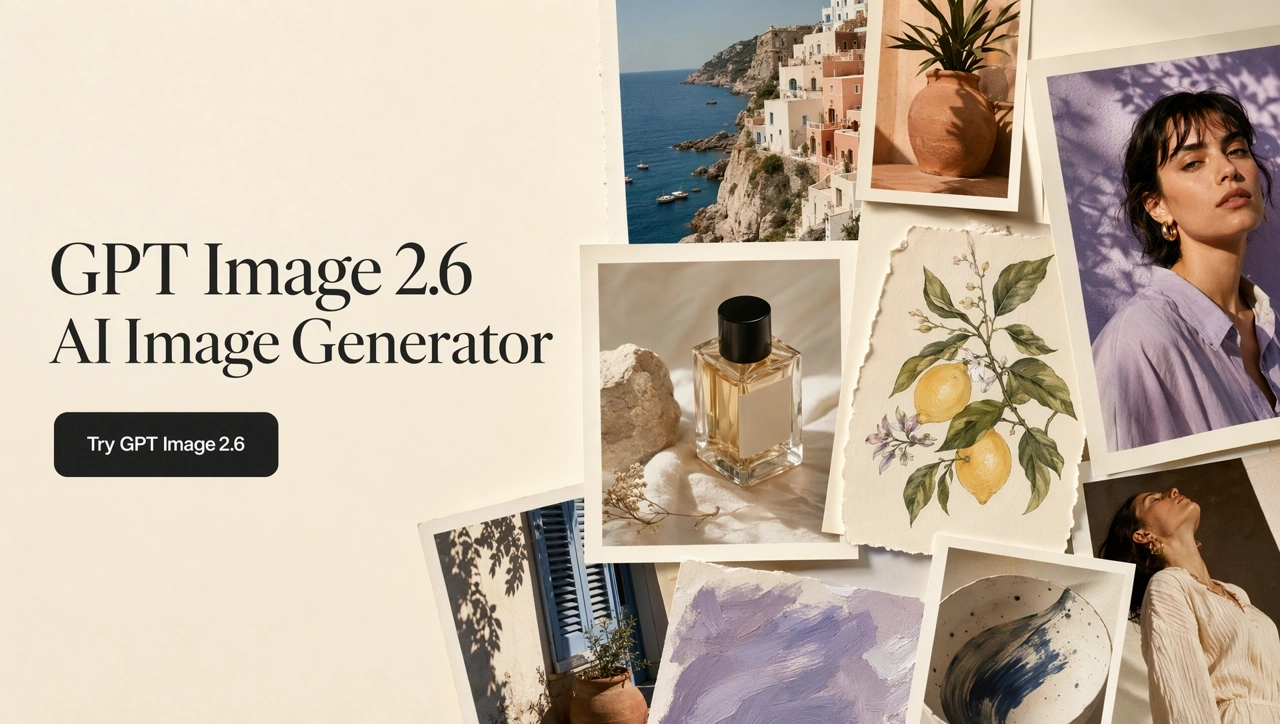
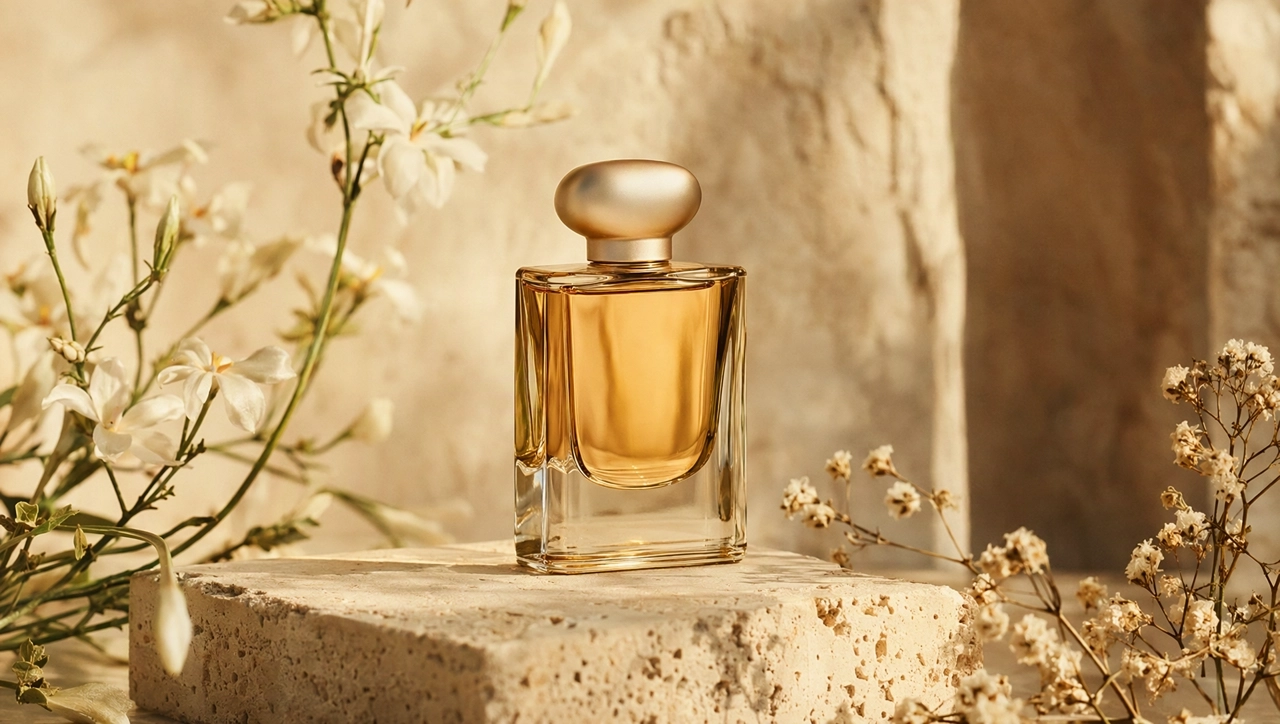
GPT Image 2.6 text to image starts from a prompt. Name the subject, scene, light, and any short wording. Use Sunburst when the first frame has to be detailed, or Flare when you want a faster direction.
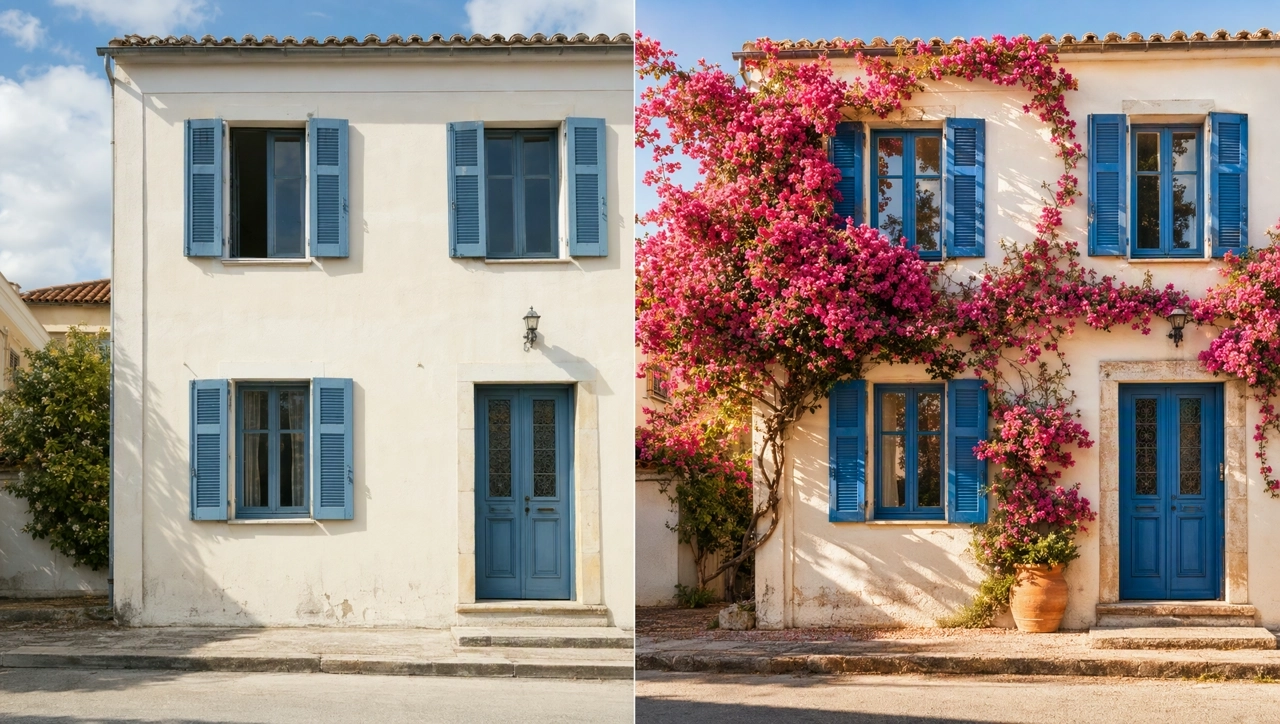
GPT Image 2.6 image to image starts from an upload. Mark the area to change, then say what must stay. For a complex edit, raise the planning level so the model maps the change before it redraws. Sunburst holds character, product, and brand details more steadily across rounds.
Generate a person from a prompt, or restyle a reference photo for a campaign portrait or a character. If you edit again, state which facial features, hair, and clothing must stay.
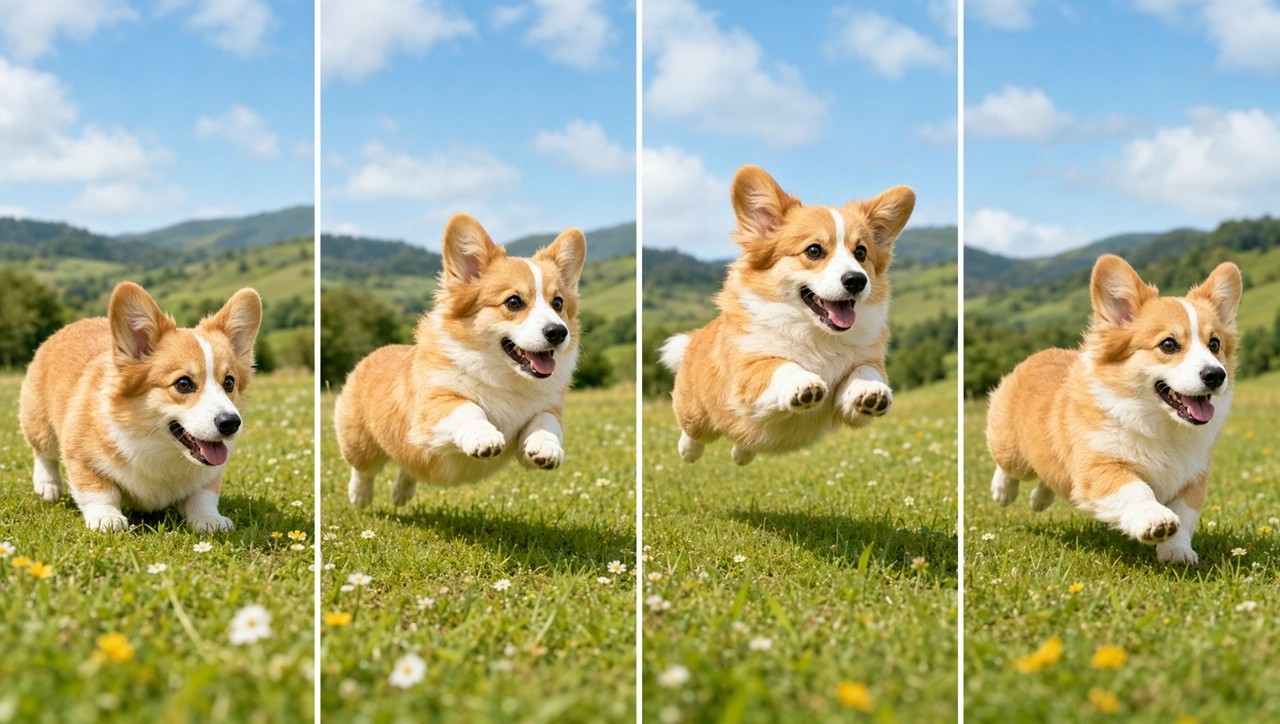
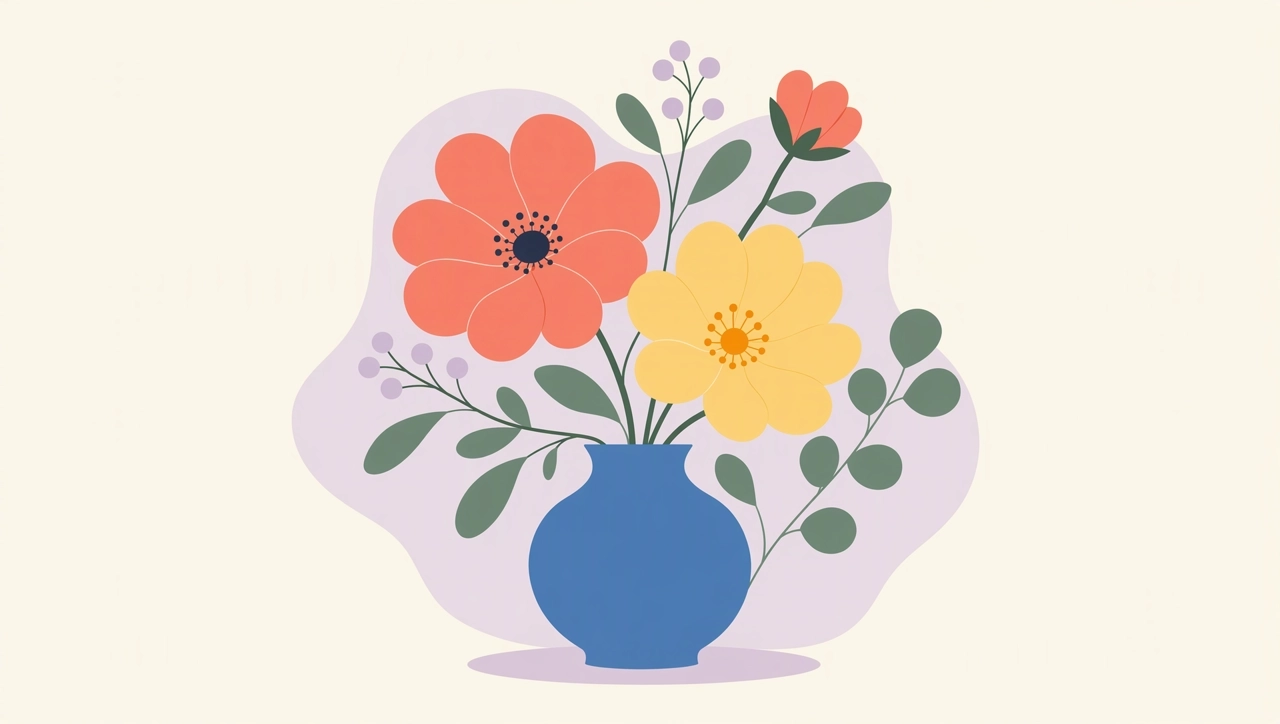
After the still, stay on KreadoAI: run another edit, download, or continue on Smart Canvas. The canvas includes a GIF generation entry, and the same workflow can export an SVG.
Open the AI image generator and select GPT Image 2.6. Choose Sunburst for detail and consistent edits. Choose Flare for a faster draft. The two modes use the same price.
Write a text-to-image prompt, or upload an image for image-to-image editing. To change one area, mark it and describe only that change, plus what must stay.
Check the product, the person, and any text. Edit again if something drifts, then download a still. Export an animated GIF or an SVG when you need motion or a scalable graphic, including from the canvas GIF entry.
GPT Image 2.6 is the start. Stay on KreadoAI for earlier GPT Image models, multi-size ads, and canvas edits.
Choose Sunburst for detailed images and precise edits, or Flare for faster generation. Create stills, GIFs, and SVGs on KreadoAI.