




In e-commerce, social media, advertising, and creative projects, high-quality visuals are key to capturing attention and conveying messages. Traditional photography and design are time-consuming, costly, and limited by equipment and creativity.
KreadoAI's AI Image Generator lets you quickly create high-quality images with 8 professional models, no professional design skills required. This guide covers model overview, workflow, and prompt tips to help you create professional visuals efficiently.
Core Advantages of the 8 AI Image Generation Models
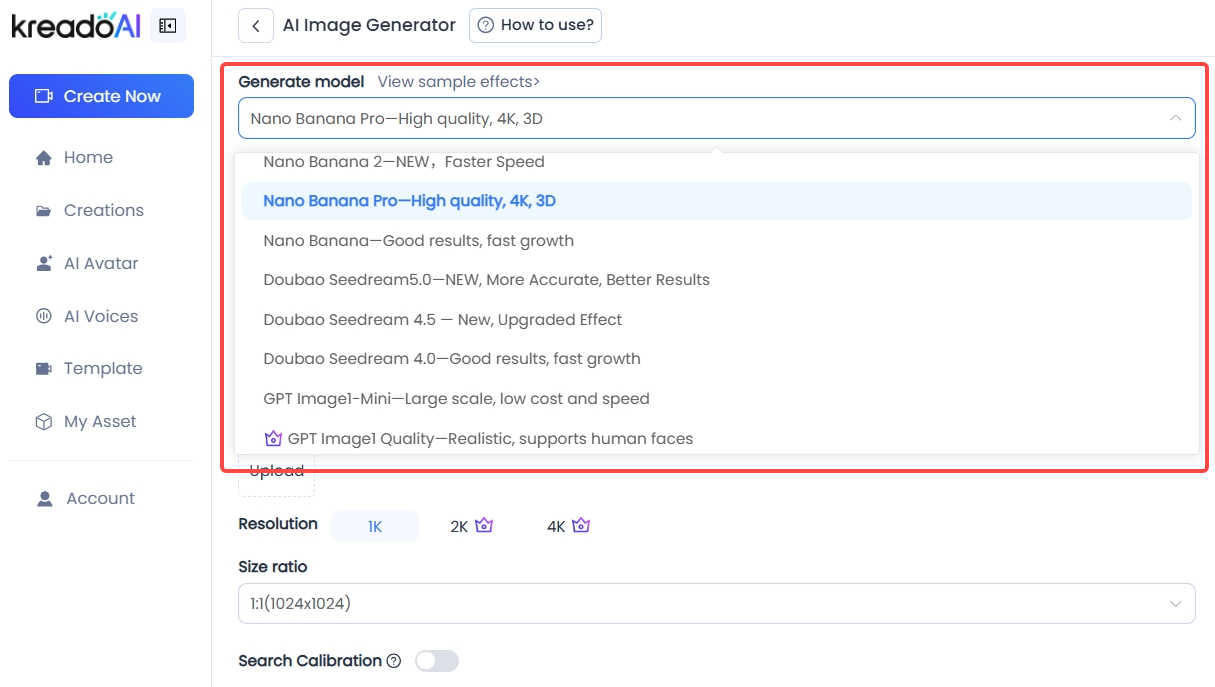
KreadoAI integrates advanced image generation models from the Nano Banana, Doubao Seedream, and OpenAI GPT Image series, covering everything from rapid experimentation to high-precision professional creation. Simply choose the right model for your task to generate high-quality images quickly and efficiently.
| Model | Definition & Core Capabilities | Typical Use Cases |
| Nano Banana 2 | Based on Gemini 3.1 Flash Image; supports multilingual prompts, image editing and generation, up to 4K output, improved character consistency and text rendering. | Fast high-quality image creation and editing: posters, social media visuals, product demos, scene composition. |
| Nano Banana Pro | Professional version of the Nano Banana series; optimized for higher detail quality and visual consistency. | Professional visual design and high-fidelity output: ad creatives, UI/UX visuals, brand materials. |
| Nano Banana | Early version of the Nano Banana model built on a lighter Gemini-based image system. | Quick experimentation, concept sketches, and general image generation tasks. |
| Doubao Seedream 5.0 | Latest model from ByteDance's Seedream series with stronger semantic understanding and higher generation accuracy. | Complex creative tasks and commercial or artistic visuals requiring deeper prompt understanding. |
| Doubao Seedream 4.5 | Iterative Seedream version offering strong consistency, multi-image composition, and detailed visuals. | Complex layouts, advertising materials, and brand-consistent visual generation. |
| Doubao Seedream 4.0 | Foundational Seedream model combining image generation and editing with fast inference and high resolution output. | Creative design, image editing, and reference-based generation tasks. |
| GPT Image1-Mini | OpenAI lightweight image model with stable text-to-image capability and fast response. | Quick testing and basic text-to-image generation tasks. |
| GPT Image1 Quality | OpenAI high-quality image model focused on strong detail rendering and prompt accuracy. | Premium visual creation, artistic images, and commercial-grade outputs. |
Three Steps to Easily Generate High-Quality Images
Step1: Select a Model
Open KreadoAI, go to AI Image Generator, and pick your model (recommended: Nano Banana 2, Doubao Seedream 5.0).
Step2: Enter Prompts & Adjust Settings
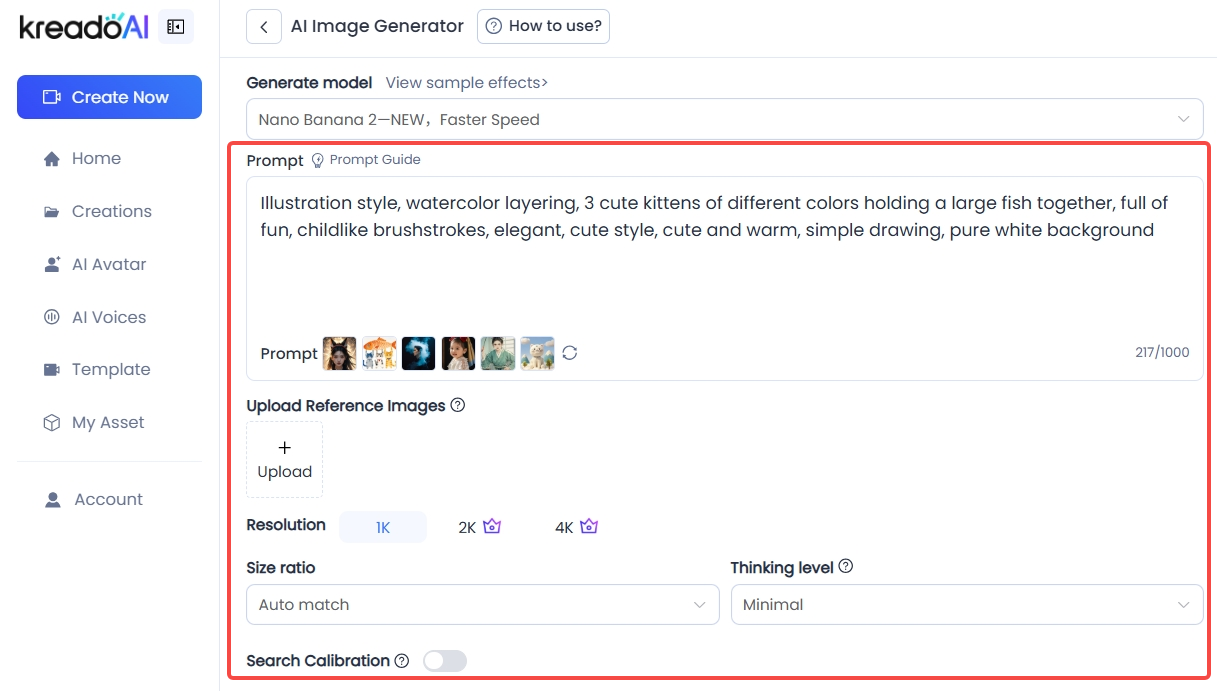
Describe the subject, scene, style, and details clearly. Upload reference images if needed. Adjust resolution, size ratio, output count, and other parameters.
Step3: Generate & Download
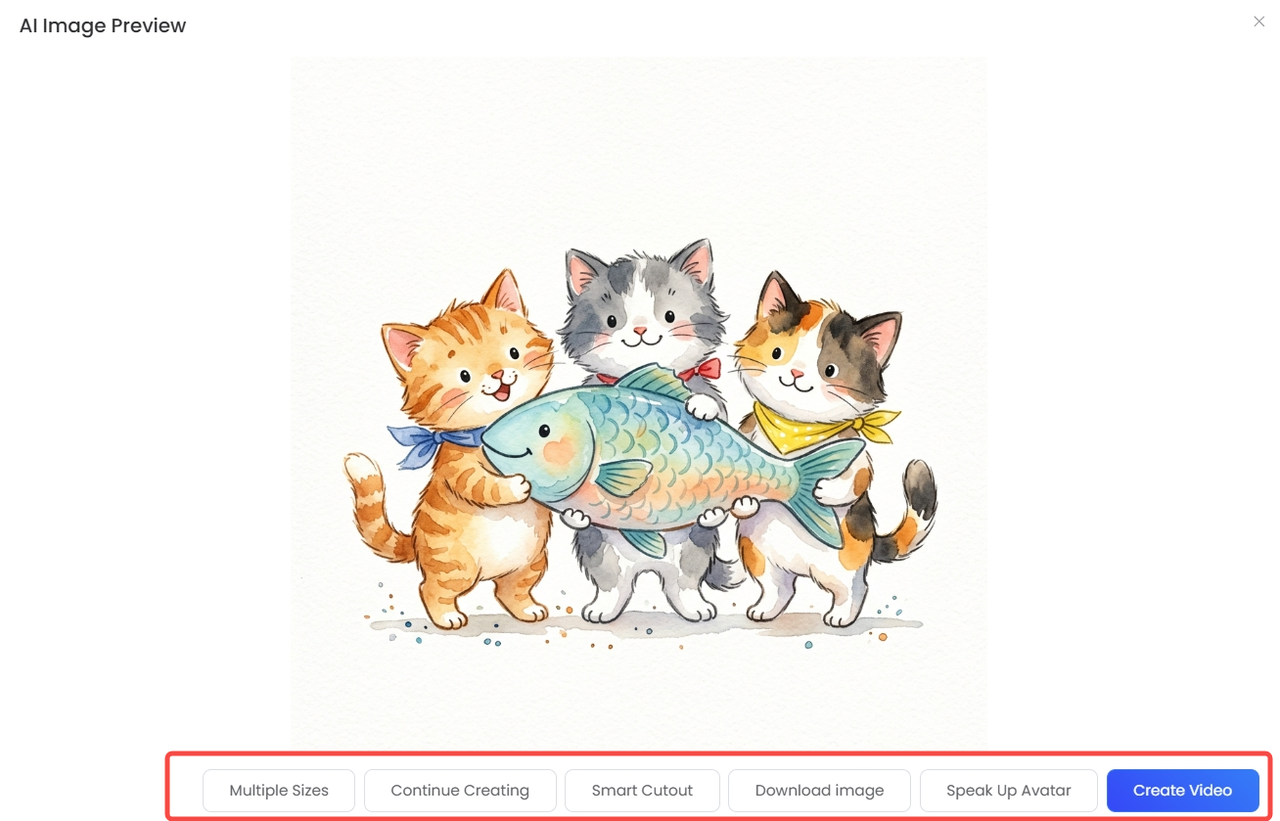
Click “Generate” and wait for the model to create your image. Refine the results if needed, then download for use in e-commerce, social media, or ads.
Prompt Usage Guide
✅ Complete elements: Must include subject + scene + style + details; none can be omitted.
✅ Clear style: Specify style in advance (e.g., realistic, minimalistic, illustration, cartoon, cyberpunk, vintage).
✅ Quantify details: Provide specifics for color, material, lighting, and angle (e.g., “matte white material, side backlight, top-down 45° angle”).
✅ Negative prompts: Add instructions like “no blur, no distortion, no extra objects, no overexposure”
Example 1
❌ Wrong: Generate a coffee cup image (too vague)
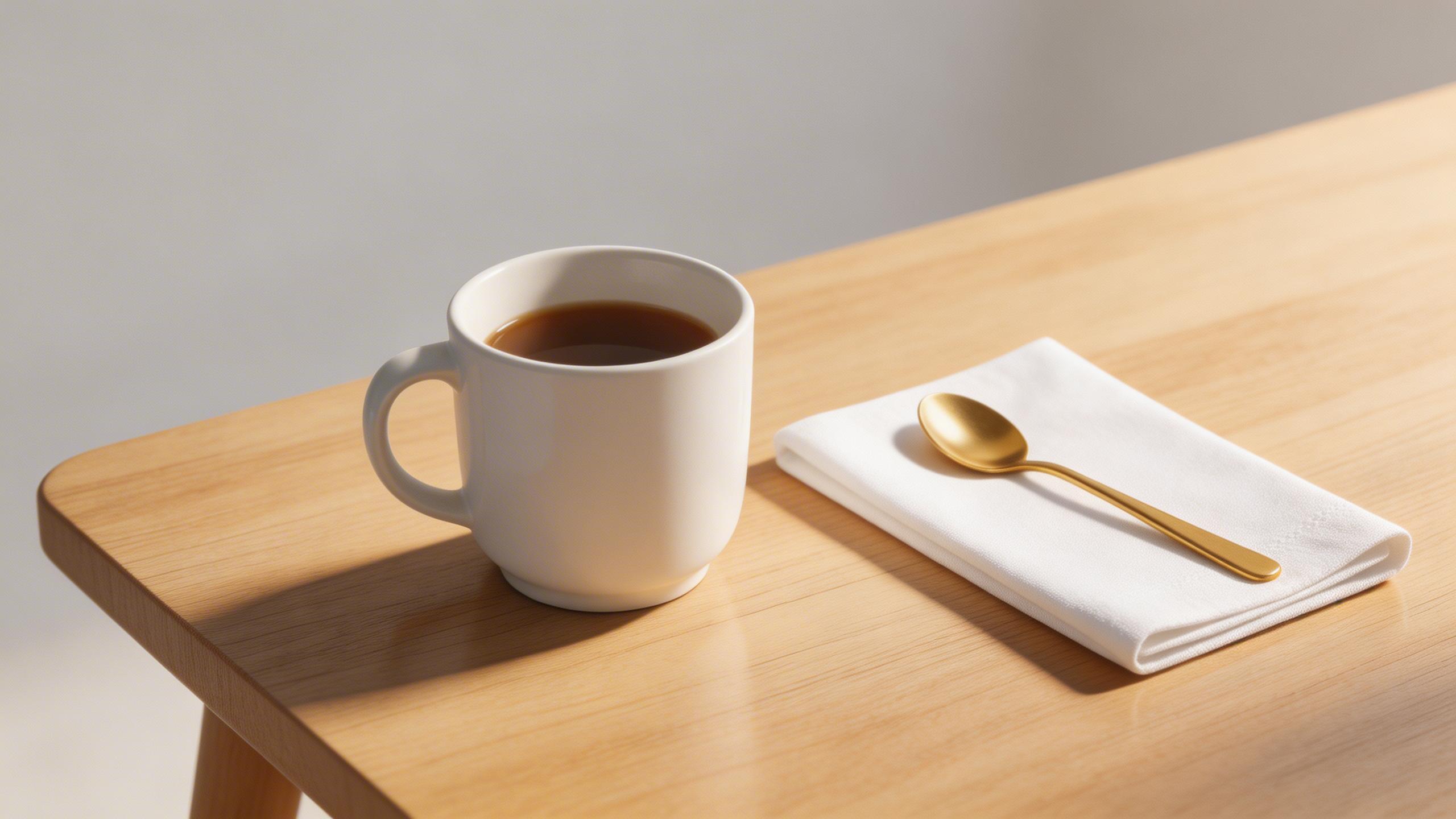
✅ Correct: Generate a Nordic-style ceramic coffee cup, matte white, placed on a light wooden table, with a neatly folded white cotton napkin and a golden spoon beside it. Soft morning light casts natural shadows and reflections. Shot from a 45° top-down angle, background is a light gray minimalist space. Warm minimalistic realistic style, clear and detailed image with no blur or extra elements.
Example Image:
Example 2
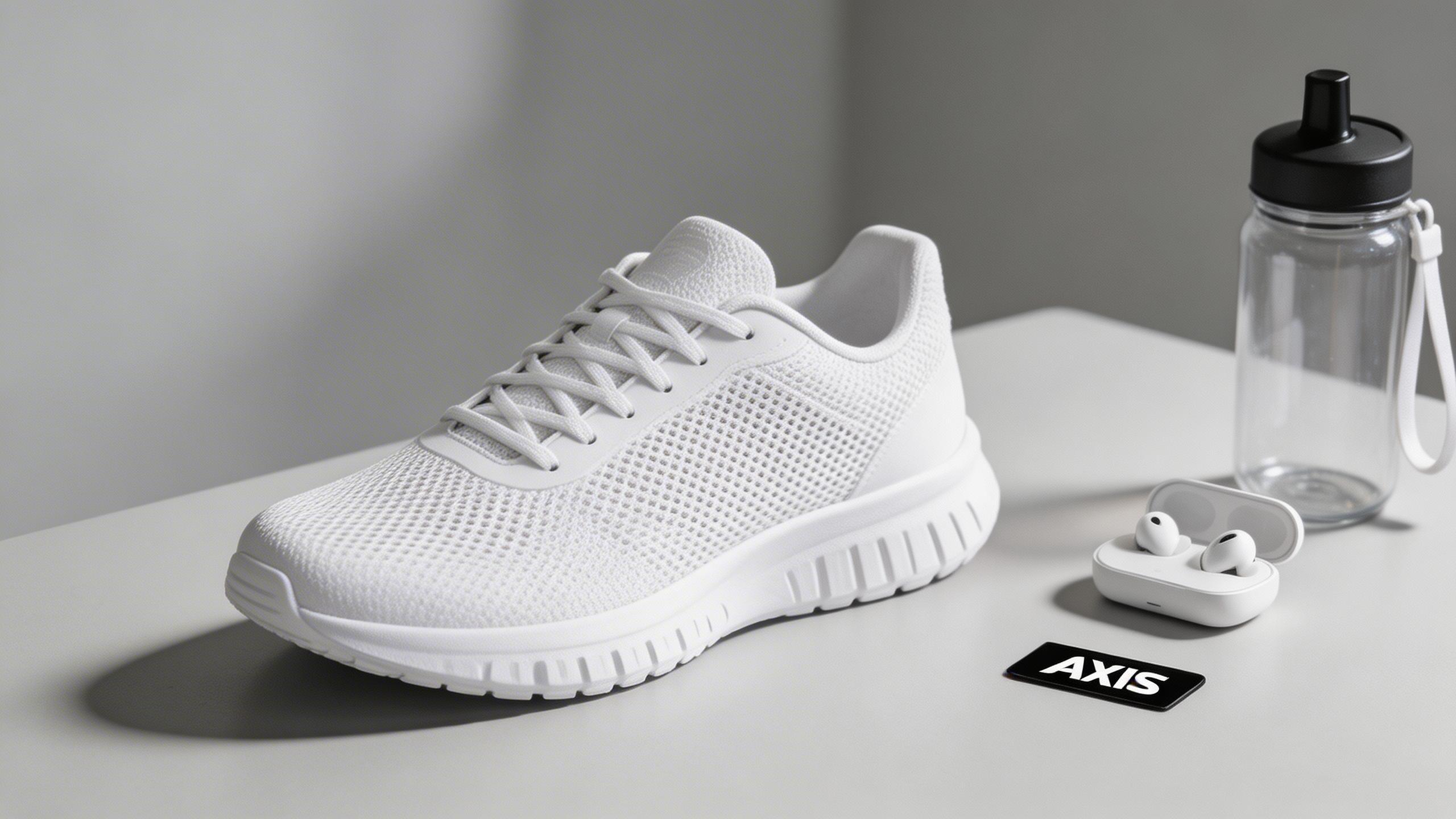
❌ Wrong: Generate a shoe ad image (missing scene, lighting, angle, material, and style)
✅ Correct: Generate a realistic-style sneaker ad image. White sneakers placed on a light gray minimalist table. Mesh fabric upper and rubber sole, laces neatly tied, side slightly tilted to show shape. Light from the right casts soft shadows to emphasize texture and depth. Background blurred to highlight subject, with small brand props (water bottle, headphones). Top-down 45° angle, bright and fresh tone, no blur, no distortion, no extra elements. Visually impactful ad style.
Example Image:
Example 3
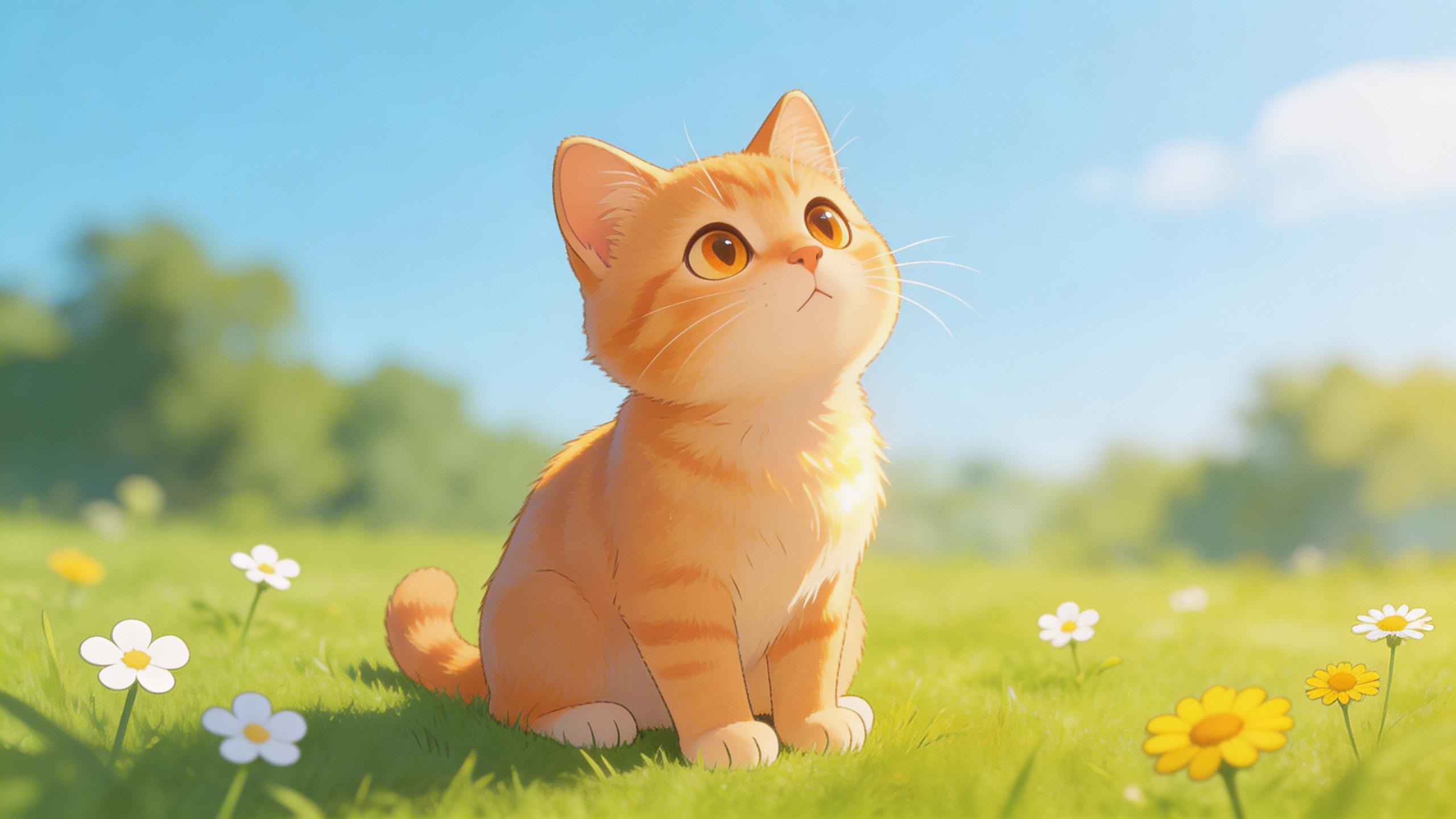
❌ Wrong: Generate a cat illustration (missing background, action, lighting)
✅ Correct: Generate a cartoon-style cat illustration. Orange-furred kitten sitting on green grass, fur shiny, looking at the blue sky. Sunlight from the upper-right creates soft shadows and highlights. Small white and yellow flowers scattered on the grass, blurred trees and sky in the background. Slightly low top-down angle, cute and bright style, clear details. All elements naturally rendered with no blur, distortion, or extra objects.
Example Image:
Example 4
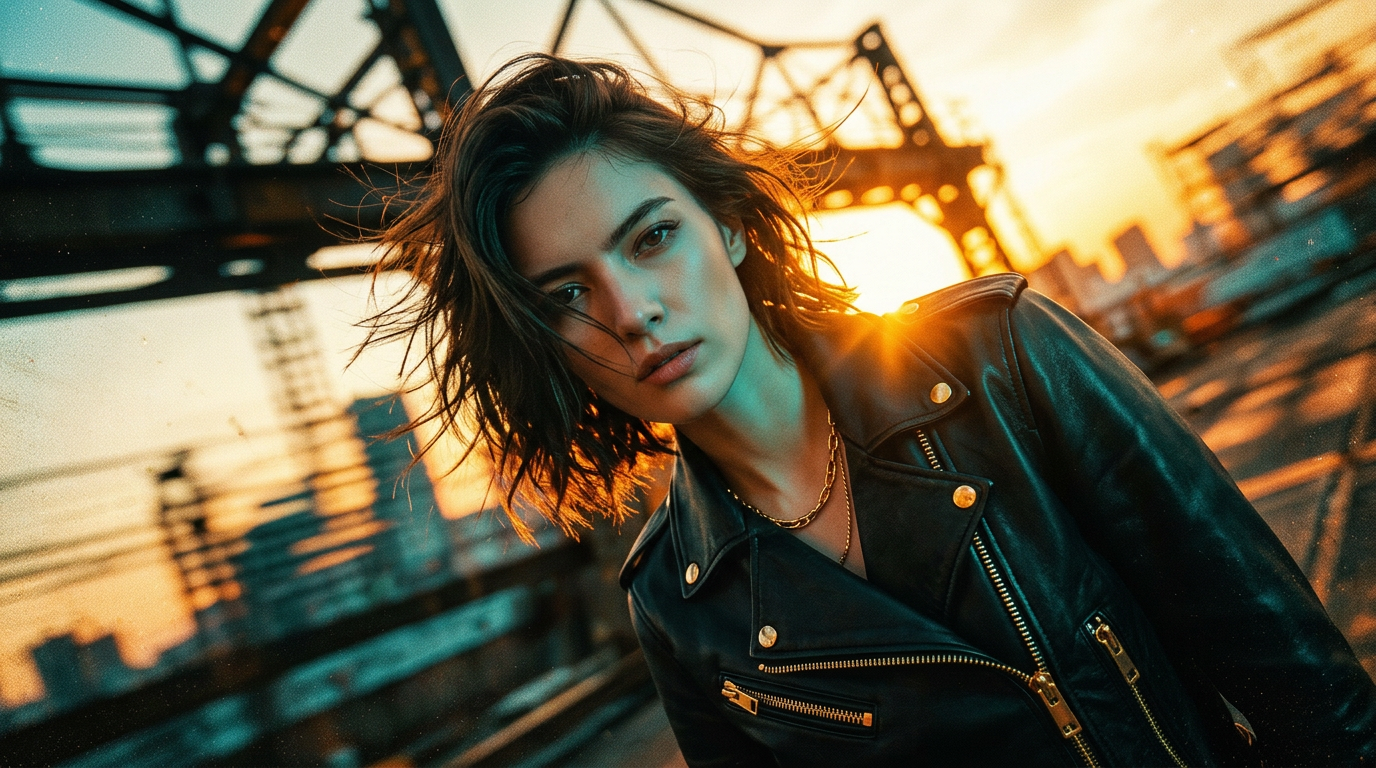
❌ Wrong: Generate a portrait (missing lighting, angle, material, background)
✅ Correct: Generate a cinematic film-style portrait. Futuristic teal–orange color contrast with black and gold accents, HDR lighting, sharp subject, dynamic shallow-focus background. Portrait of a rebellious woman, messy short hair in the wind, ultra-low or tilted angle. Abstract urban/industrial scene, sunset silhouette and glow, slight overexposed highlights, motion blur for dynamic effect, sharp film grain. No extra elements.
Example Image:
Want to further enhance your AI image generation results? Learn advanced prompt techniques and practical templates to quickly create more detailed and creative visuals with KreadoAI:
Efficient Creation Starts with KreadoAI
Whether for e-commerce product displays, social media content, or advertising, illustration, and creative projects, KreadoAI's AI image generation makes it easy to produce high-quality visuals. By choosing the right model, writing clear prompts, and using reference images or refinements, you can quickly generate professional images while saving time and cost—and unlock unlimited creative potential.
Open KreadoAI now, select your preferred model, input your prompt, click generate, and turn your creativity into high-quality images instantly!


