




KreadoAI’s PPT Avatar Video creation feature enables you to upload your PowerPoint presentation and pair it with a virtual digital human presenter, transforming static slides into engaging and dynamic video explanations.
This step-by-step guide will walk you through the process of creating professional and interactive presentation videos effortlessly.
Try PPT Avatar Digital Human Video Production for Free Now
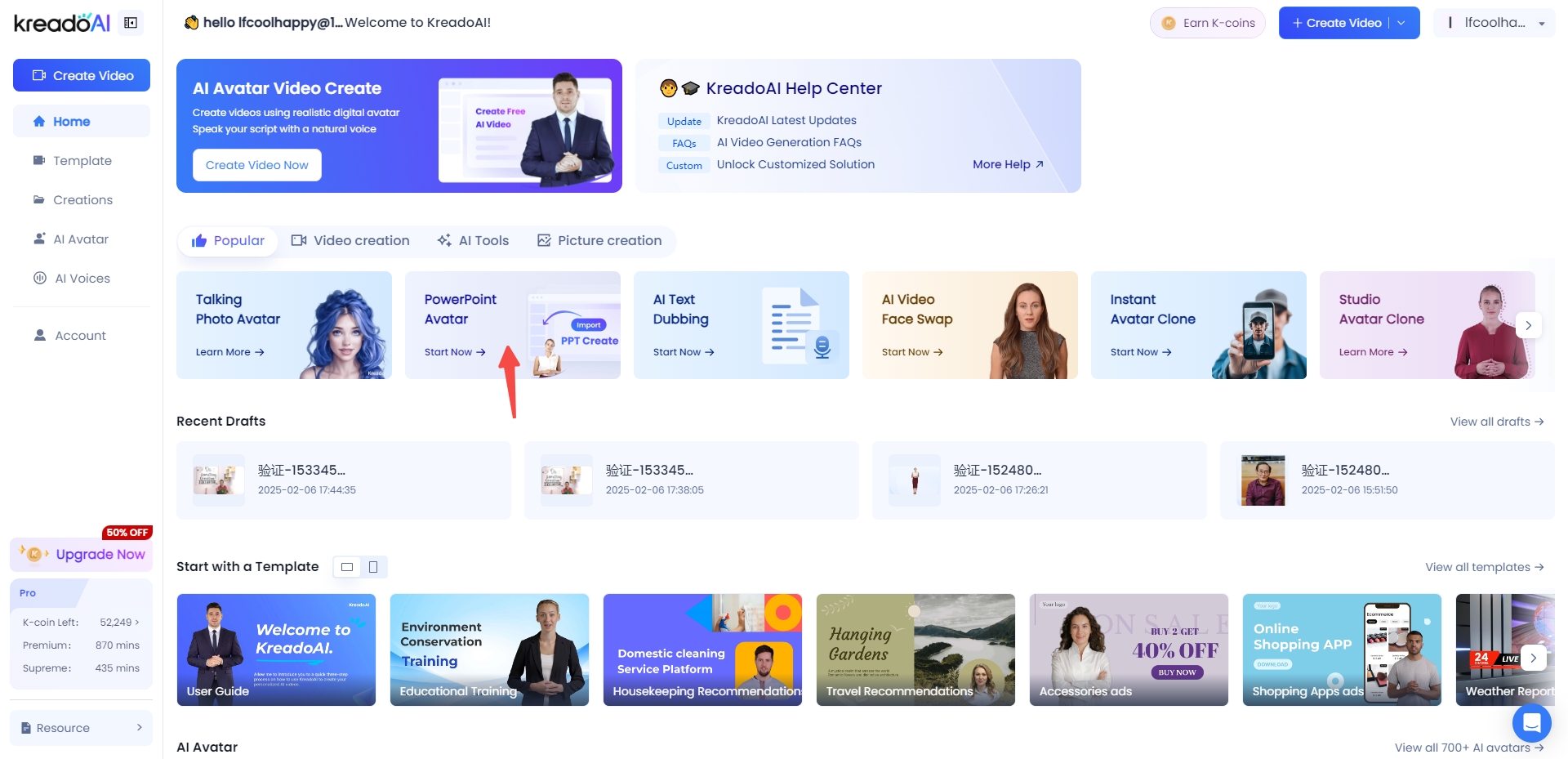
Step 1: Upload Your PPT File
Click the designated upload link to submit your PPT file. Ensure that the file size does not exceed 50MB and is limited to a maximum of 100 pages.
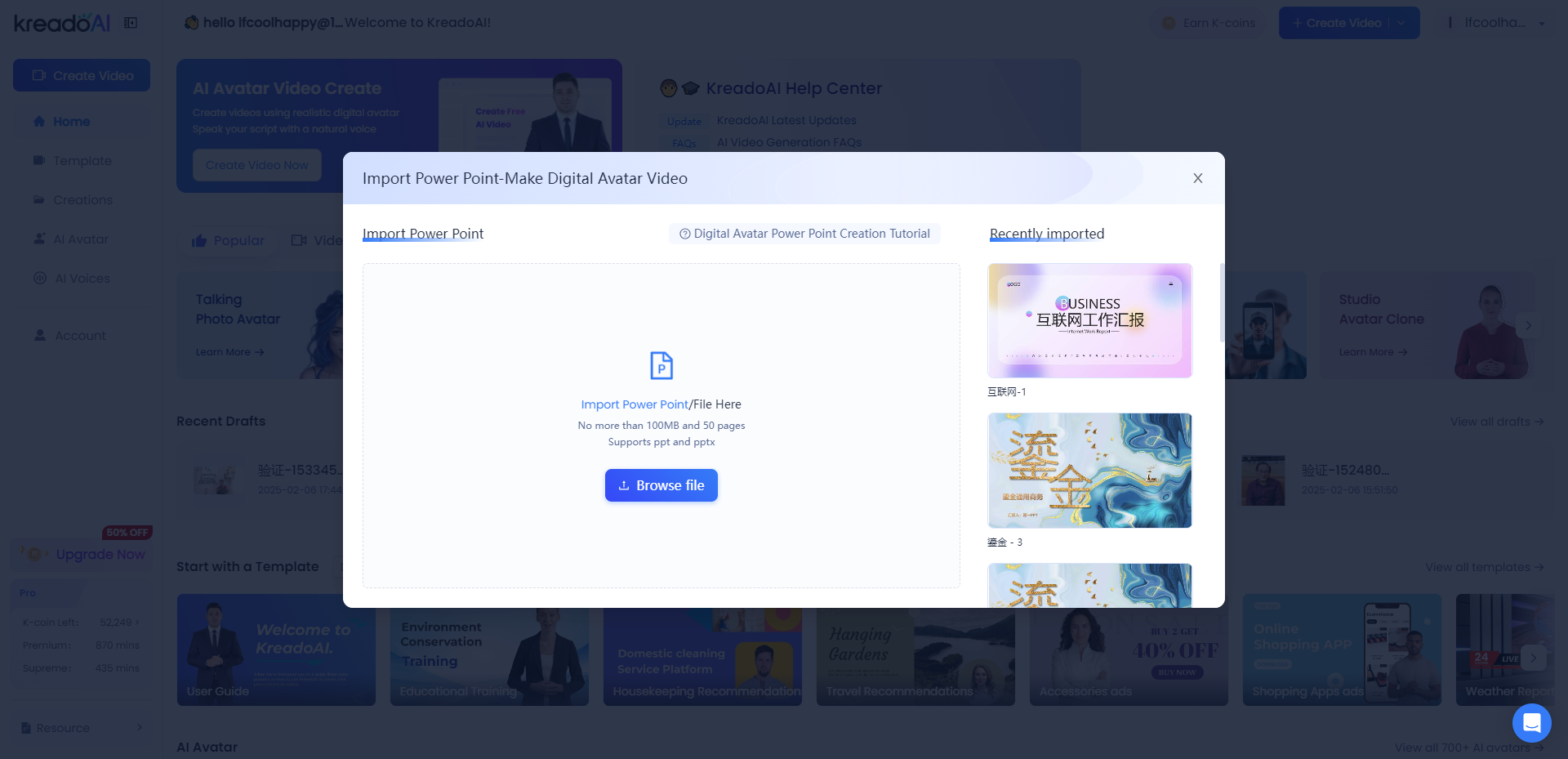
Step 2: PPT Parsing Process
Wait while the system processes and analyzes your uploaded PPT to prepare it for video creation.
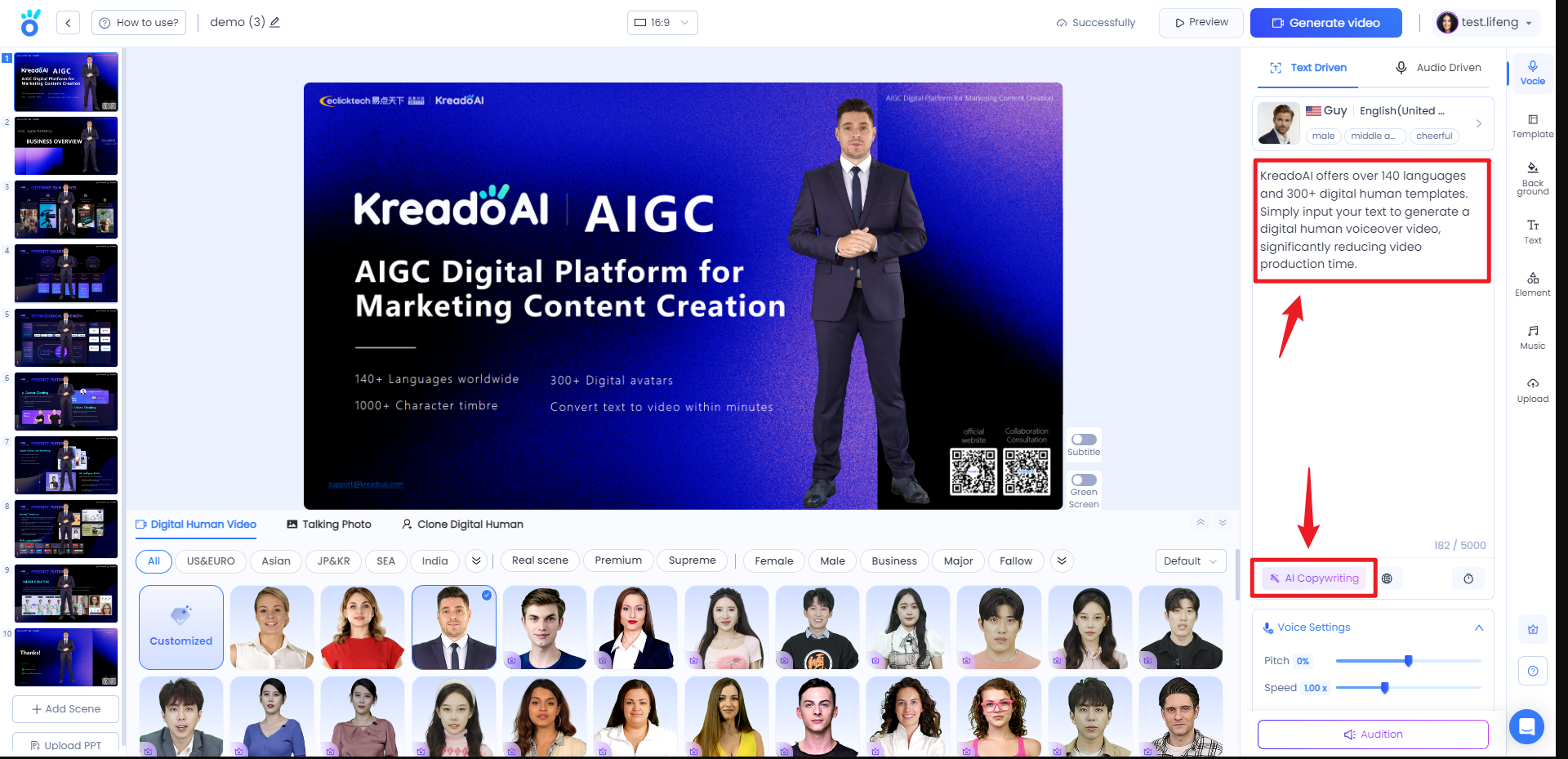
Step 3: Configure PPT Narration Text
Select the relevant slide from your PPT and enter the desired narration text in the text box on the right. You can either input the text manually or opt for AI-generated content.
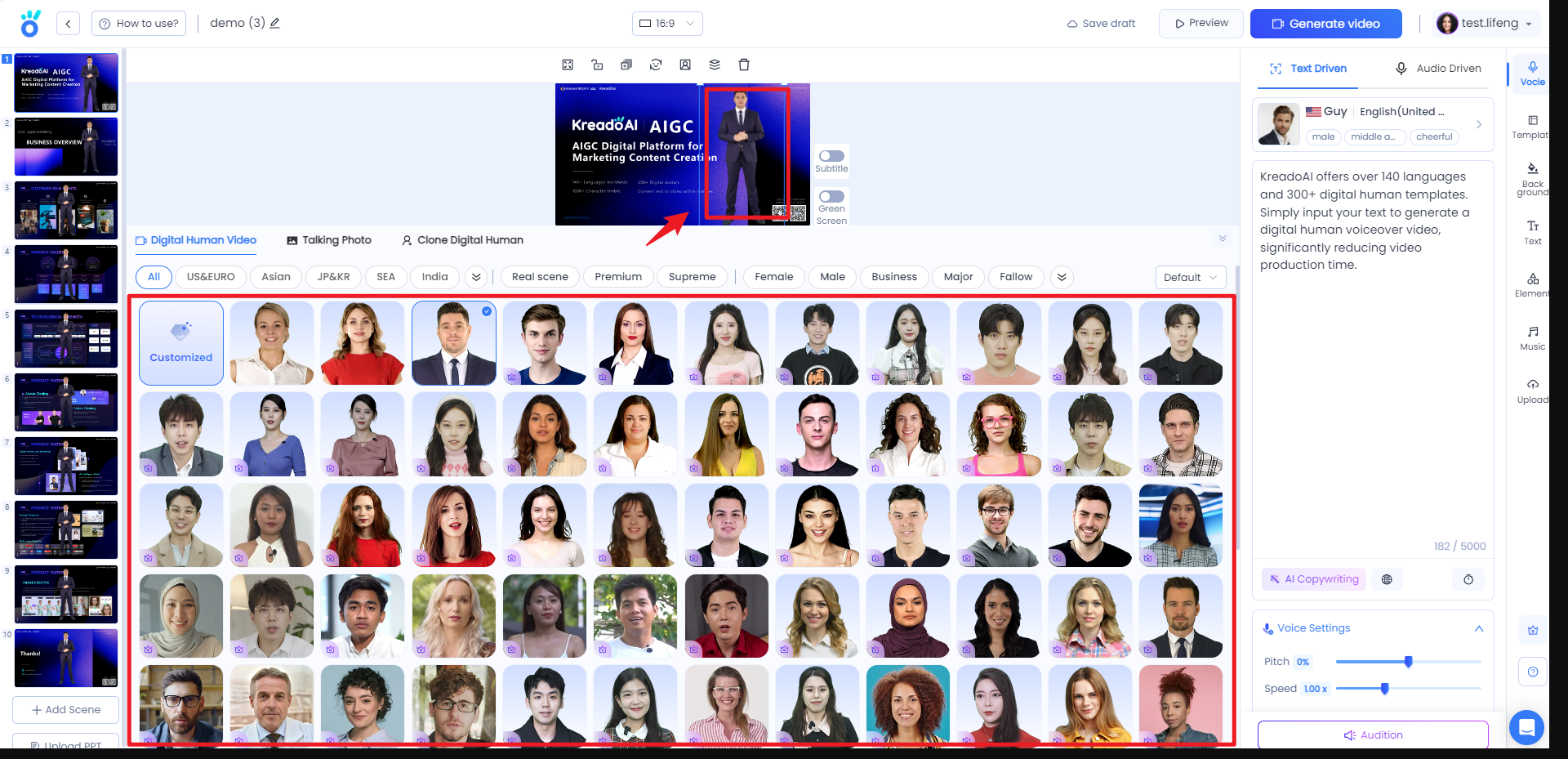
Step 4: Select a Digital Human Avatar and Voice
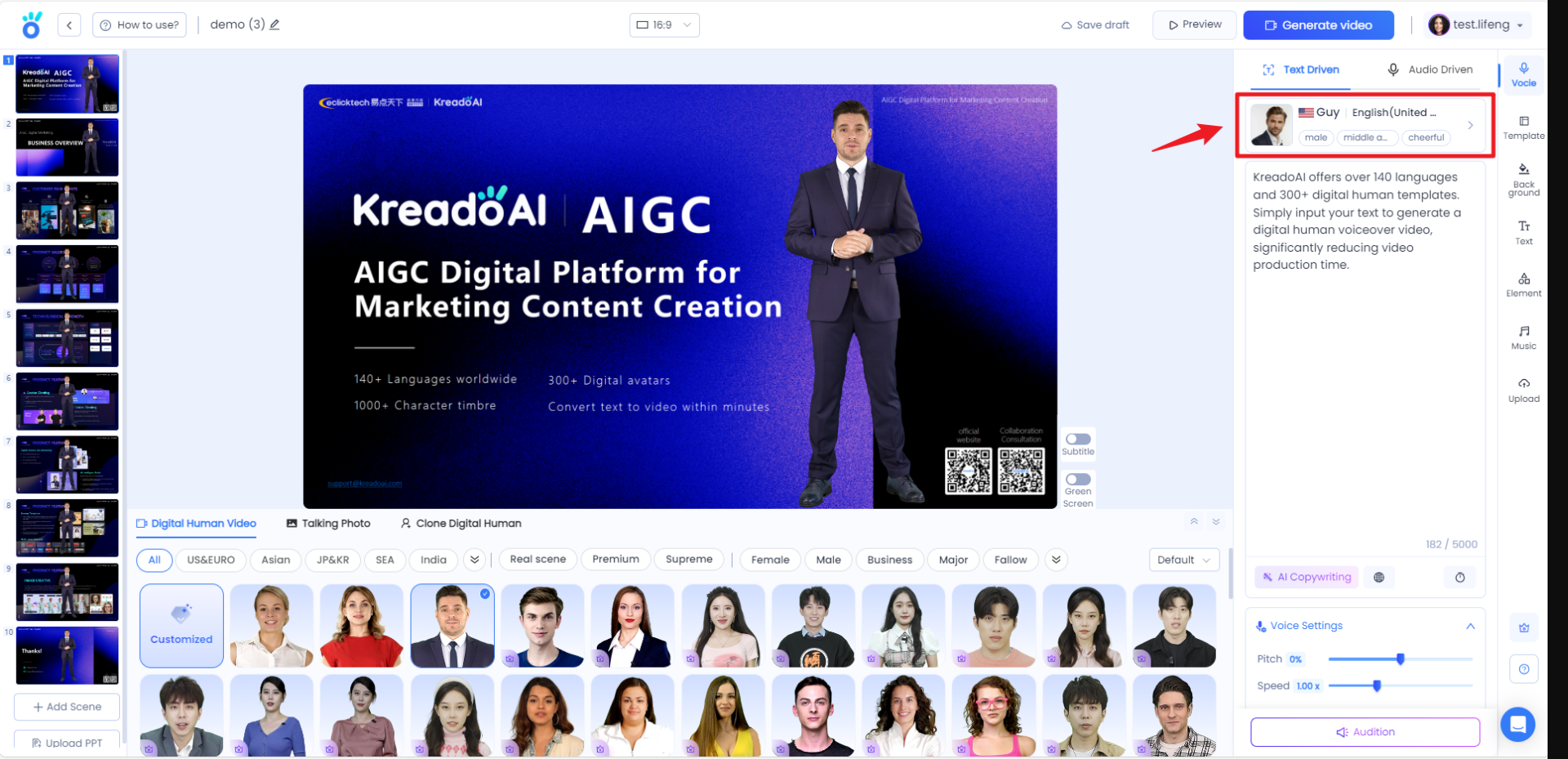
1.Once your PPT is successfully imported, navigate to the creation page and choose a digital human avatar that best fits the theme of your presentation.
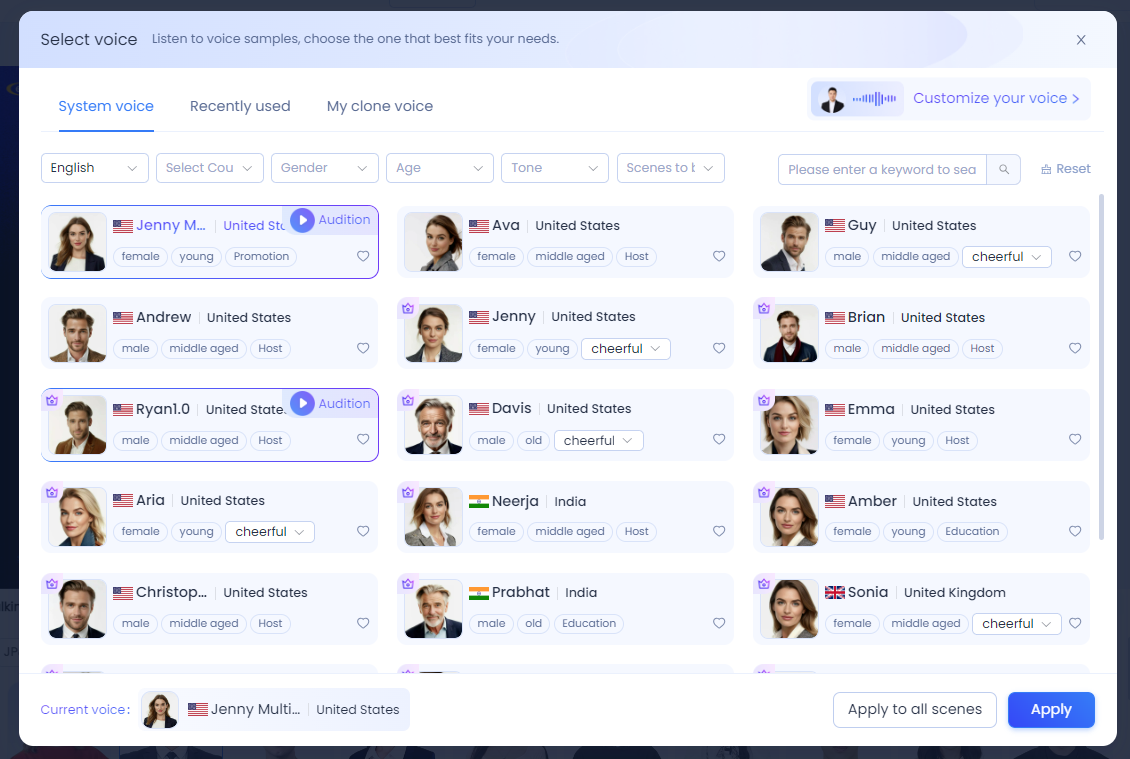
2.In the ‘Voice Tone’ section on the right, customize the avatar’s voice by selecting language, country, gender, age, tone style, and use case. After making your selections, click ‘Apply’ to finalize the settings.
Step 5: Personalize Your Video
Enhance your video with additional customization options.
Free creation of PPT Avatar video
Get Started Now


