




In today's digital era, high-quality video production is essential for creators, marketers, and educators. However, complex editing processes can be time-consuming. To simplify this, KreadoAI offers five innovative tools that make video production faster, more visually appealing, and efficient.
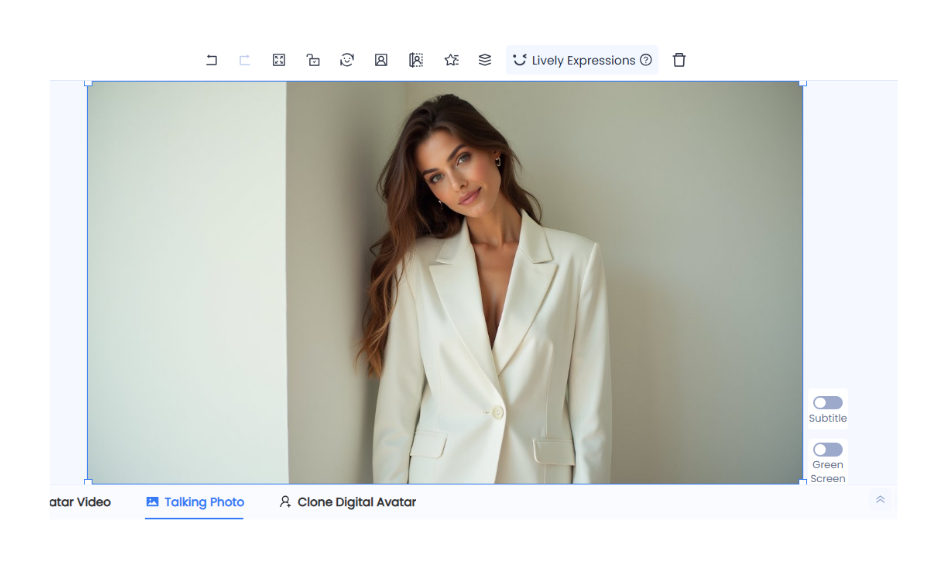
Lively Expressions: Bring Digital Avatars to Life
Traditional digital avatars often lack realistic expressions, making it hard for audiences to connect. KreadoAI's Lively Expressions enhance digital avatars with lifelike facial expressions, adjusting mouth movements, eye expressions, and more for natural, engaging interactions.
Perfect for brand promotions, online courses, or social media content, this feature ensures digital avatars appear more dynamic and relatable, eliminating the issue of lifeless expressions.
One-Click Background Removal: Enhance Visual Appeal Instantly
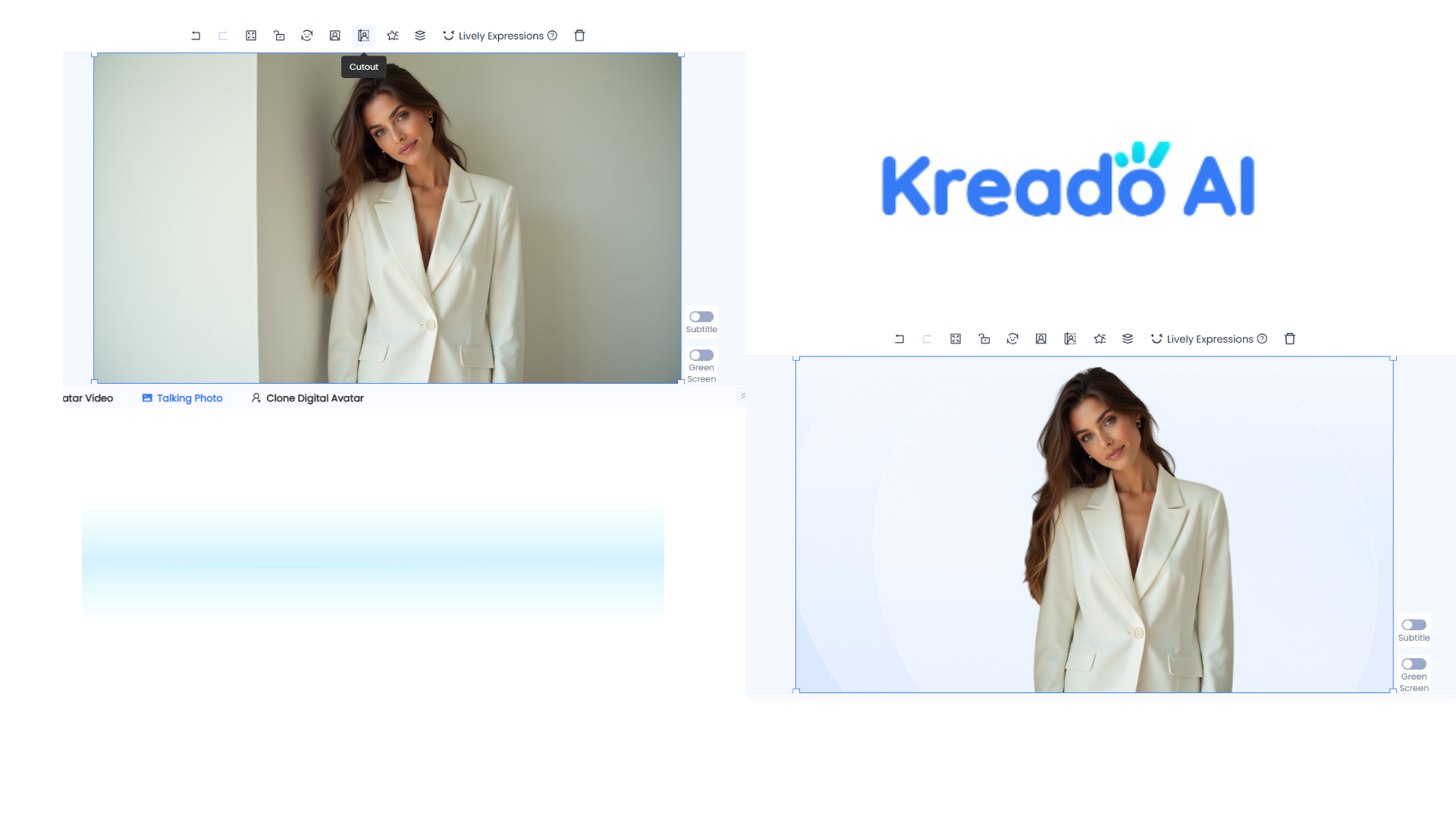
Removing backgrounds is often a complex task requiring professional tools. KreadoAI's One-Click Background Removal simplifies the process by instantly detecting and removing backgrounds, delivering clean, transparent images effortlessly.
Ideal for portrait cutouts, product displays, and dynamic presentations, this tool enhances creativity and maintains a polished, professional look in your videos.
Animated Transitions: Smooth, Engaging Visual Effects
The way elements enter and exit a video affects flow and engagement. KreadoAI's Animated Object Entry and Exit lets you apply fade-ins, zoom effects, and slides, making transitions seamless and visually appealing.
This feature is perfect for presentations, highlighting key information effectively, and for social media videos, increasing interactivity and viewer retention.
Layer Adjustments: Create Professional Visual Depth
Layering is key to well-structured videos. KreadoAI's Layer Adjustments enable users to reposition elements, ensuring upper layers seamlessly overlay lower ones, adding visual depth and sophistication.
For example, in product videos, placing the product in the foreground with dynamic lighting in the background enhances its prominence. Mastering layer adjustments leads to more creative, polished video designs.
One-Click Apply to All Scenes: Save Time, Maintain Consistency
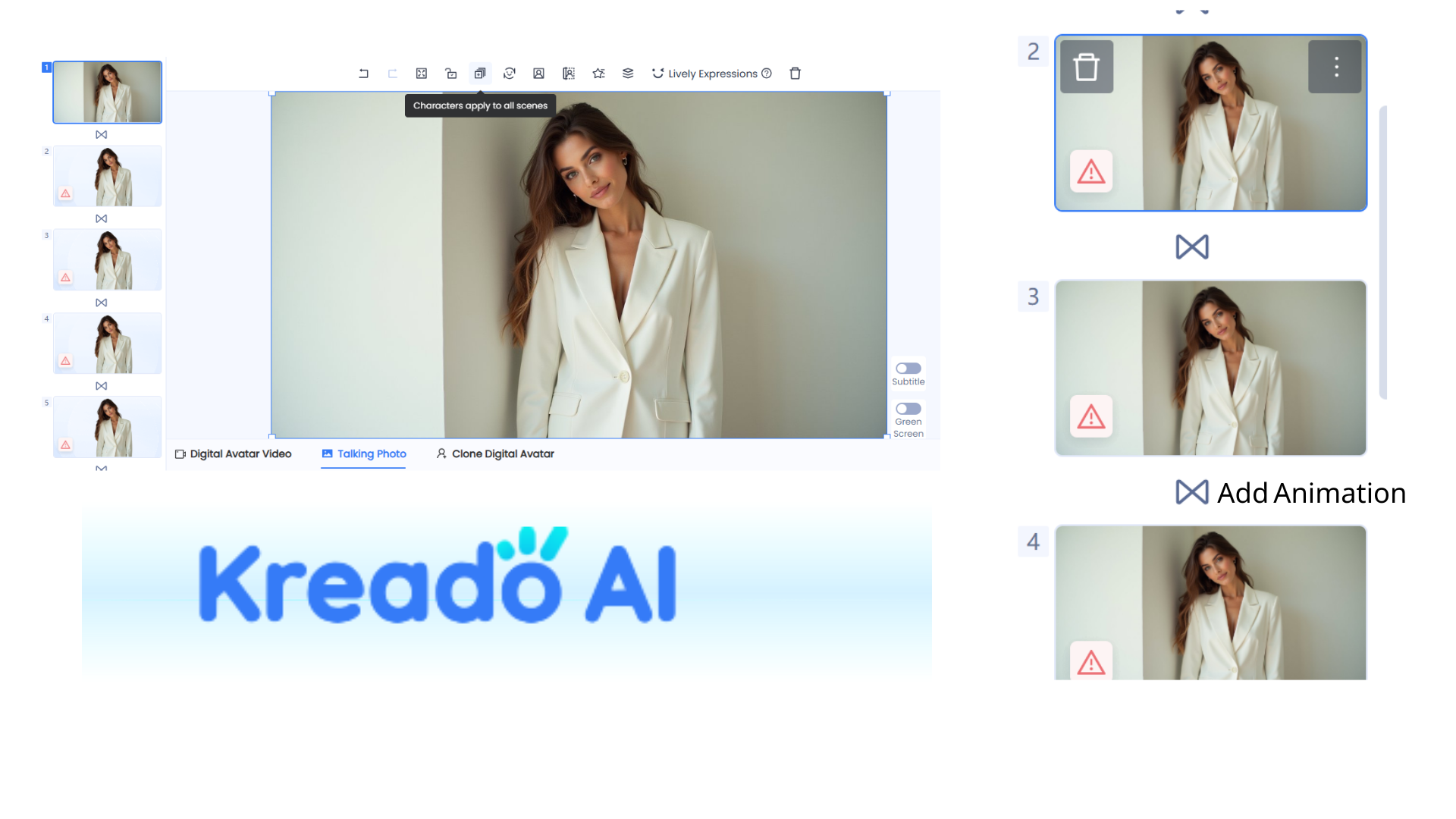
Manually adjusting elements across multiple frames is tedious. KreadoAI's One-Click Apply to All Scenes instantly applies adjusted images, text, and characters across the entire video, ensuring style consistency.
Especially useful for corporate branding, this tool maintains uniform logos, colors, and fonts, giving videos a cohesive and professional look with minimal effort.
With KreadoAI's five smart tools, video creation becomes effortless and efficient. From realistic digital avatars to background removal, smooth animations, layer control, and batch adjustments, each feature saves time while enhancing quality.


