




Login/Register
MiniMax TTS is an AI voice generator that uses Speech-2.8-HD to turn text into expressive voiceovers. Add parenthetical vocal tags such as (laughs), then preview, generate, and download.
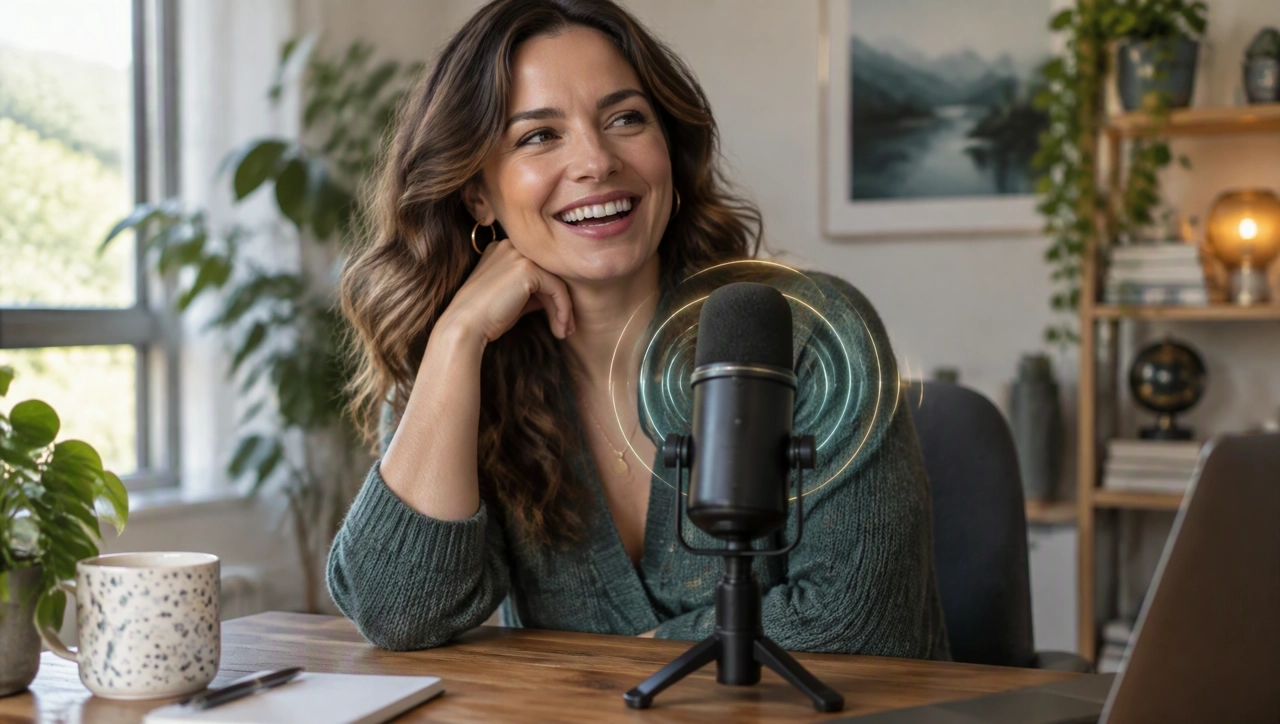
Use supported vocal tags for non-speech sounds such as laughter, sighs, gasps, and breathing.
Where the editor supports it, insert, remove, or adjust supported vocal tags in the script before you generate audio.
When the option is on, use AI to suggest where a vocal expression may fit, then edit the tags before you generate.
Create voice assets for ads, product videos, explainers, and other marketing content in KreadoAI.
Open AI dubbing, filter for MiniMax, and choose a voice for the current language. The current model is Speech-2.8-HD. Availability follows the dubbing page.
Paste a script already written in the target language. Where the editor supports it, add parenthetical vocal tags. If AI-assisted insertion is on, review the suggested tags.
Preview the line first. Generate it once it sounds right, then download the voiceover.
Other voice models, plus music, sound effects, voice change, and speech to text.
Create expressive AI voiceovers with MiniMax Speech-2.8-HD on KreadoAI.