


Are you ready to revolutionize your marketing strategy? With KreadoAI's latest feature, URL-to-Video, you can now effortlessly create AI-generated viral short videos that captivate your audience. Whether you're promoting your e-commerce store, showcasing a new product, or boosting brand awareness, KreadoAI's one-click video generation tool is your ultimate solution.
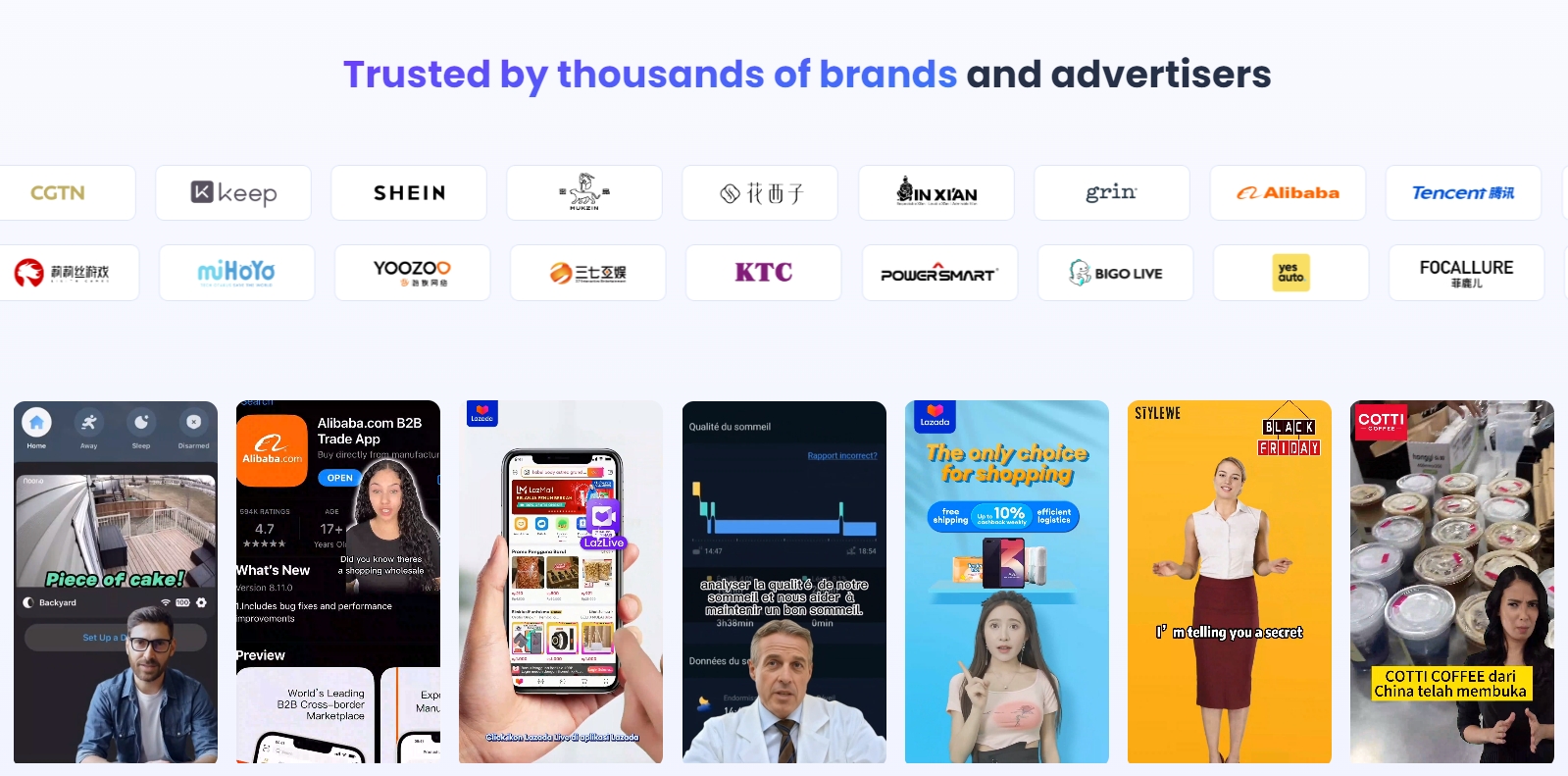
This step-by-step guide will walk you through how to use KreadoAI's AI video generation feature to turn any webpage URL into a stunning, high-impact marketing video. Perfect for platforms like YouTube Shorts, Instagram, TikTok, and Facebook, these videos are designed to drive engagement and conversions.
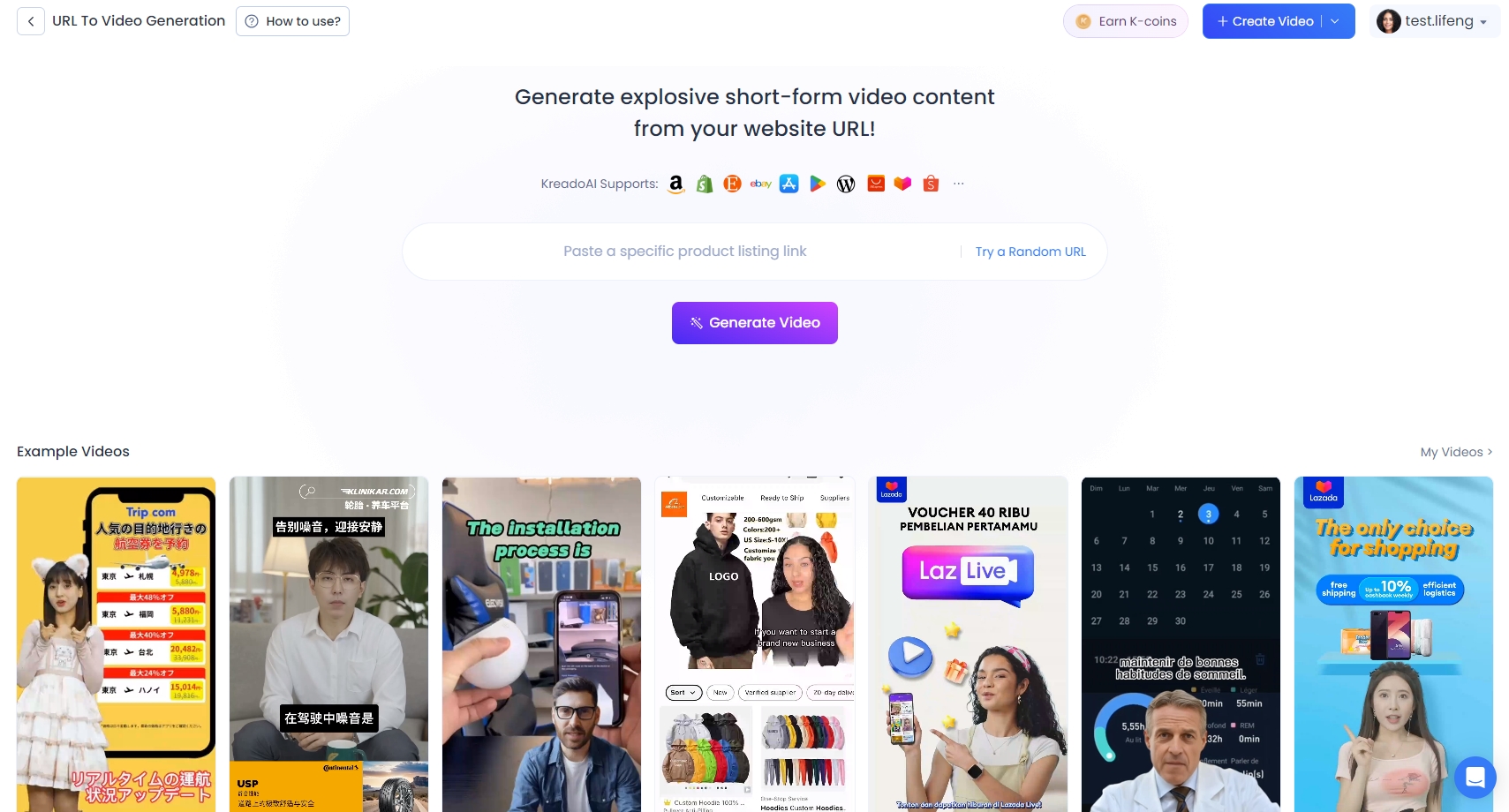
Step by Step Video Tutorial on KreadoAI's URL To Video Generation Feature:
Click here to start now: KreadoAI URL to Video
Step 1: Enter Your Website URL
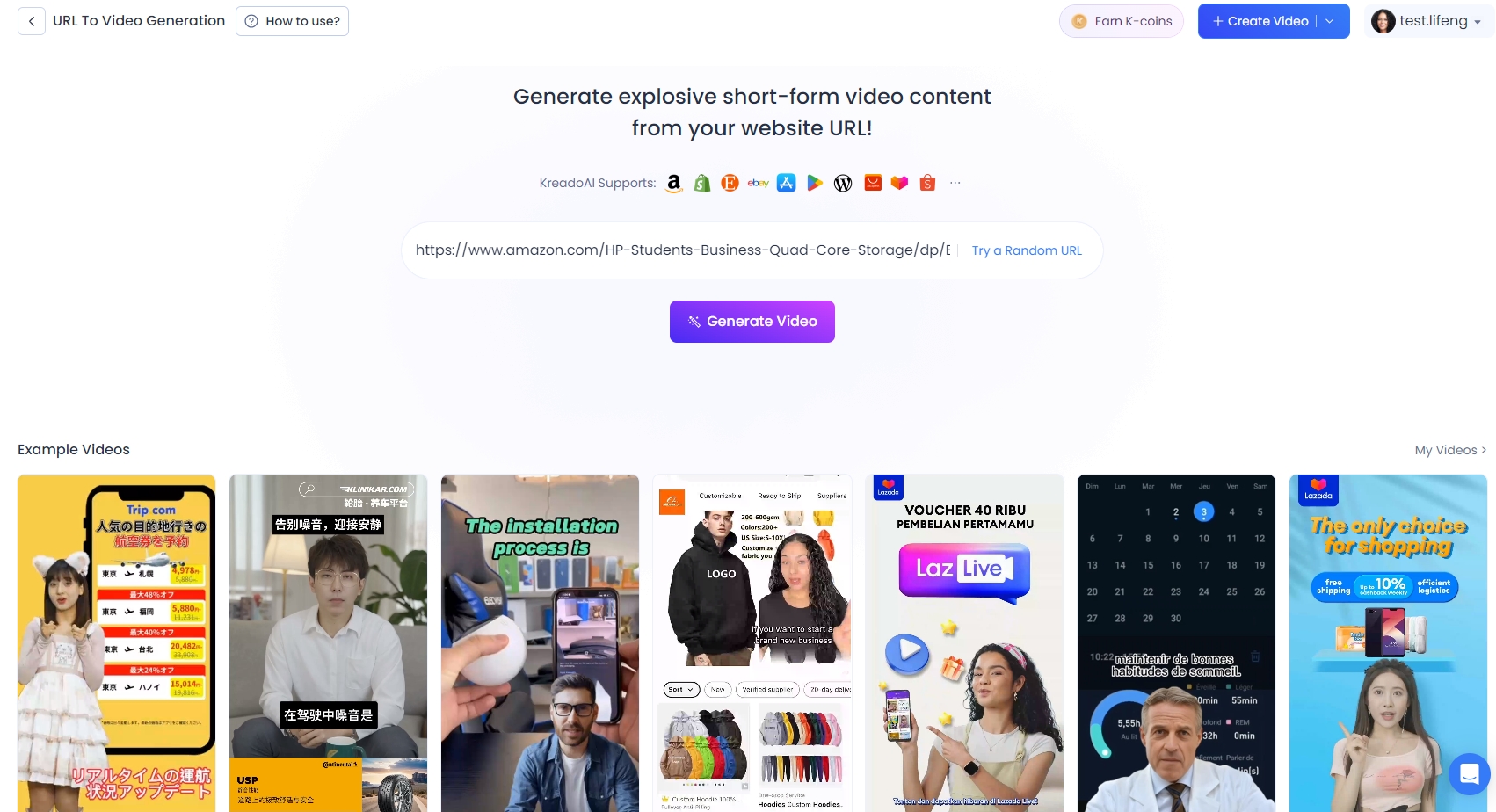
Start by entering or pasting your product or webpage URL into the designated field on KreadoAI's platform. This is the foundation of your AI-generated viral video. Once you've input the link, click the "Generate Video" button to kick off the creation process.
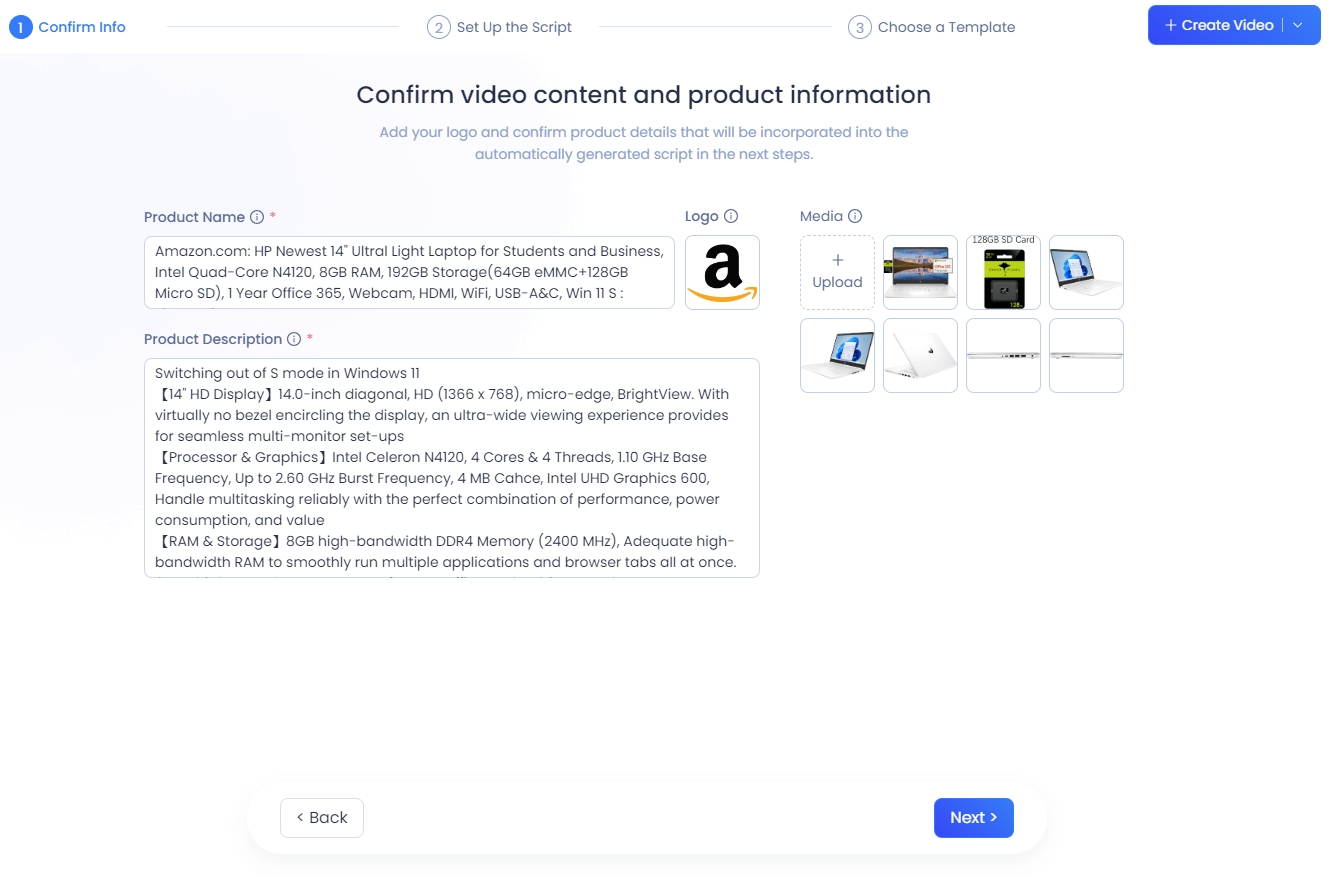
Step 2: Verify Product Details
KreadoAI will automatically extract key product information and relevant media from your URL. You can also upload additional images or videos, edit product names, and refine descriptions to ensure accuracy. Review all details carefully, then click "Next" to proceed.
Step 3: Customize Your Video Script
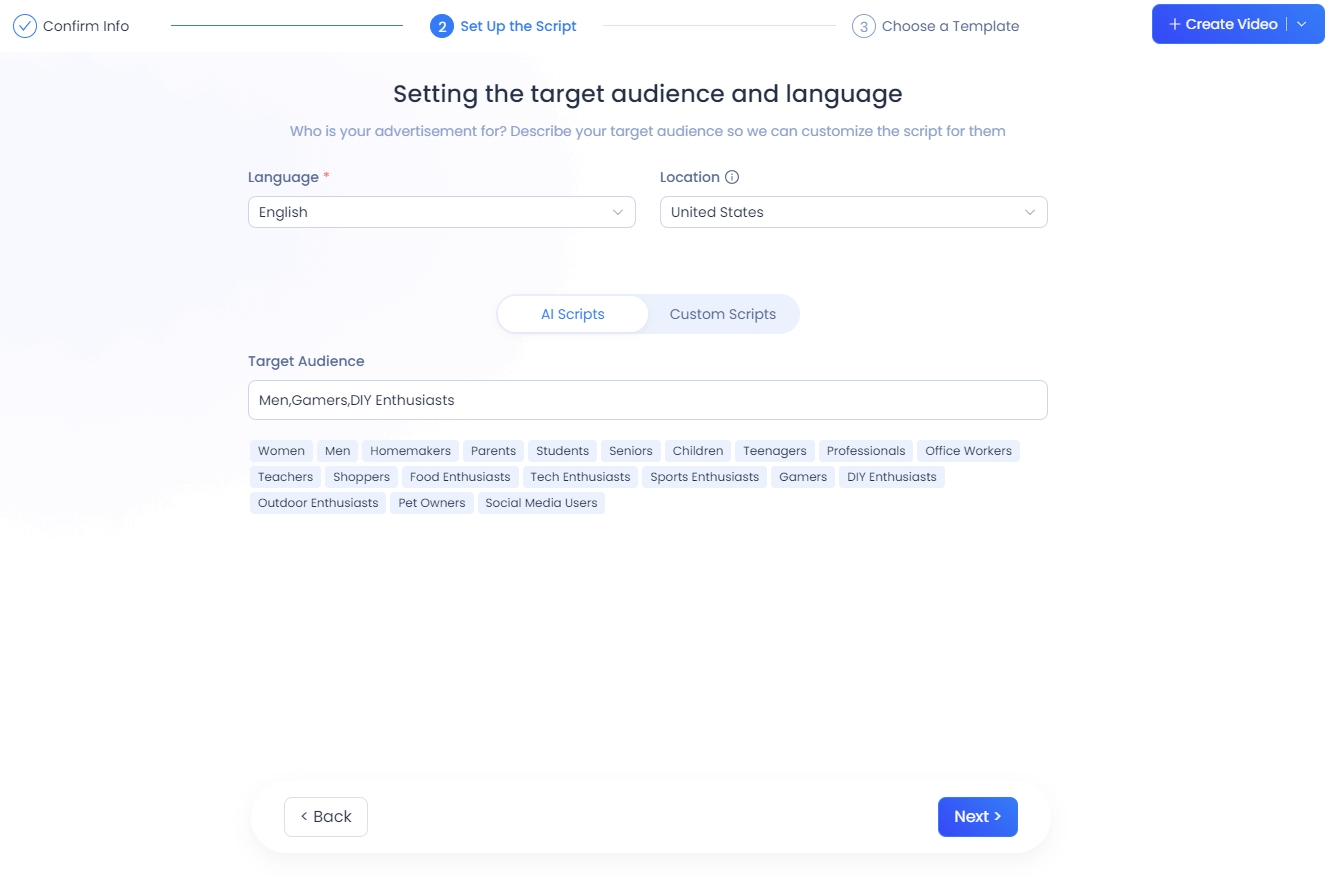
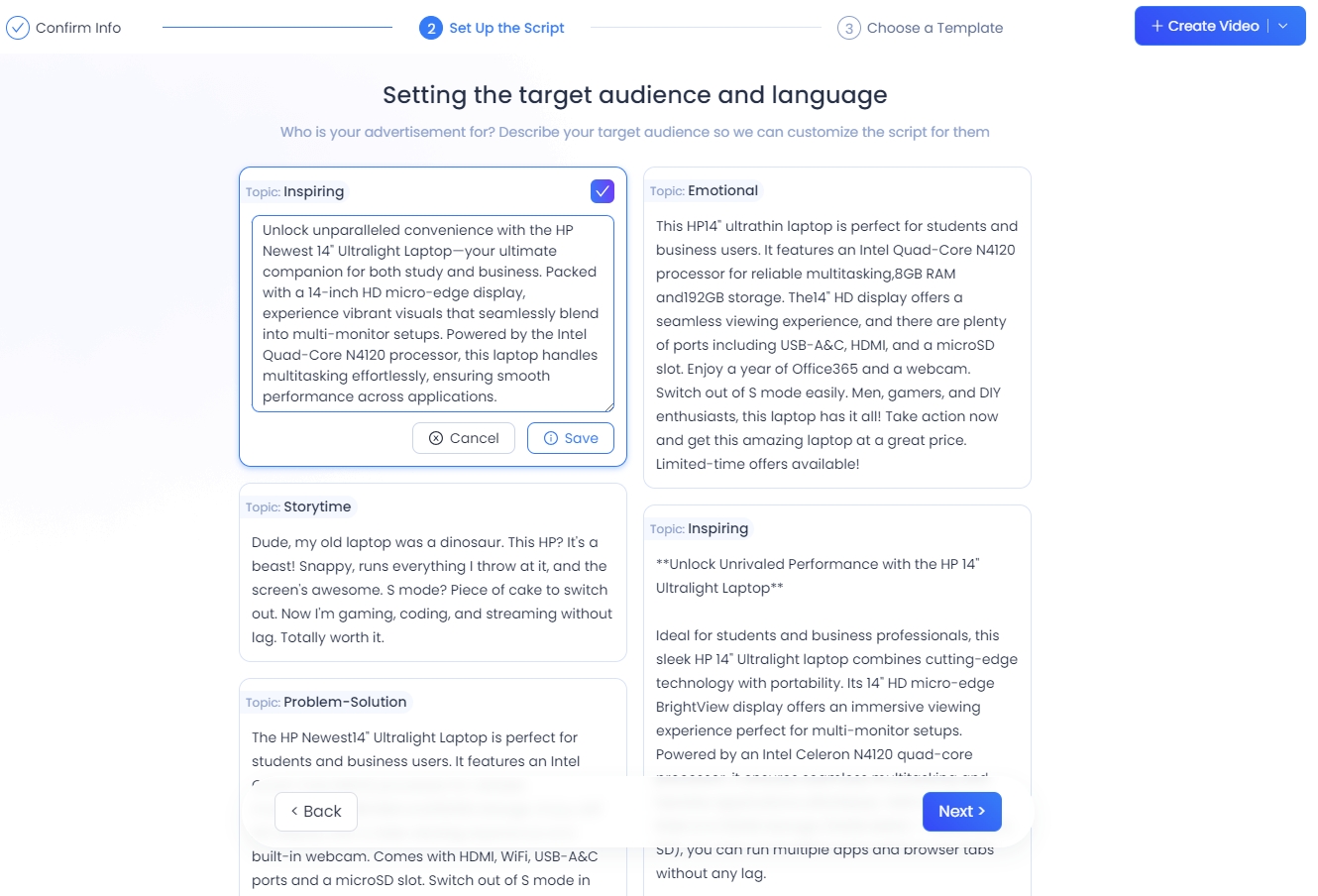
KreadoAI's advanced AI capabilities allow you to tailor your video script to your target audience. Here's how:
Language Settings: Choose from 140+ languages and dialects to ensure your video resonates with local audiences.
AI-Generated Script: Select audience-specific tags (e.g., gender, age, profession) or input keywords to let KreadoAI craft a compelling script.
Custom Script: If you have a specific vision, enter a custom script of at least 200 characters.
Step 4: Personalize Your Video
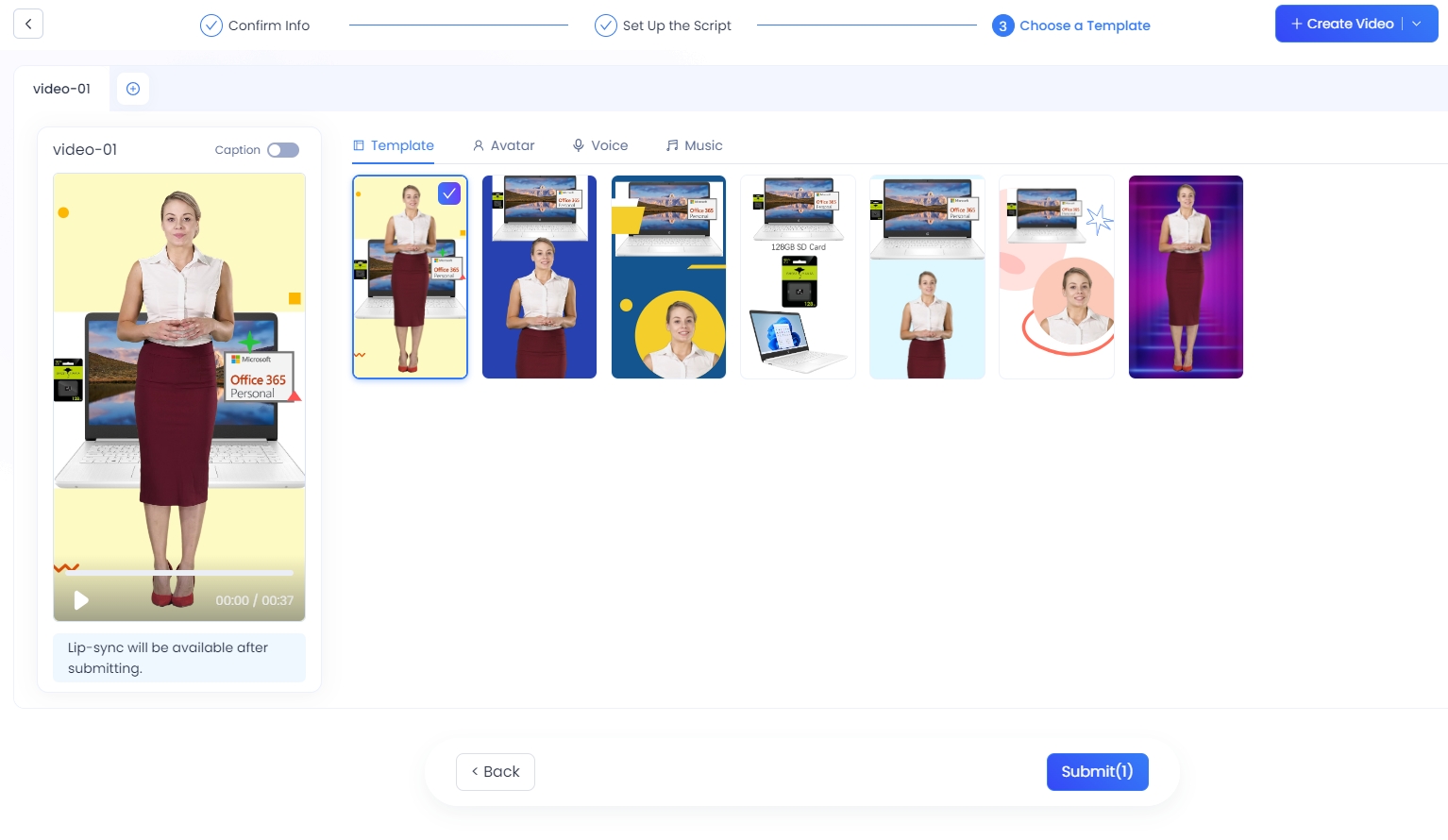
Make your KreadoAI viral video truly unique with these customization options:
Video Templates: Choose from a variety of templates to match your brand's style.
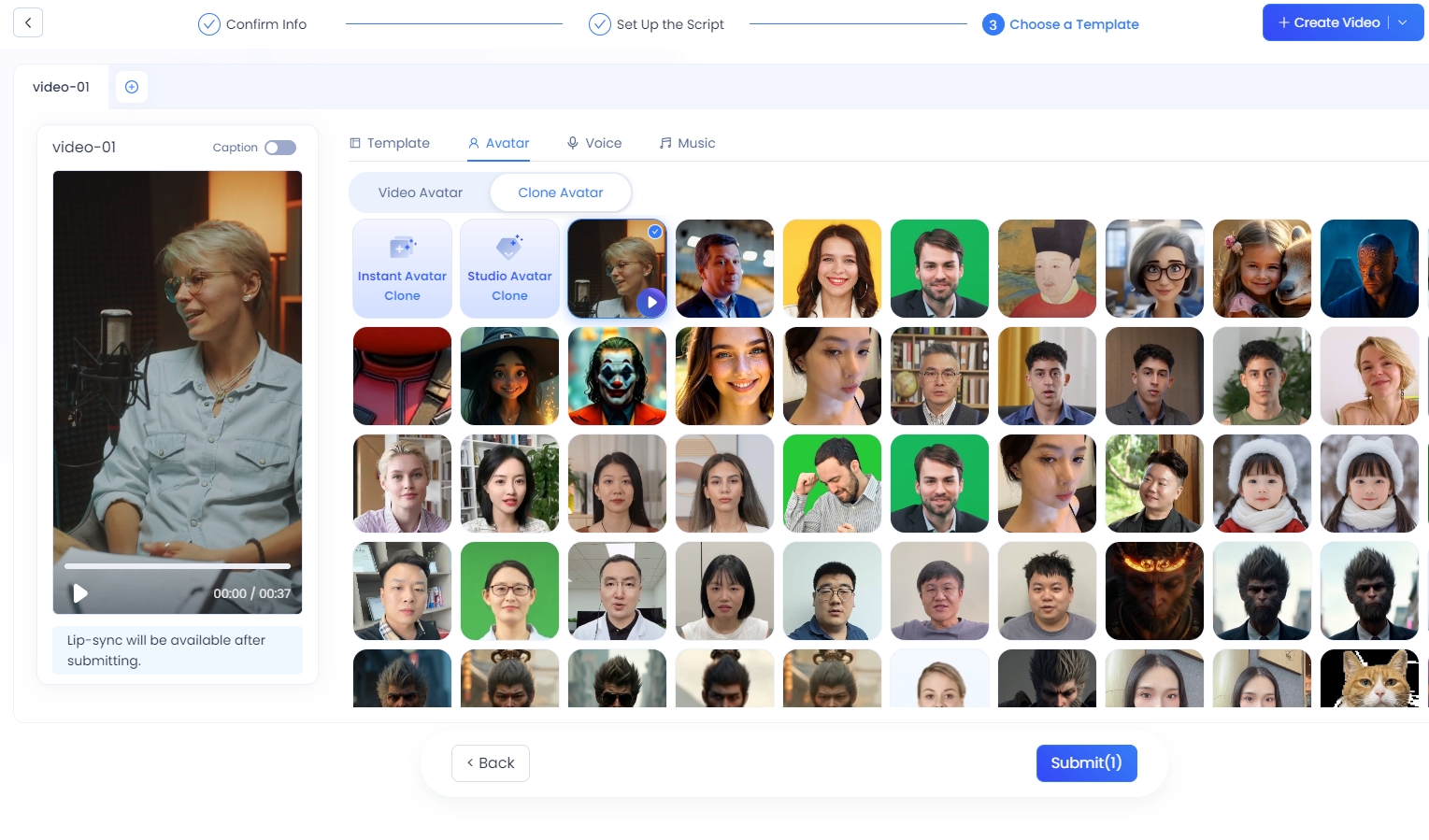
Digital Avatars: Select from 700+ digital human avatars, including real-world backgrounds.
Voice Options: Pick from 1,600+ voice tones, filtered by gender, age, tone, and usage scenarios.
Background Music: Add the perfect soundtrack to enhance your video's appeal.
Subtitles: Enable subtitles for better accessibility and engagement.
Step 5: Submit Your Video Request
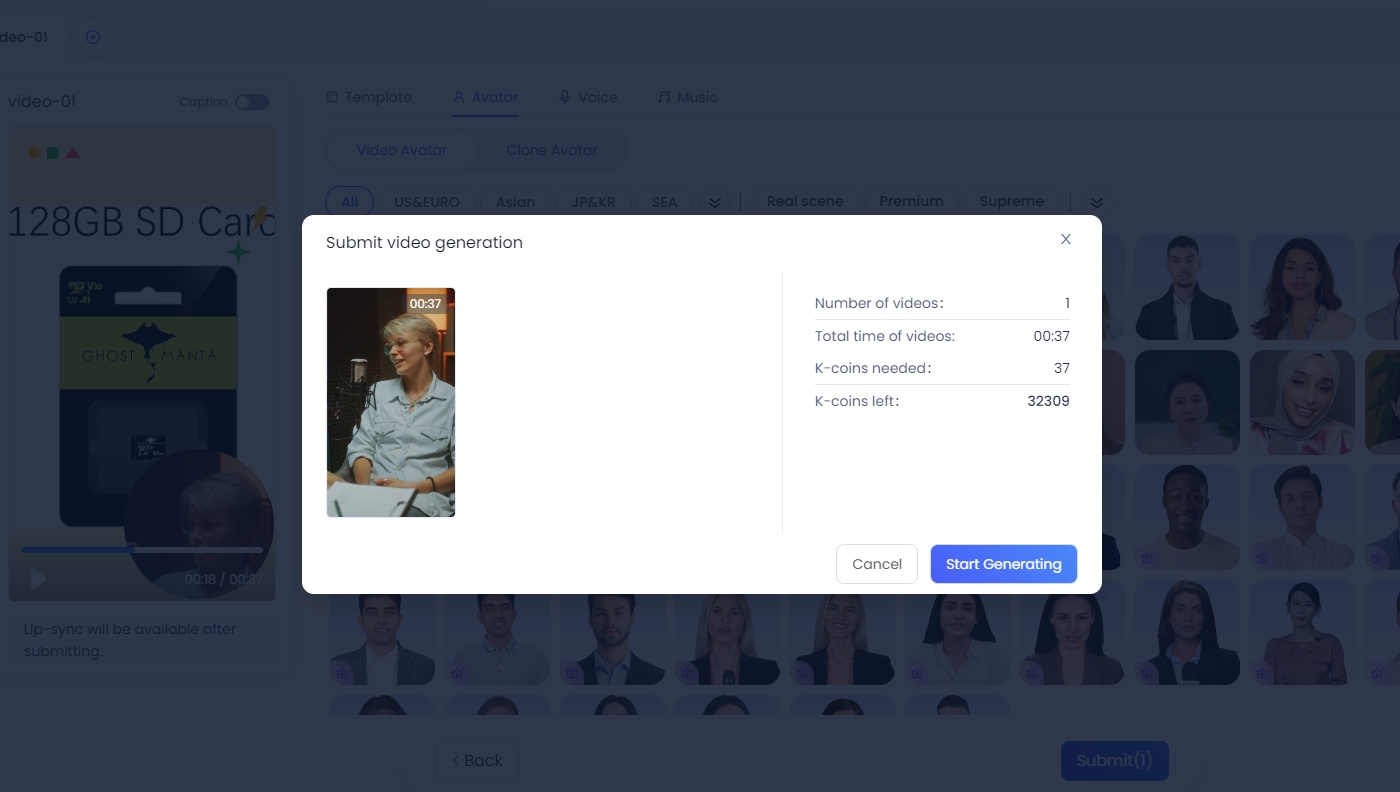
Once you're satisfied with your settings, click "Submit". The system will display the estimated video duration and the required K-coins. Confirm the details and click "Start Generating" to initiate the AI video creation process.
Step 6: Access and Download Your Video
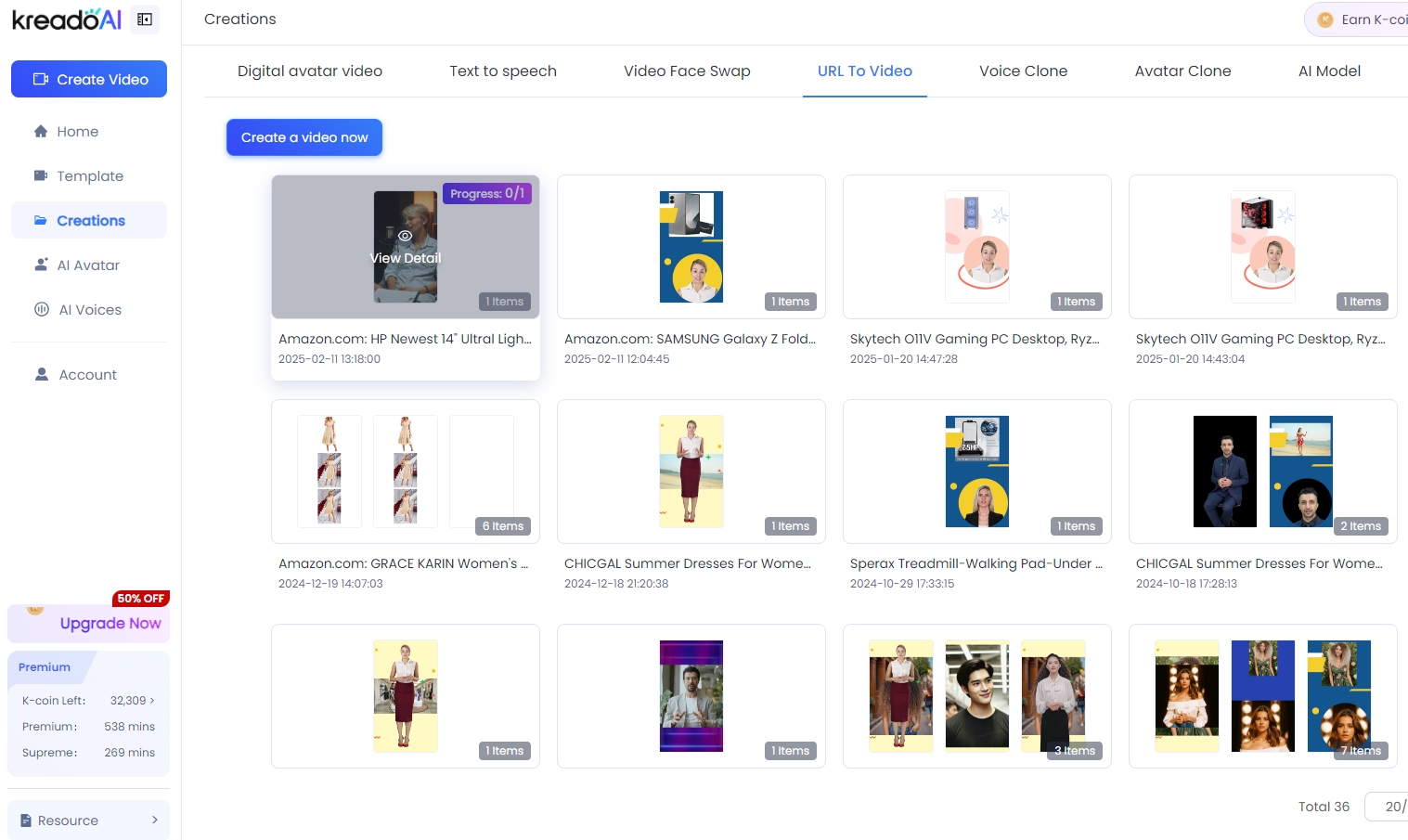
Once your video is ready, you can view and download it from the "My Projects" section. Share your KreadoAI viral video across social media platforms and watch your engagement soar!
Why Choose KreadoAI?
URL-to-Video: Instantly transform any webpage into a professional-grade video.
One-Click Video Generation: Save time and resources with automated video creation.
Free AI Video Tools: Explore KreadoAI's free features to get started without upfront costs.
AI-Powered Creativity: Leverage cutting-edge AI to produce videos that stand out.
Ready to create your next viral marketing masterpiece?
Click the link below to start your journey with KreadoAI's URL-to-Video feature today:
With KreadoAI, AI video generation has never been easier. Turn your ideas into reality and dominate social media with viral short videos that drive results. Start now and experience the future of marketing!


