
🪄 AI Generated Videos:Veo3.1&SORA2Free Trial

How to Make Instagram Reels & Story Video Ads with AI in 2026

Create Instagram Reels, Stories, and Feed video ads with AI: Meta aspect ratios, safe zones, batch variants. Links to KreadoAI Instagram ad video page

 
To make Instagram video ads with AI, map your campaign to Instagram placements (Reels, Stories, Feed), generate placement-native vertical or square masters (commonly 9:16 for Reels/Stories and 1:1 or 4:5 for Feed), design for mute-first viewing, then export multiple hooks for structured testing inside Meta Ads Manager.
 
AI reduces production time; winning performance still requires measurement and creative iteration.
Key takeaways
  • Treat Reels/Stories (9:16) and Feed (1:1 / 4:5) as different creatives—not one forced crop.
  • Instagram rewards clarity: one offer, one action, readable supers.
  • Batch hooks, not random tweaks—keep variables isolated for learning.
  • Feature entry: Instagram video ads  · Product: AI marketing video


What is an Instagram video ad?

An Instagram video ad is a paid video asset served across Instagram placements within Meta's ad system. Depending on objectives and placements, you may deliver to Reels, Stories, Feed, and other surfaces. Creative should respect each placement's aspect ratio and UI overlays—especially vertical formats where interface elements can cover edges.
 

Instagra video ad specs (planning table)

Always confirm the latest guidance in Ads Manager. This table is a storyboard baseline for AI prompts and design reviews.
 
Placement
Typical resolution
Aspect ratio
Notes
Reels ads
1080×1920
9:16
Vertical full screen; prioritize first frame
Stories ads
1080×1920
9:16
Fast swipe behavior; one idea per beat
Feed video
1080×1080 or 1080×1350
1:1 or 4:5
Square or taller Feed; check safe zones
Explore / other surfaces
Often square or vertical
1:1 / 9:16
Align to selected placements in setup
 
If you run carousel or additional formats, build a separate storyboard—do not assume one export fits all.
 

Real-World Use Cases: Instagram AI Workflows

  • App Installs & Onboarding Create vertical assets that highlight the user journey in simple steps. Use AI to storyboard the experience, ensuring visuals align perfectly with your store screenshots for a seamless transition.

  • E-commerce Promo Windows  For short-term sales, use AI to rapidly swap text overlays and hooks (e.g. "Last Day" or "Free Shipping") without needing a reshoot. This keeps your creative fresh throughout the promotion cycle.

  • Prospecting vs. Retargeting Segment your creative strategy by funnel stage. Use AI to draft category-focused hooks for new audiences, and specific benefit-driven variants for retargeting. Keep these batches separate to maintain clear messaging.
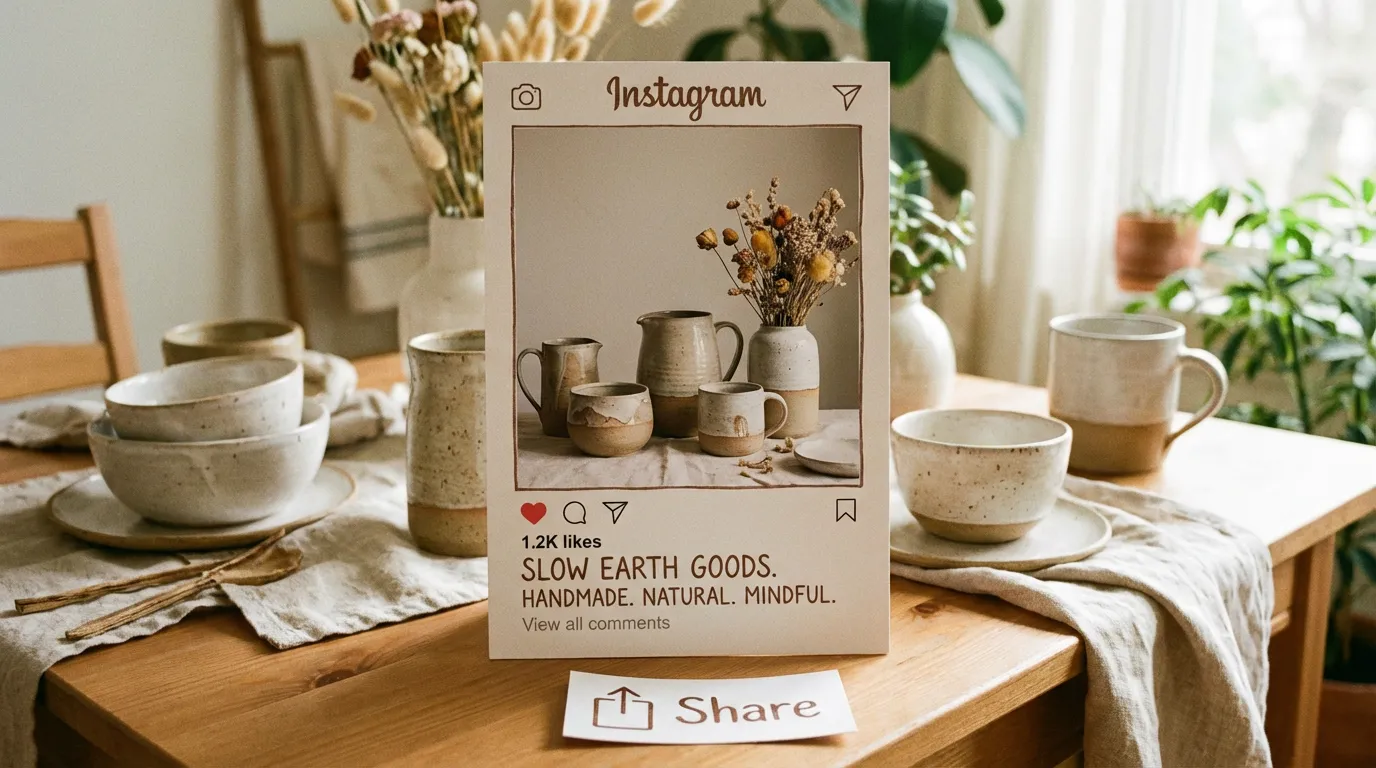


Why AI helps Instagram’s multi-placement reality?

Instagram advertisers frequently need multiple masters from one campaign idea:
  • A 9:16 narrative for Reels/Stories
  • A 1:1 or 4:5 variant for Feed density and legibility
AI-assisted workflows help generate parallel cuts and text variants while keeping the product facts consistent. KreadoAI routes this work through the Instagram-focused page (Instagram video ads ) and the marketing video hub (AI marketing video).

Step-by-step: Instagram video ads with AI

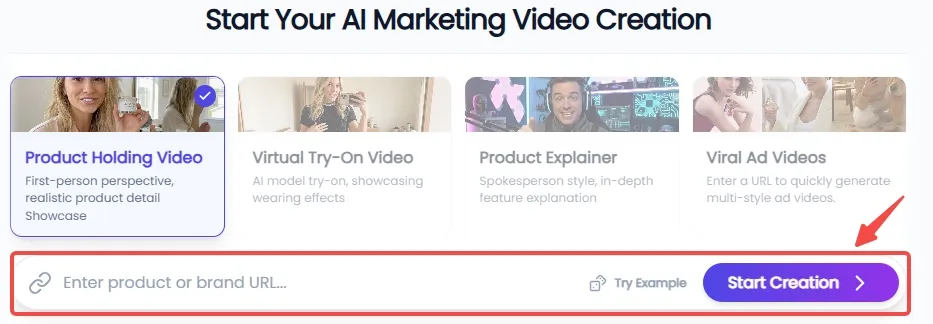
Step 1: Sync Assets & Select Your Vibe

Drop in your product URL, and KreadoAI will instantly curate high-resolution visuals from your site. On Instagram, aesthetic is everything. Choose from social-first scenarios—like Lifestyle Showcases or Virtual Try-ons—to ensure your content feels like a native post rather than just another ad.

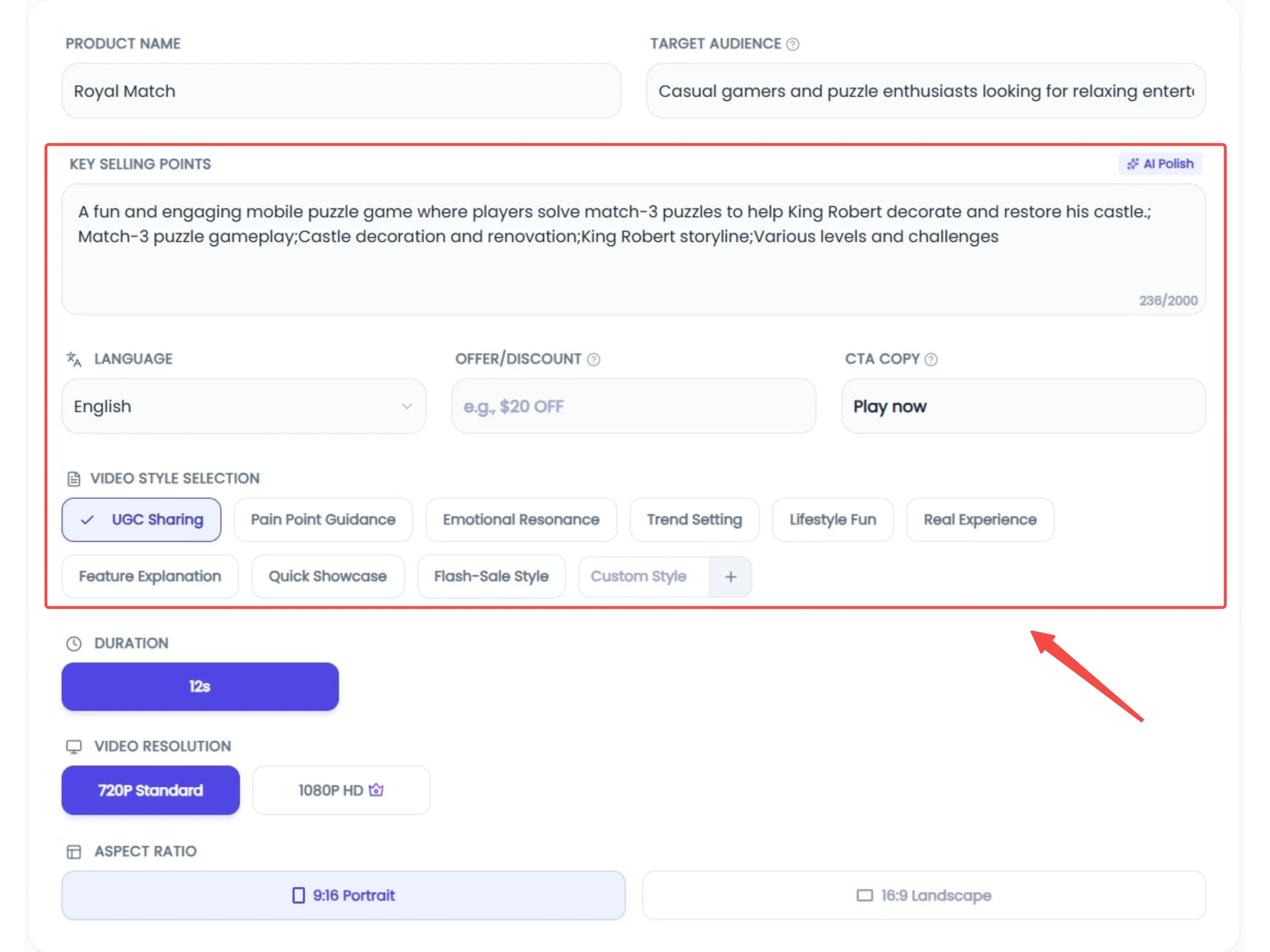
Step 2: Persona Matching & Global Reach

Define your brand’s persona and environment to match the Instagram "vibe." With support for 20+ languages, you can localize your message for any market. Use the AI Polishing tool to refine your script, turning technical product details into engaging, human-centric storytelling that stops the scroll.
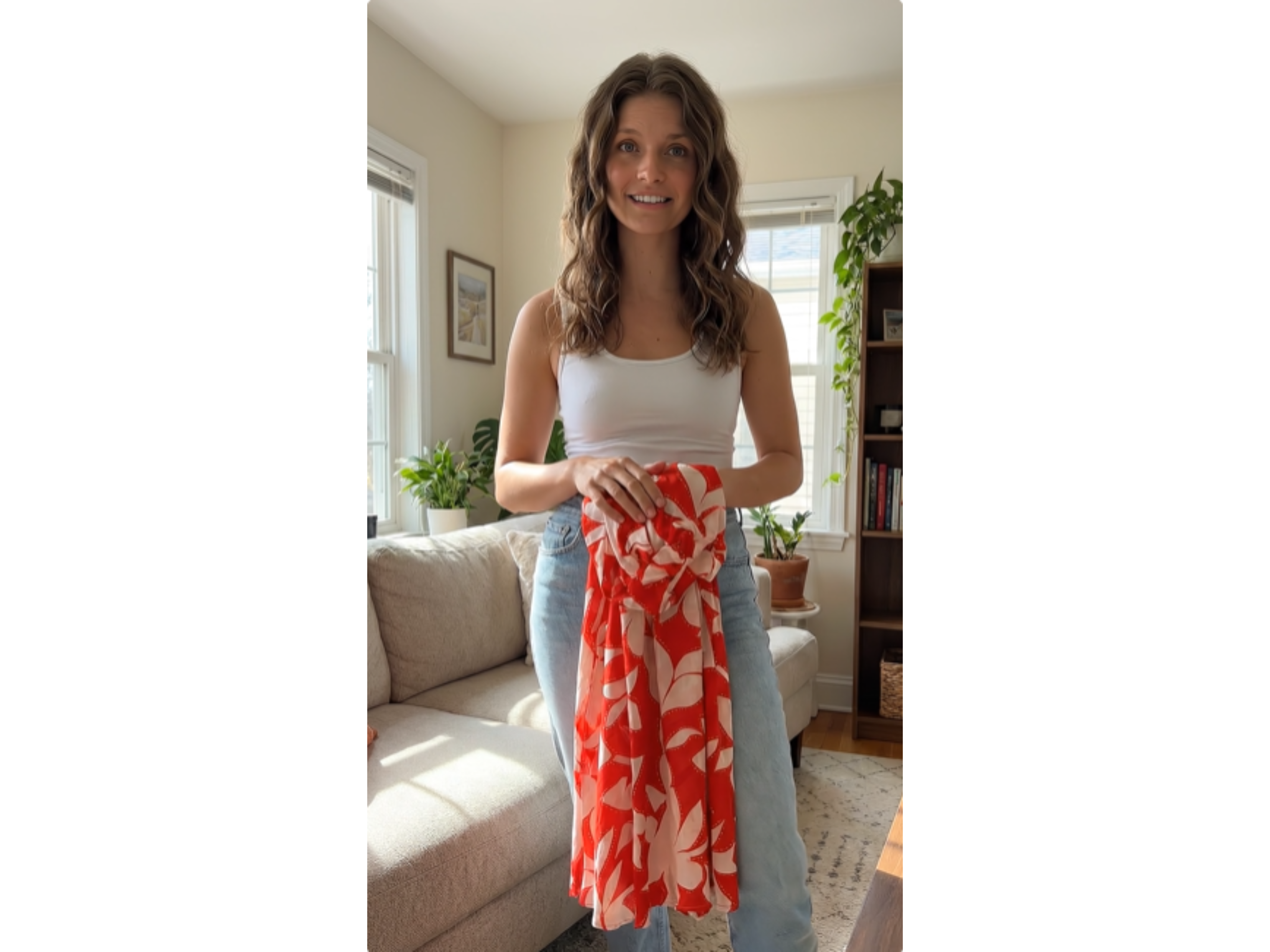
Step 3: Hook Optimization & Seamless Export

In the world of Reels and Stories, the first three seconds are make-or-break. Hand-pick the strongest opening frames to capture attention instantly. Once the AI completes the final cut, do a quick quality check and deploy directly to your Instagram placements with a single click.
 

What size should Instagram video ads be for Reels vs Feed?

Answer in one breath: Plan 1080×1920 (9:16) for Reels and Stories, and 1080×1080 (1:1) or 1080×1350 (4:5) for Feed—then reframe, not “stretch,” when moving between them so text and product stay legible.

Hook design patterns that survive creative review

Useful patterns for short Instagram ads:
  • Question hook: “Still scrubbing stains with detergent alone?”
  • Proof hook: show a measurable before/after where allowed by policy
  • Demo hook: product-in-hand unboxing style clips
Patterns that often fail: generic superlatives, unclear category context in frame 1, and audio-only punchlines.

Pitfalls, limitations, and “what AI won’t fix”

Issue
Reality
What to do
One video for all placements
Text gets cropped; legibility drops
Export placement-native masters
Chasing trends without proof
High spend, weak ROAS
Tie trends to SKU-level benefits
Unclear shop experience
Good CTR, bad conversion
Fix PDP and shipping clarity
Policy risk categories
Disapprovals
Review Meta policies early
 

Elevate Your Instagram Visuals

Consistent storytelling on Instagram demands both quality and volume. KreadoAI automates the production of aesthetic Reels and Stories, turning your product assets into platform-native content while reducing the manual grind.


FAQ

Can I create Instagram Reels video ads with AI?

 
Yes,AI can accelerate drafting and variants. You still need to validate policy, brand, and measurement setup in Meta Ads Manager.
 

What size should Instagram video ads be in 2026?

 
For vertical placements, plan 1080×1920 (9:16). For Feed, 1080×1080 (1:1) and 1080×1350 (4:5) are common starting points. Confirm for your selected placements.
 

How do I make Instagram Story ads without filming?

 
Use product demos, user-generated style layouts (where authentic and permitted), on-screen text, and stock footage only if licensing permits. AI can help assemble candidates; you remain responsible for rights and claims.
 

Does KreadoAI support Instagram 9:16 vertical video format?

 
The Instagram workflow page is here: Instagram video ads . Validate export presets in-product for your account.
 

Can I batch generate Instagram video ads for multiple products?

 
Operationally yes—batching is the point—but isolate variables so you can tell which product and hook drove outcomes.
 

How do I create multilingual Instagram ads with KreadoAI?

 
Translate carefully: idioms and offers must match local law and store pages. AI dubbing and subtitles can help, but require human review for compliance.
 

What makes a high-converting Instagram Reels ad?

 
Strong first frame, clear product category, credible proof, and a single CTA—then iterative testing. No single template wins in every account.
 
Start from the Instagram-specific feature page (Instagram video ads ) and connect production to the marketing video generator (AI marketing video).
