




Login/Register
Use KreadoAI's YouTube Watermark Remover to remove watermark from video, erase YouTube logos, subtitles, and text overlays — perfect for creators, editors, educators, and social media publishing.
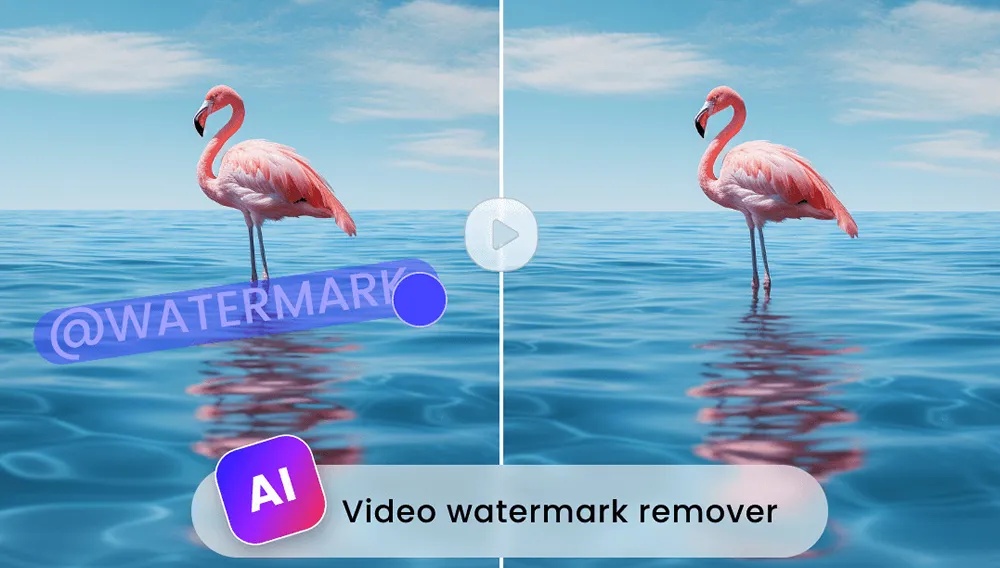
Perfect for creators repurposing clips — remove watermarks or subtitles from videos, erase timestamps or text overlays, and remix footage seamlessly.
Create clean training videos by removing distracting YouTube captions, burned-in subtitles, or overlay elements.
Repost YouTube clips on TikTok, Instagram, Shorts, and Facebook without platform watermarks or on-screen text.
Remove YouTube watermarks for cleaner video clips in demos, pitches, training, and business projects.
Import your MP4/MOV file into the free YouTube Watermark Remover online.
Add subtitle frames or draw watermark boxes to target the YouTube logo, captions,or channel text.
Click 'Confirm Submission' and instantly download a clean, high-quality video using KreadoAI's free remove watermark from video tool.
Designed to remove YouTube watermarks, burned-in subtitles, logos and creator tags naturally and cleanly.
Remove watermark or subtitle from YouTube video without blur, distortion, blocks, or artifacts. Perfect for HD, 1080p, 4K YouTube clips.
Works for vlogs, tutorials, gaming videos, Shorts, educational videos, reaction videos and so on.
Use caption frames or watermark boxes to pinpoint exact text areas for removal — clean, fast, accurate.
Explore a full suite of AI tools designed to streamline marketing, enhance productivity, and scale creative output
Fast, clean, accurate — remove watermarks & subtitles from YouTube videos online free. No editing skills required.


