


Key takeaways
What counts as a “Facebook video ad” in 2026?
Facebook video ad formats: a practical specs table
|
Placement family
|
Typical resolution (planning)
|
Aspect ratio
|
Length notes
|
Creative notes
|
|
Feed video
|
1280×720 (HD) or 1080×1080
|
16:9 or 1:1
|
Short ads often 15s or less for tests
|
Front-load the message; many viewers scroll quickly
|
|
Reels / vertical surfaces
|
1080×1920
|
9:16
|
Often short; test 6–15s vs 15–30s
|
Keep key text inside safe margins; avoid tiny supers
|
|
Stories
|
1080×1920
|
9:16
|
Commonly short
|
Assume fast swipes; one idea per beat
|
|
In-stream (when used)
|
1280×720
|
16:9
|
Often short mid-roll contexts
|
Hook immediately; repetition may fatigue faster
|
Why marketers pair Facebook placements with AI workflows
Marketing teams are increasingly turning to AI-powered video workflows to tackle recurring production bottlenecks.
Whether it's scaling volume for A/B testing with multiple hooks and endings, ensuring brand consistency across landing pages and ads, or accelerating the transition from raw product assets to a polished first cut—AI is the catalyst.
KreadoAI is designed to bridge this gap. By transforming simple inputs like product URLs and campaign briefs into platform-optimized content, it streamlines your creative process. You can jump straight in via the dedicated Facebook Video Ads portal or explore the broader AI Marketing Video workflow.
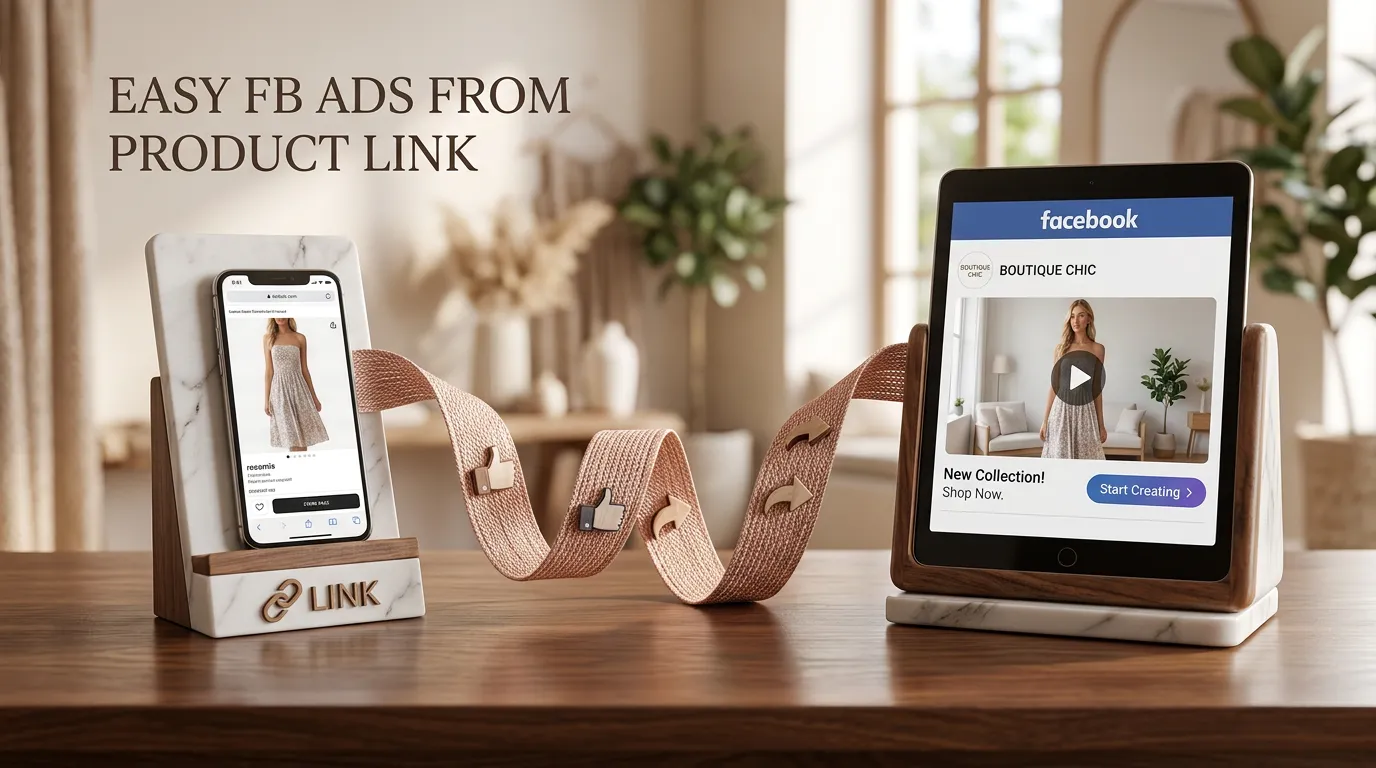
Step-by-step: create a Facebook video ad with AI
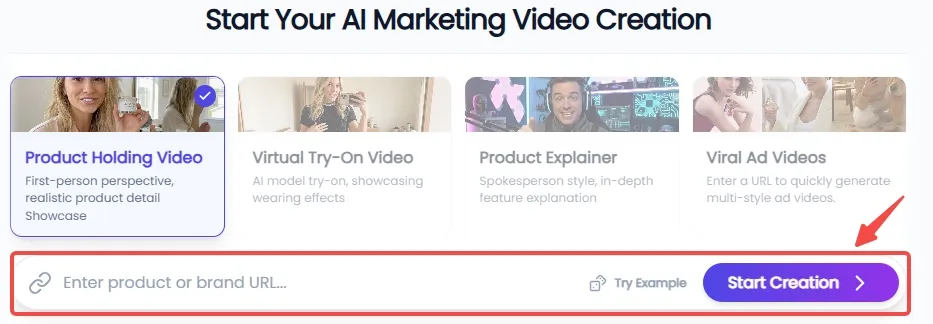
Step 1: Sync Your Product & Define the Scene
Simply paste your product URL, and KreadoAI will automatically parse the details to extract high-resolution, multi-angle imagery. From there, choose from four high-converting video scenarios—Product holding, Product Explainer, Virtual Try-on, or Viral Ads—to perfectly align with your campaign goals and target audience.
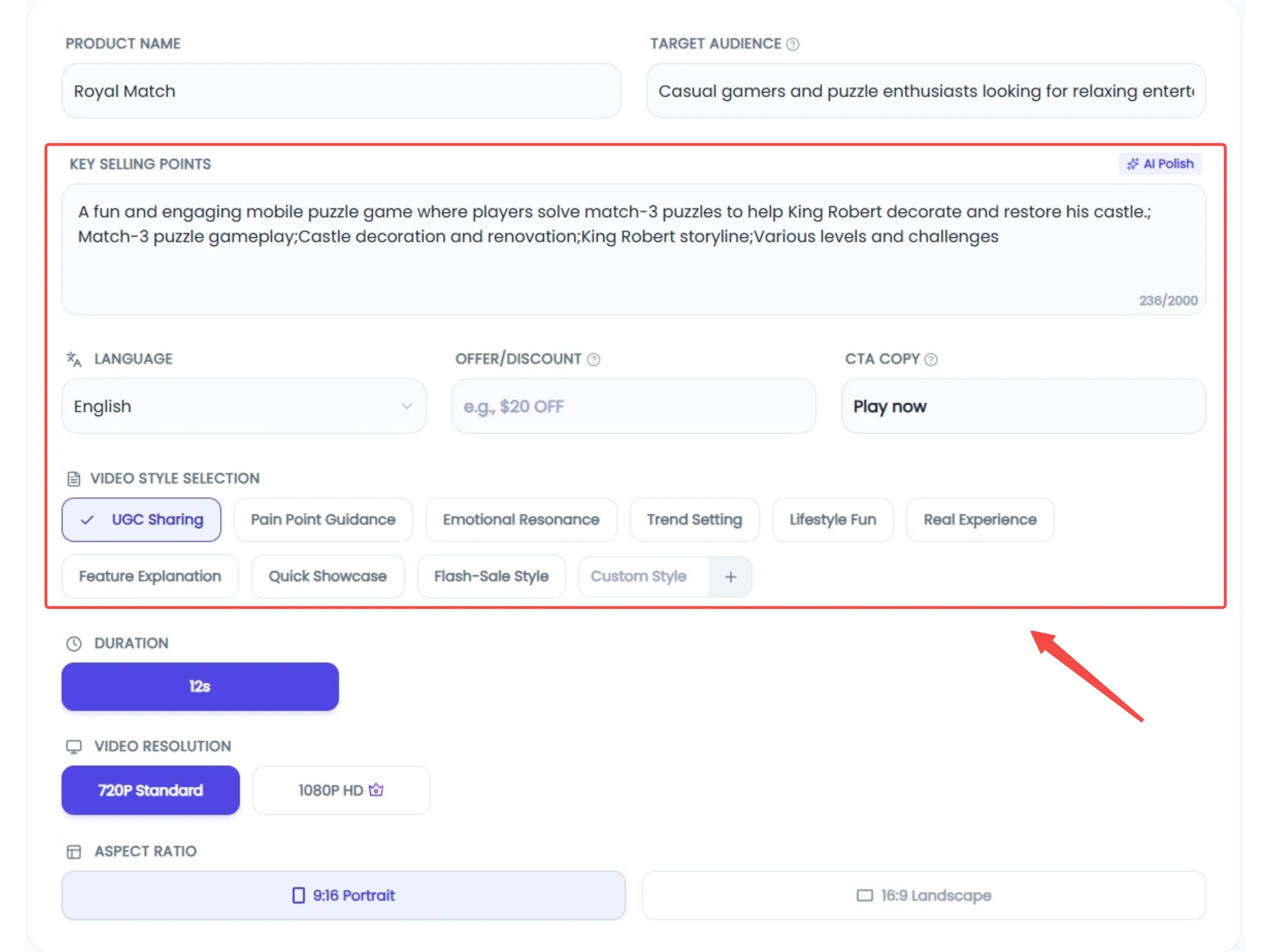
Step 2: Intelligent Customization & Creative Enhancement
Tailor your content for a global audience with support for over 20 languages. Describe your ideal style, setting, and character persona; if you're struggling to find the perfect phrasing, our AI Polishing tool will refine your prompts for maximum precision. Once configured, just hit "Generate" and let the AI handle the heavy lifting.
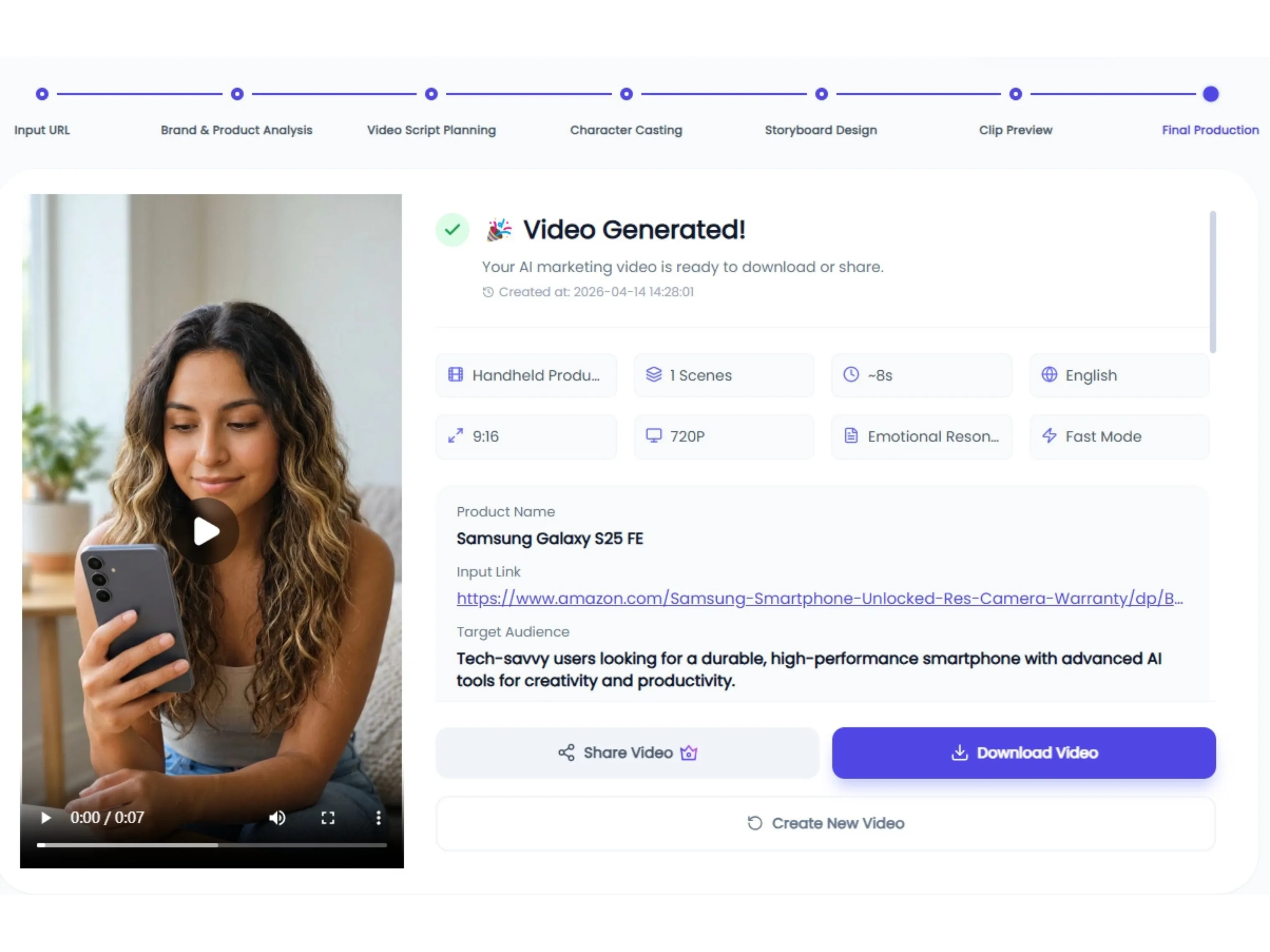
Step 3: Final Preview & Seamless Publishing
Take full control of your video's impact by selecting the perfect opening and closing frames to maximize engagement. Review the final output to ensure every detail is spot-on, then publish directly to your chosen platforms with a single click.
Common pitfalls (and what to do instead)
|
Pitfall
|
Why it hurts
|
Better practice
|
|
One asset for every placement
|
Crops look awkward; text gets covered
|
Generate placement-native masters
|
|
Audio-dependent jokes
|
Mute viewers miss the point
|
Write to supers and captions
|
|
Too many claims in 5 seconds
|
Confusion and distrust
|
One promise + one proof + one CTA
|
|
Skipping policy review
|
Disapprovals waste time
|
Check restricted claims early
|


