




From Slides to Lessons: The Future of PPT Video Creation
Creating professional teaching videos has always been a headache — hours of filming, editing, and retakes. One small mistake? Start over again. For teachers and trainers, that’s precious time wasted. But what if your slides could teach for you — with AI avatars, natural voices, and zero recording? With ppt to video, this is now possible.
Teach Smarter, Not Harder
Breaking the barrier between plain slides and engaging lessons has never been this easy. With KreadoAI, you can turn any PPT into a polished ppt video creation in minutes. Your content stays clear, professional, and even multilingual — all without touching a camera.
✅ No filming, no editing — just upload your PPT and let AI handle the rest.
✅ AI avatars & voices — add human-like presence to your lessons, perfect for digital avatar explainer videos.
✅ Multilingual support — explain your slides in 13+ languages instantly.
✅ Flexible updates — need to change a slide? Just re-upload, no reshoots.
Result? Training and teaching that look professional, save time, and keep learners engaged. Whether it’s presentation to video for a classroom or corporate training, the process is seamless.
How to Turn PPT into AI Teaching Videos with KreadoAI
Sounds complicated? Nope — it’s surprisingly simple. Here’s how you go from static slides to dynamic courses:
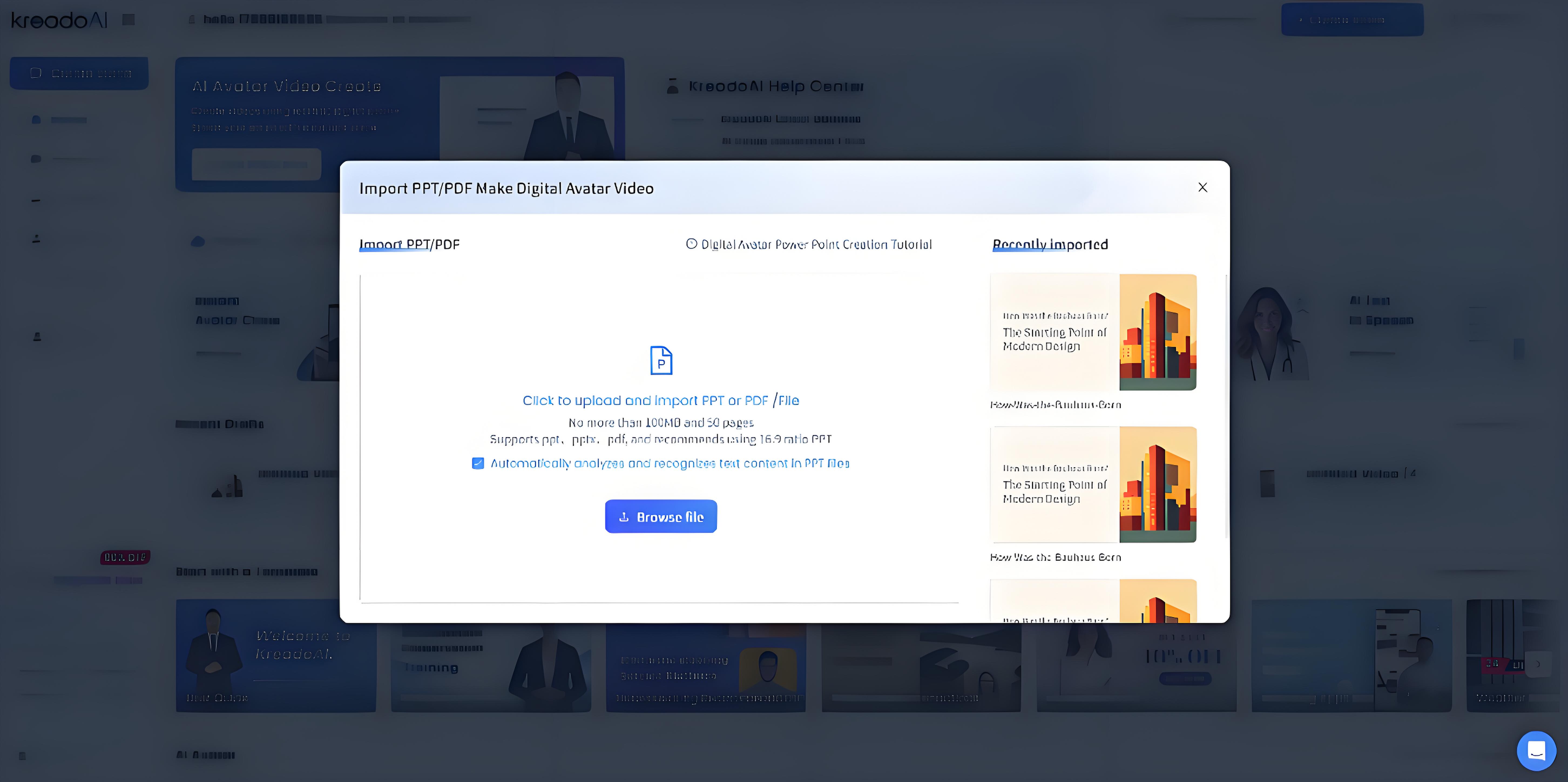
Step 1: Upload your PPT
Got your slides ready? Just drag them in and you’re good to go. HR onboarding, product training, history class — whatever you’ve got, KreadoAI can turn it into a ppt to video effortlessly.
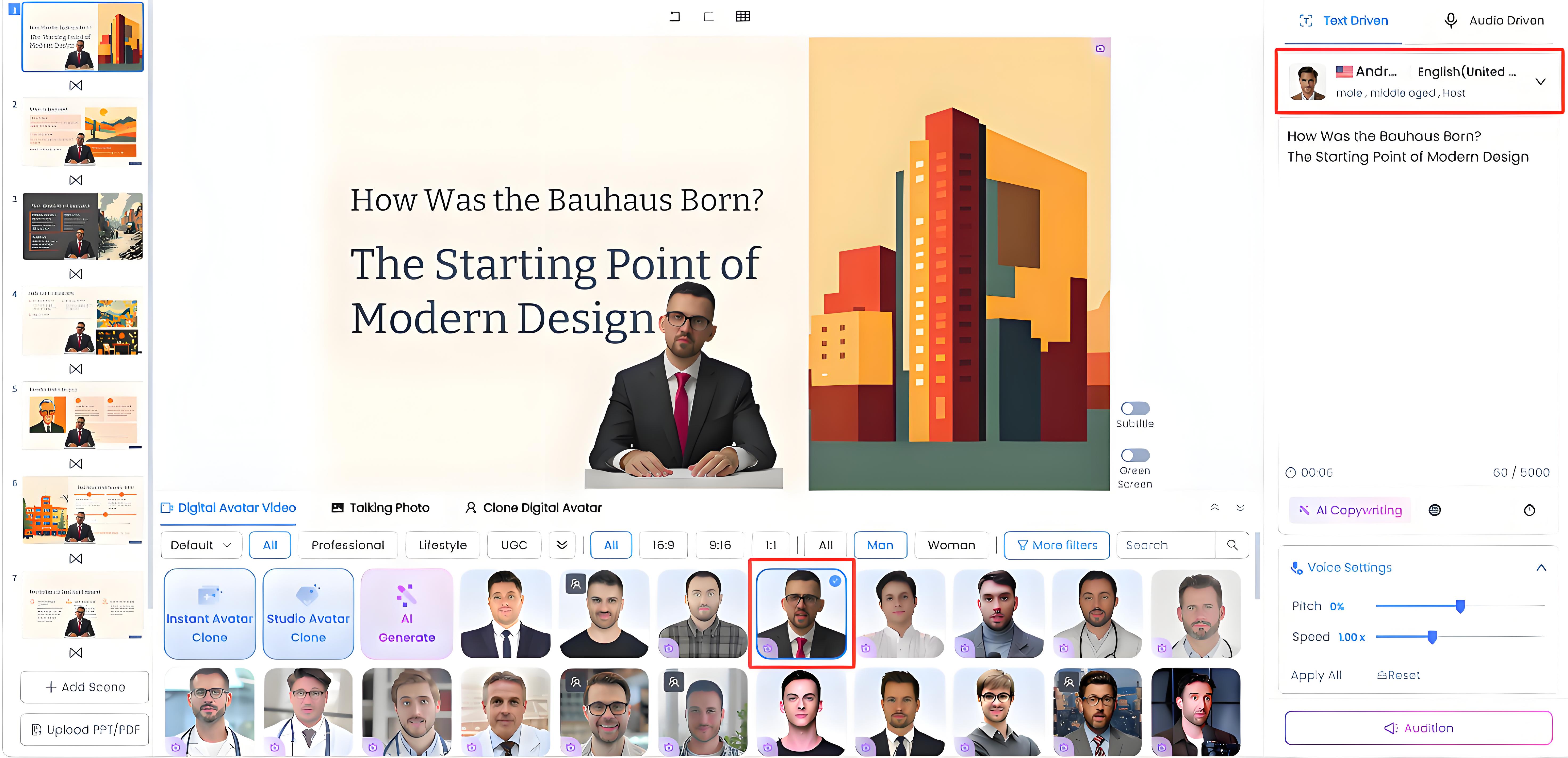
Step 2: Pick your avatar and voice
A wide variety of avatars and voices to choose from. Want a friendly teacher vibe or a professional corporate trainer look? It’s all up to you. And yes — you can deliver your lesson in English, Spanish, Japanese, Arabic, and more.
Step 3: Generate your video
Click "Generate video" and let the AI work its magic. In minutes, your slides become a full ppt video creation — voice, visuals, the whole deal. Need updates later? Just swap slides, no re-recording needed. Perfect if you want to convert ppt/pdf to video quickly.
Tips to Make Your Teaching Videos Stand Out
✅ Keep slides clear — Use less text and more visuals. Let AI narration handle the details so learners focus on the key points.
✅ Choose the right avatar — Match the look and tone to your course. Formal topics fit professional avatars, while lighter subjects work better with friendly, approachable ones. A digital avatar explainer can make even complex ideas feel simple and relatable.
✅ Use multilingual power — Generate versions in multiple languages to reach global learners. This helps your presentation to video content resonate with a wider audience.
✅ Update often — Don’t wait for yearly overhauls. Swap in new slides anytime so your videos always stay fresh and relevant.
✅ Stay interactive — Add questions, scenarios, or case studies. This makes the AI video feel less like a lecture and more like a two-way learning experience.
The Future of Smarter Teaching
Turning PPT into AI teaching videos isn’t just about saving time — it’s about making education dynamic, scalable, and accessible.
With KreadoAI, one set of slides can instantly become:
- A professional video lecture for students
- An onboarding module for new employees
- A multilingual training series for global teams
- Or even a digital avatar explainer that delivers content with a human touch
No studios, no expensive gear, no stress. Just smarter teaching that adapts as fast as you do. From static slides to living lessons — that’s the future of ppt to video, ppt video creation, and digital avatar explainer courses.
Ready to make your PPTs come alive? Try KreadoAI for free today and turn ppt to video into engaging AI teaching videos instantly!


