




KreadoAI vs D-ID AI – Best AI Video Creation Platform Alternative
KreadoAI and D-ID are leading AI video creation platforms that empower users to produce engaging, avatar-driven videos using AI-powered tools. Both offer AI Avatar and AI Text to Speech features, enabling users to turn scripts into dynamic visual content. While D-ID focuses on real-time animation from photos and live talking avatars, KreadoAI provides a broader suite of features tailored for training, marketing, healthcare and education—such as PPT Avatar Video, custom avatars, and seamless integration with learning platforms. Compare their unique features, usability, and pricing to find the best solution for your creative or corporate needs.
KreadoAI vs D-ID AI: Top Feature Comparison
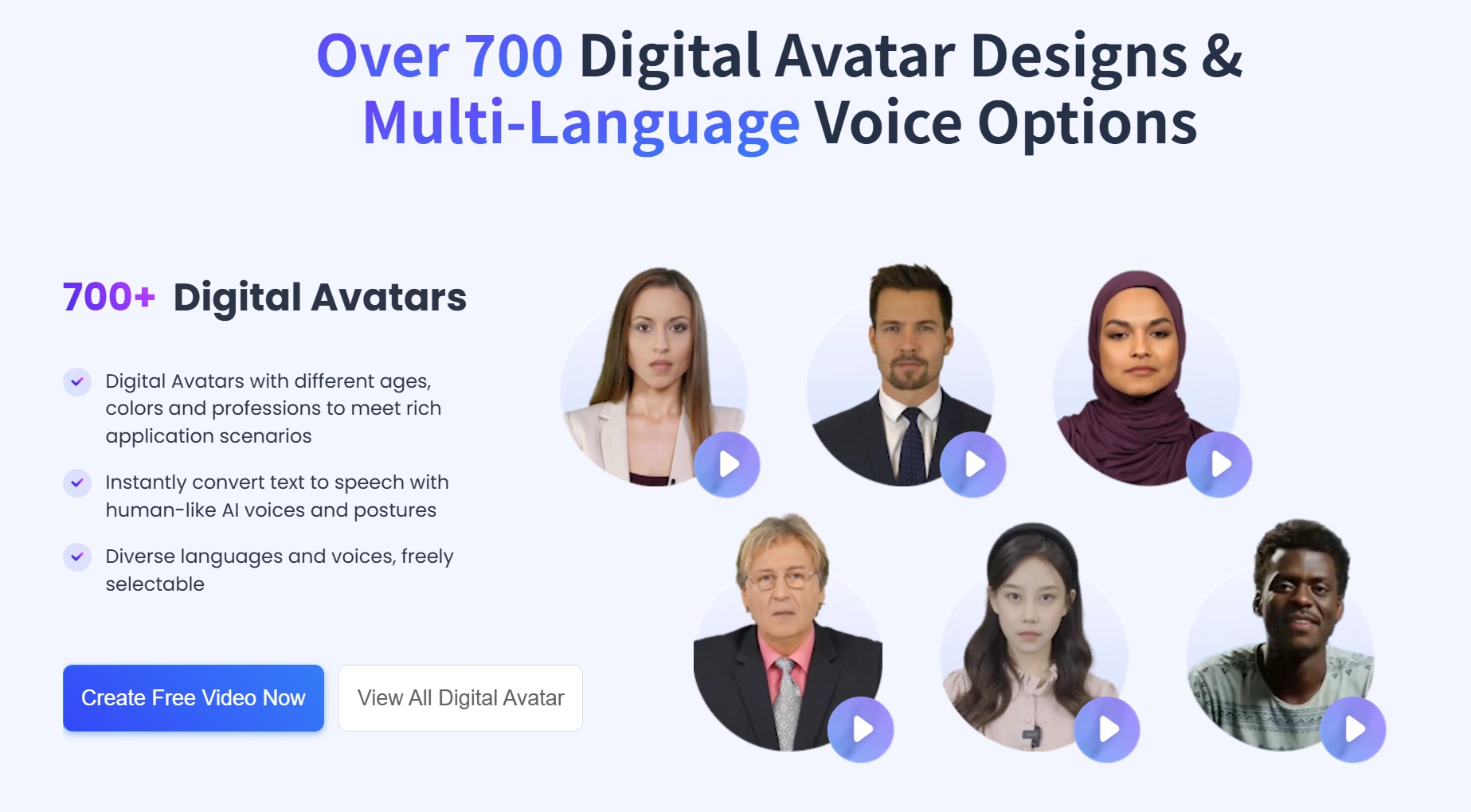
AI Avatar Video Creation
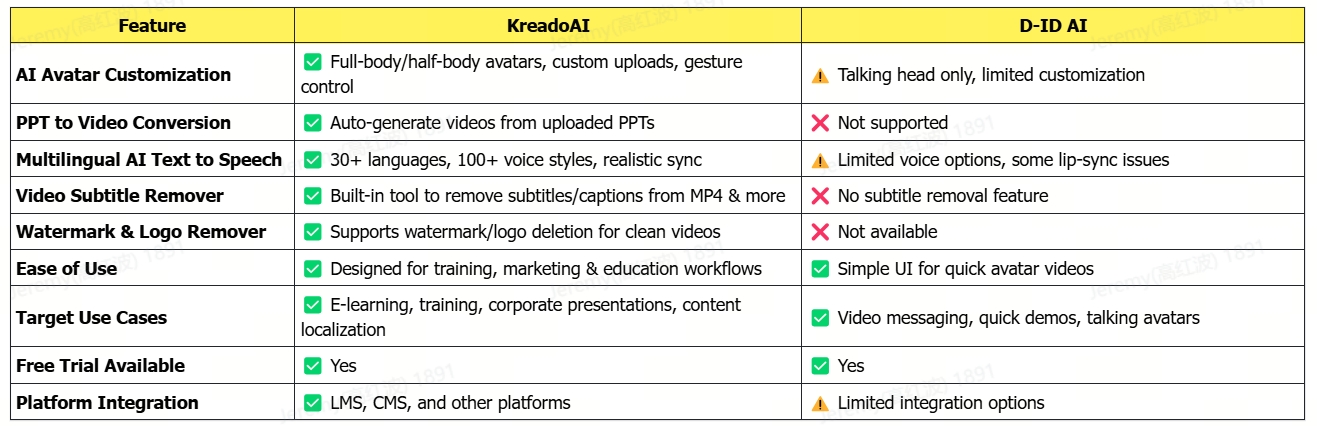
KreadoAI offers a wide range of custom AI avatars that can be tailored to match brand identity or presenter style. Users can create full-body or half-body avatars, supporting multiple languages, expressions, and gestures—ideal for training, e-learning, and corporate communication.
D-ID AI focuses on Talking Head avatars, transforming static photos into speaking faces. While quick and easy to use, it is more suitable for basic video messages and lacks the depth of customization offered by KreadoAI.
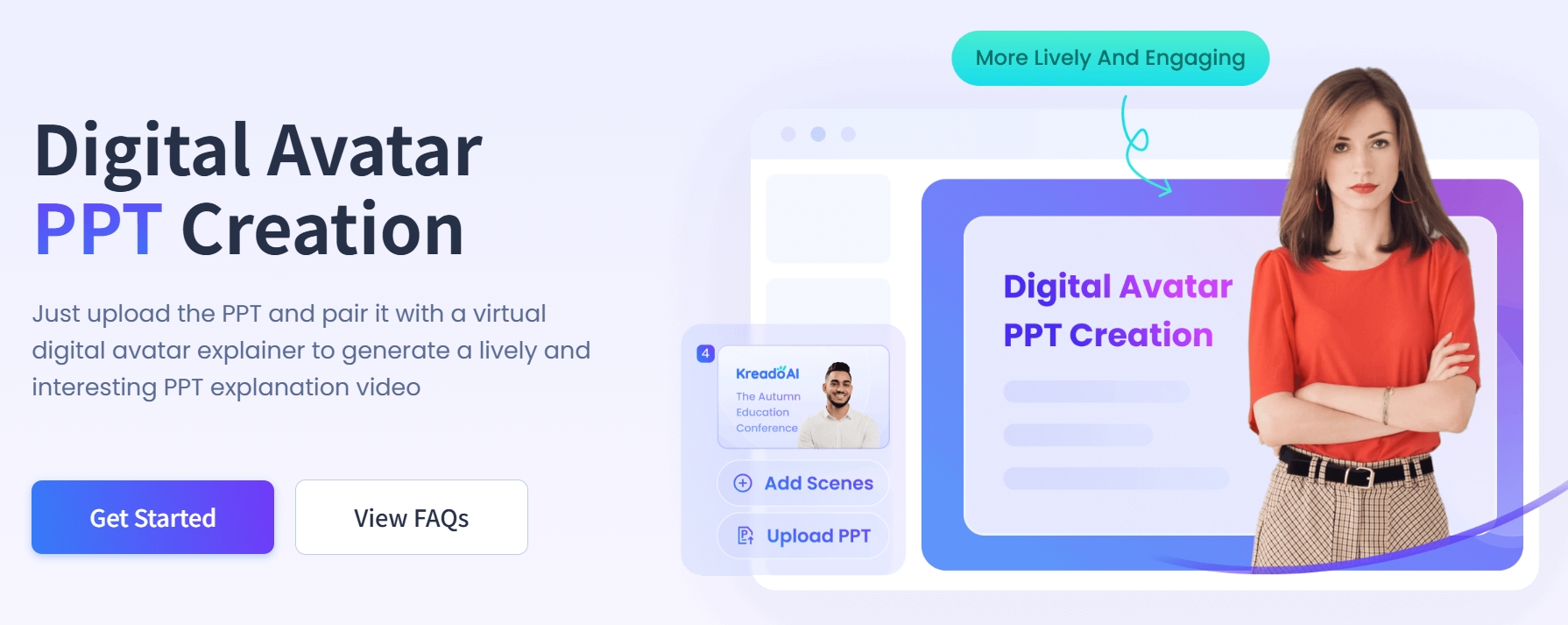
PPT to AI Video (PPT Avatar Video)
KreadoAI provides a unique PPT-to-video feature that automatically converts slide presentations into narrated AI videos. This is especially powerful for trainers and educators who want to turn traditional slide decks into dynamic video content with AI voiceovers and avatars.
D-ID AI does not currently support direct PPT integration, requiring users to manually extract content for video creation, making the workflow less efficient for presentation-based content.
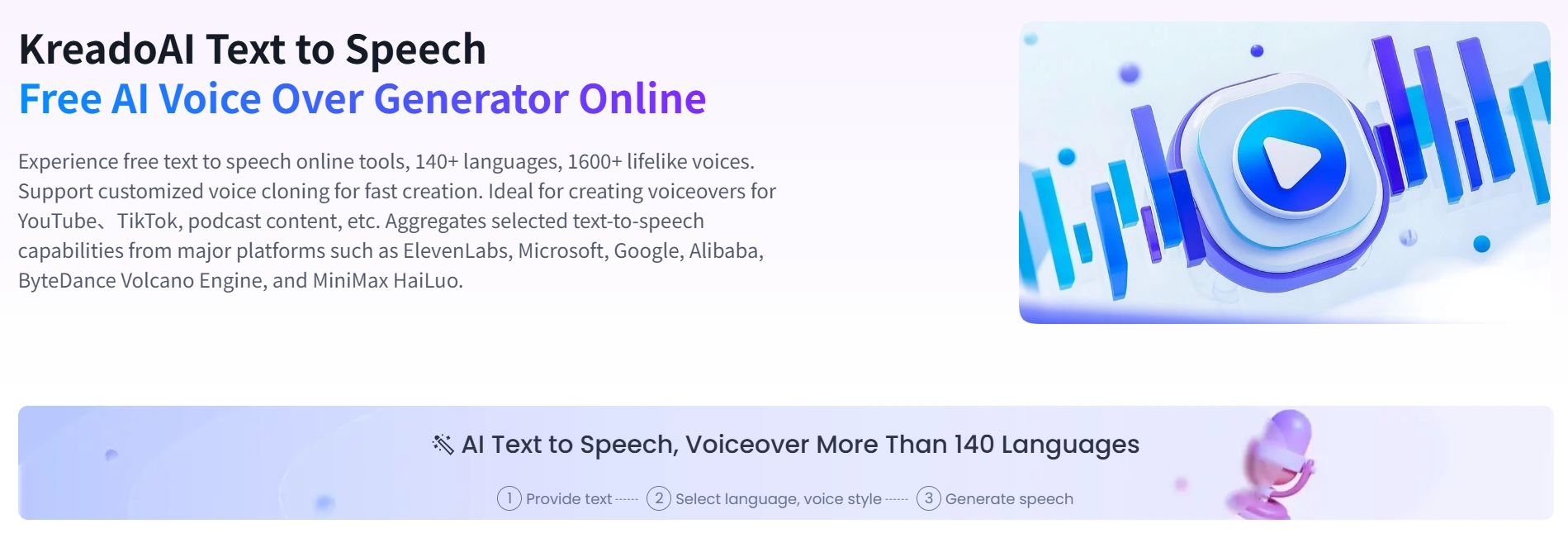
Multilingual AI Text to Speech
KreadoAI supports over 140+ languages and 1600+ AI voices, enabling natural-sounding speech with accurate lip-syncing for digital avatars. This is ideal for businesses needing localized video content across global markets.
D-ID AI also supports TTS and integrates with third-party voice services, but its selection of voices and language support is more limited, and the lip-sync accuracy may vary depending on the language used.
Conclusion
If you're looking for an all-in-one platform tailored for professional training, education, healthcare and corporate video production, KreadoAI stands out with its broader feature set and workflow efficiency. For quick, lightweight talking head videos from static photos, D-ID AI offers a simple and fast alternative.
KreadoAI vs D-ID AI: Annual Pricing Plans Comparison
KreadoAI Pricing Plans

D-ID Pricing Plans

Why Kreadoai Is the Best Alternative to D-ID AI?
If you’re looking for a more powerful, flexible, and content-driven AI video platform, KreadoAI is the best alternative to D-ID AI. With tools tailored for professional training, customizable avatars, and integrated post-editing features, KreadoAI helps you create videos that are both impactful and production-ready—without the need for manual editing or third-party software.
3 Reasons To Choose KreadoAI Over D-ID
KreadoAI Latest Release Feature - Video Subtitle Remover
KreadoAI offers a powerful and user-friendly video subtitle remover tool that lets you effortlessly remove subtitles from video without needing complex software. Whether you're looking to remove subtitles from video online free, delete subtitle from video, or simply need a reliable video caption remover, KreadoAI has you covered. This tool supports multiple formats, including remove subtitle from MP4, and is perfect for content creators who want clean visuals. Additionally, KreadoAI acts as a Video Watermarks Remover, allowing you to remove watermark from video and delete logo from video. If you're wondering how to remove captions from video or how to delete subtitle from video, KreadoAI provides a simple, fast, and effective solution—making it one of the best online remove watermark from video and Video Logo Remover tools available today.
Frequently Asked Questions About Video Subtitle Remover From Video
How to remove subtitles from video using KreadoAI?
KreadoAI provides an easy-to-use video subtitle remover that allows you to quickly remove subtitles from video online free. Simply upload your video, and the system will detect and erase hardcoded subtitles, providing you with a clean version.
Can I remove captions from MP4 videos?
Yes, with KreadoAI, you can remove subtitle from MP4 files effortlessly. The tool supports various video formats, allowing users to delete subtitle from video with just a few clicks.
Is KreadoAI a good video watermark remover?
Absolutely! KreadoAI also functions as a Video Watermarks Remover, enabling users to delete watermark from video online, and even delete logo from video with high precision using AI-based detection.
Can I remove watermark and subtitles from the same video?
Yes, KreadoAI allows you to remove captions from video and remove watermark from video in the same workflow, making it a versatile solution for content creators and educators who need polished, distraction-free output.
What's the difference between KreadoAI and D-ID AI?
KreadoAI offers a more comprehensive set of tools including PPT to video conversion, video caption remover, and Video Logo Remover, making it ideal for training and education professionals. D-ID AI, on the other hand, focuses on lightweight talking avatars created from photos.
See How KreadoAI Compares to Other AI Video Generators
InVideo Vs KreadoAI - Product Feature Comparison and Advantage Analysis
Veed Vs KreadoAI - Product Functionality Comparison and Advantage Analysis
Vidnoz Vs KreadoAI - Comparative Analysis of Product Features
Fliki Vs KreadoAI - An In-Depth Comparison of AI Video Generation Tools


