




For e-commerce brands, product images are the critical link between products and customers. However, blurry or low-resolution product photos often become a hidden barrier to conversion. Many merchants struggle with outdated visual assets that no longer meet advertising platform standards, leading to reduced trust, lower engagement, and missed sales opportunities.
KreadoAI's Image Upscaler was created to solve this exact challenge. Powered by advanced AI technology, it transforms fuzzy, low-quality product images into sharp, high-resolution ad creatives—allowing brands to reuse existing assets without the need for expensive and time-consuming reshoots.
👉 Try KreadoAI's Image Upscaler Today
What Can AI Image Upscaling Do for E-commerce Brands
1.Make products look more trustworthy
High-quality images clearly showcase materials, textures, and details, helping customers quickly build confidence in product quality. Clear visuals reduce hesitation and directly improve click-through rates and conversions.
2.Help ad creatives scale more easily
Across major e-commerce platforms and paid media channels, ad creatives that meet visual and resolution standards are more likely to gain exposure and clicks. AI image upscaling helps images quickly reach platform-ready quality, reducing performance issues caused by low-resolution or blurry visuals.
3.Give new life to existing assets
There's no need to reshoot products or recreate creatives from scratch. KreadoAI can upgrade best-selling visuals, historical ad assets, and long-tail SKU images, turning existing materials into high-quality, usable creatives.
4.Improve efficiency while reducing costs
With one-click enhancement and batch processing, images can be upgraded in seconds. Brands can significantly cut photography, design, and production costs while focusing more budget on campaigns that actually drive growth.
Practical Application Scenarios
1.E-commerce Advertising
Upgrade low-quality product photos for Amazon, Shopify, and paid ads on Facebook, Instagram, and TikTok, ensuring images meet resolution standards and stand out in crowded feeds.
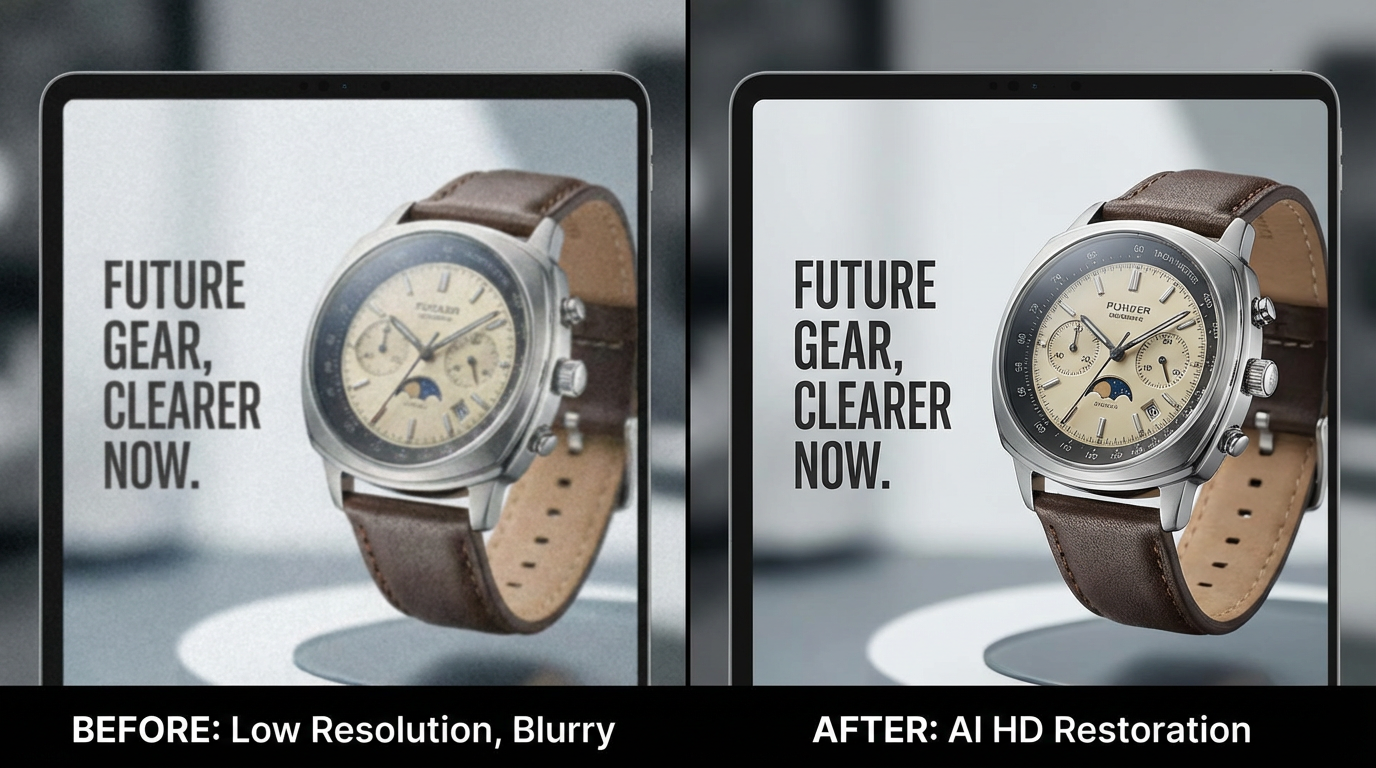
Prompt Guidelines:
Intelligently rebuild missing details and sharpen the main subject. Ensure text, dial numbers, and brand logos are crisp and legible. Improve material texture and overall clarity, delivering a clean, sharp, pixel-free image that meets premium e-commerce and brand advertising standards.
2.Product Detail Pages
Enhance old images showing textures, components, or usage scenarios, helping customers better understand products and make confident purchasing decisions.
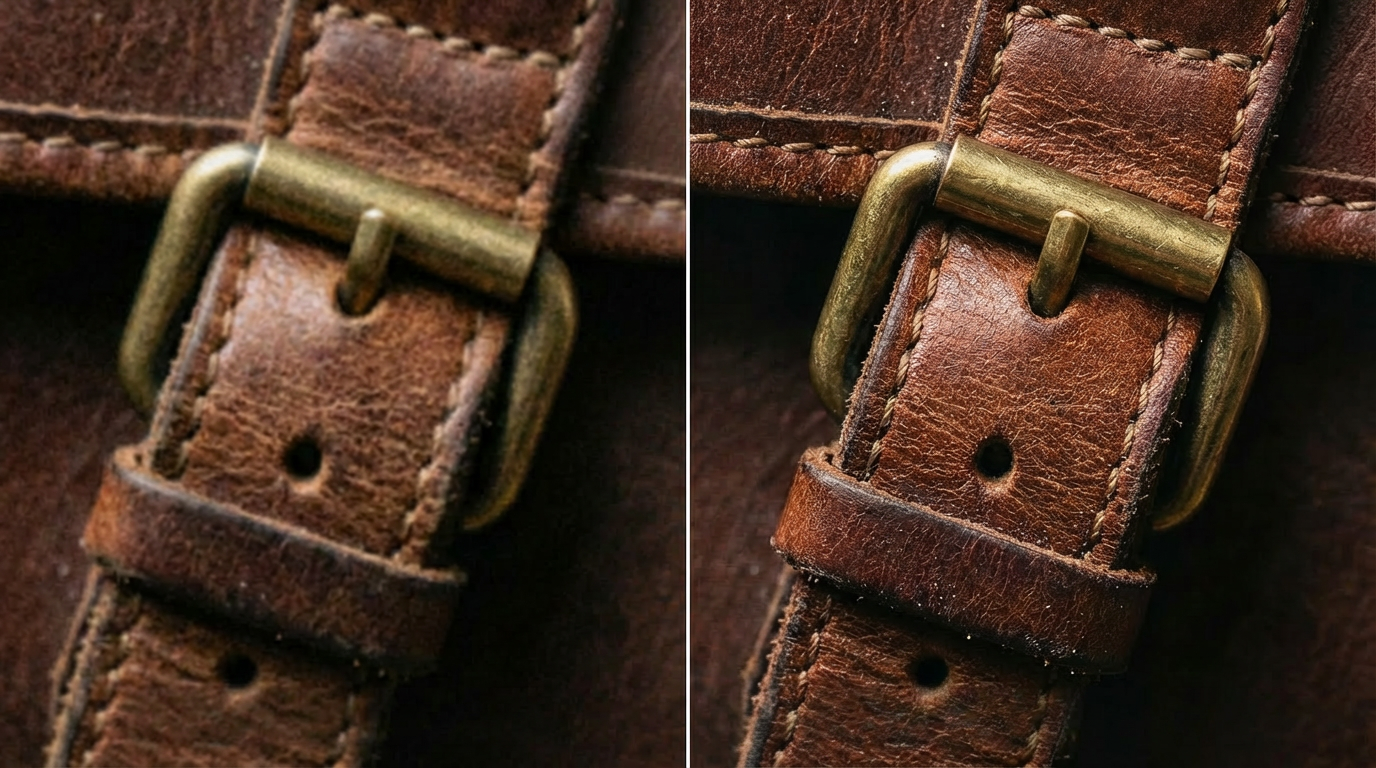
Prompt Guidelines:
Enhance leather texture with fine, natural grain and pores, realistic depth, and soft yet structured layering. Keep edges clean and sharp, eliminate noise and blur, and preserve natural lighting and color accuracy. Macro photography style, showcasing premium, authentic leather quality.
3.Promotional Materials
Revive blurry images for banners, posters, and email campaigns while maintaining a consistent, premium brand image across channels.
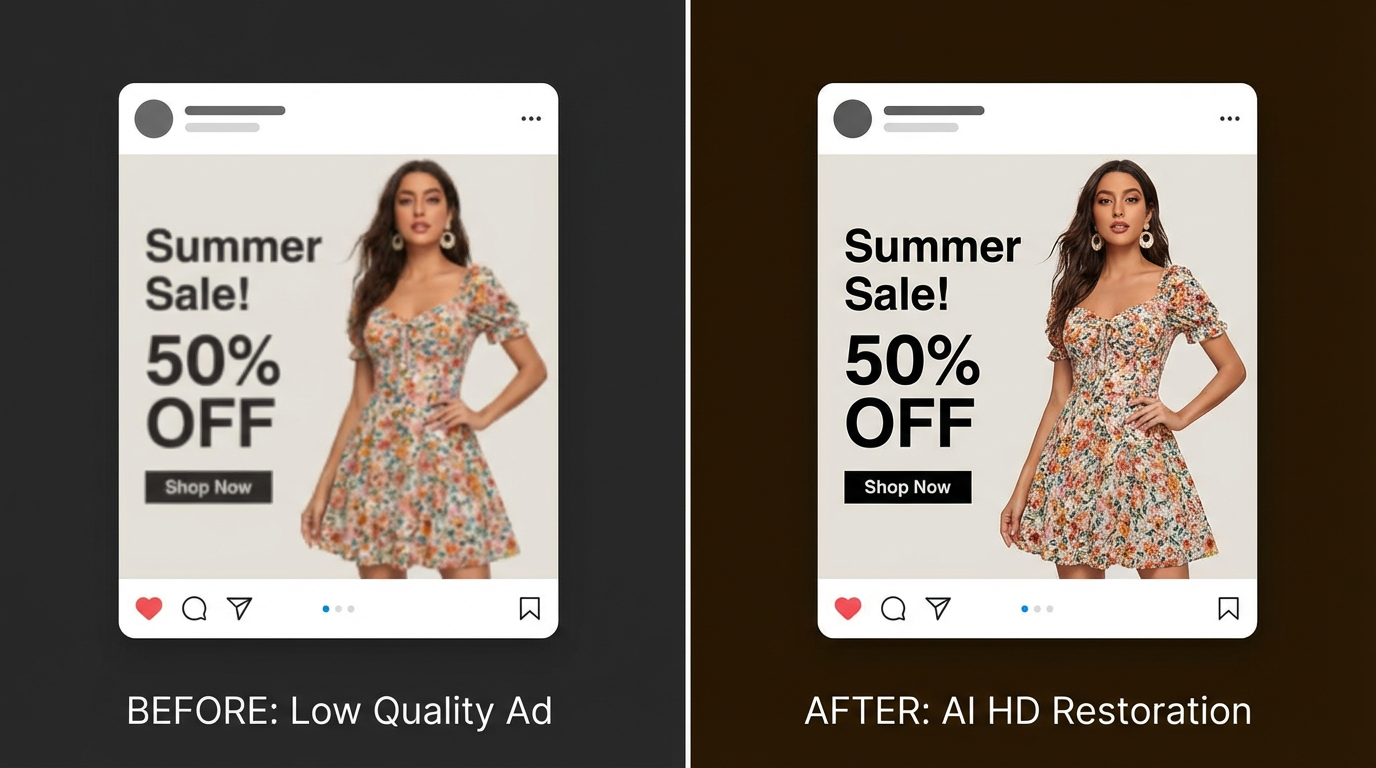
Prompt Guidelines:
Improve clarity of the model, clothing, and text while enhancing texture depth and edge definition. Remove blur and pixelation, maintain natural skin tones and realistic lighting, and output a high-quality commercial visual suitable for ad platform requirements.
4.Multi-Platform Adaptation
Upscale images for different formats—from mobile screens to large print materials—without sacrificing clarity or quality.
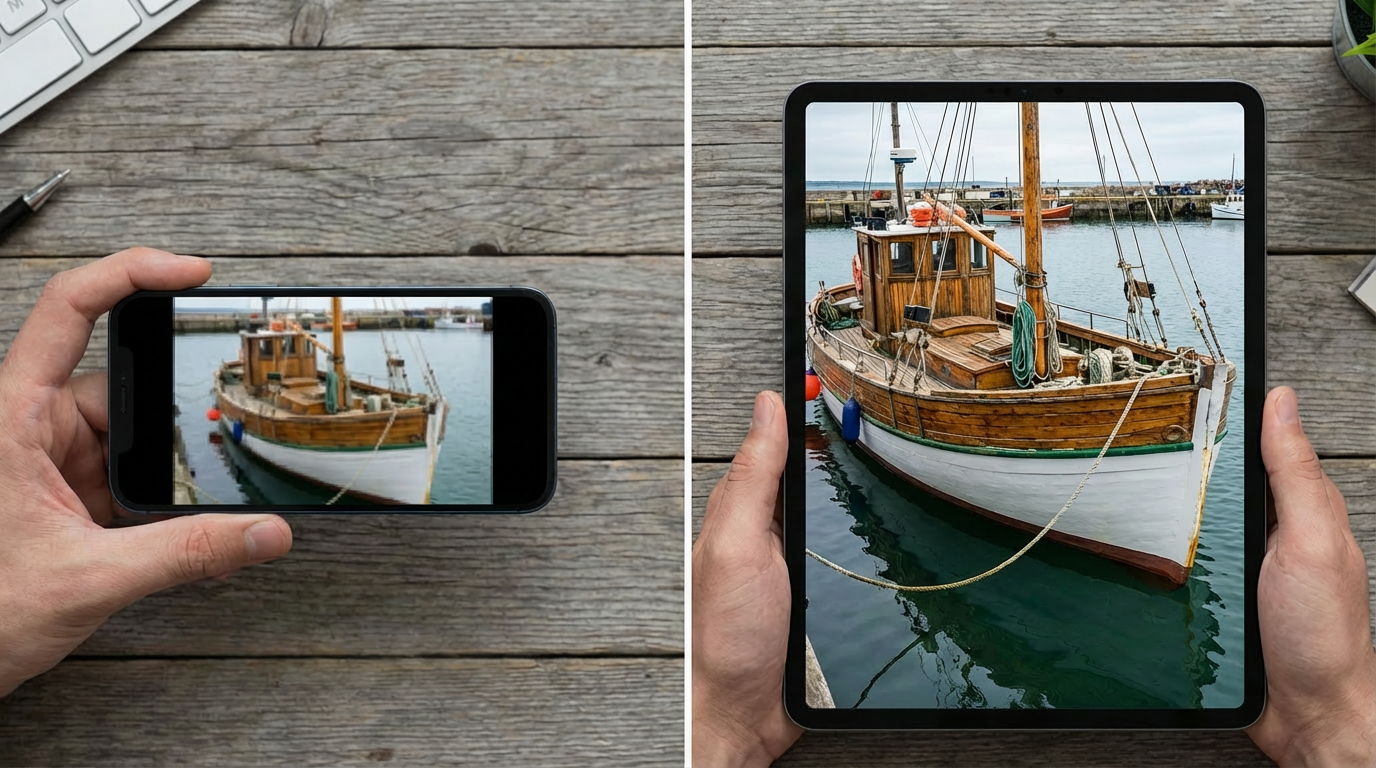
Prompt Guidelines:
Rebuild fine details, improve structural clarity and material definition, optimize edges and textures, and eliminate pixelation or distortion. Deliver a high-resolution image ready for multi-device display.
How to Use KreadoAI Image Upscaler (3 Steps)
Step 1: Upload Your Image
Upload a low-resolution, compressed, or blurry image.
Step 2: Enter Your Prompt
Enter your image enhancement request (such as improving clarity or enhancing details). KreadoAI will automatically analyze the image and apply intelligent high-resolution enhancement.
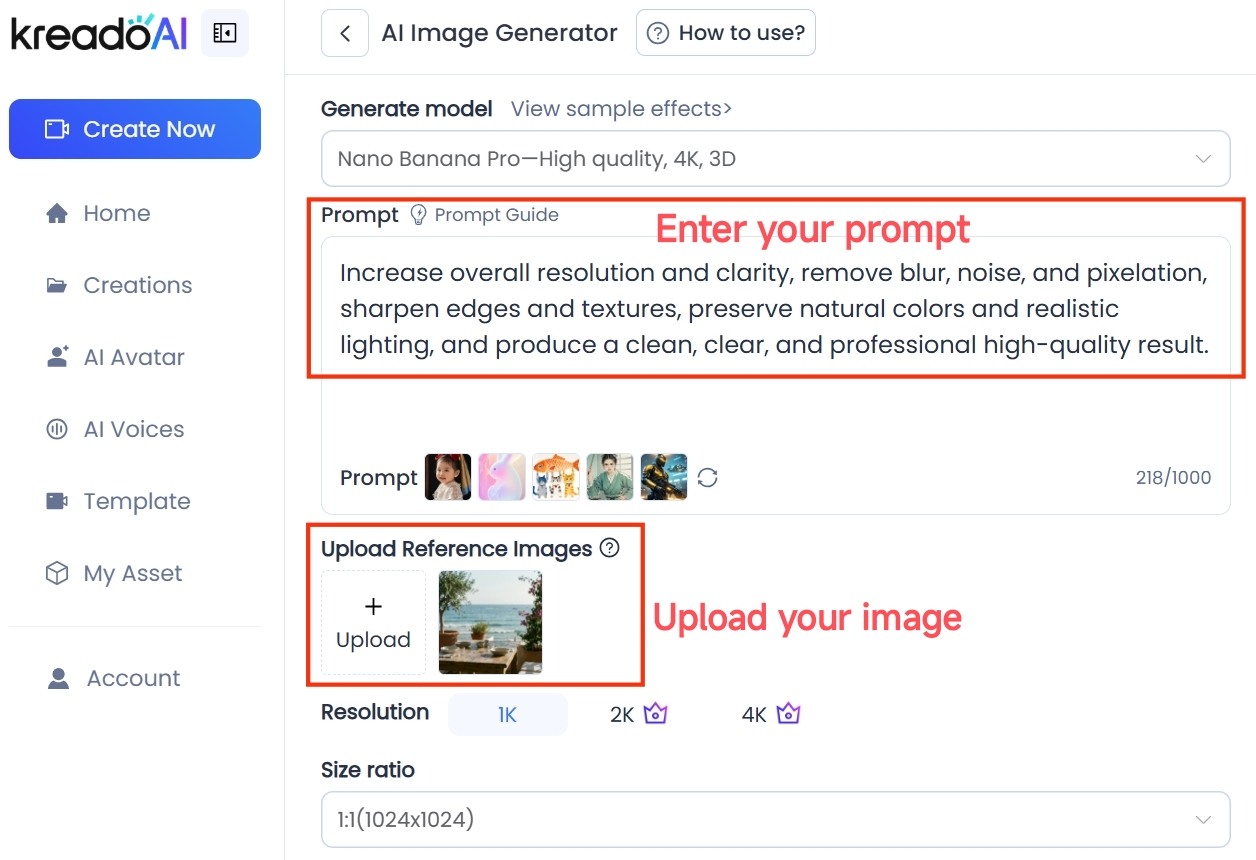
Prompt Guidelines:
Increase overall resolution and clarity, remove blur, noise, and pixelation, sharpen edges and textures, preserve natural colors and realistic lighting, and produce a clean, clear, and professional high-quality result.
Step 3: Download & Use
Download your high-resolution image and use it directly for paid ads, product pages, social media, or campaign banners—no redesign and no reshoot required.
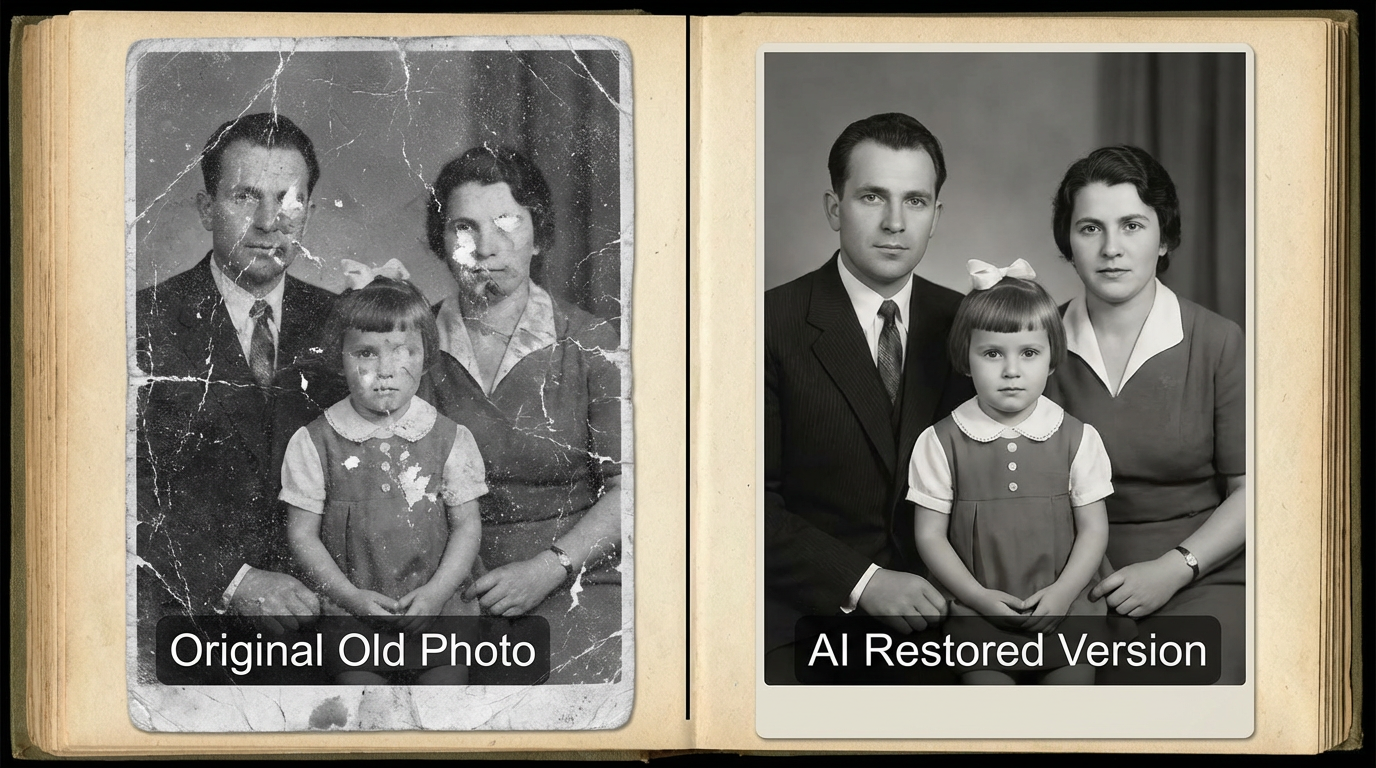
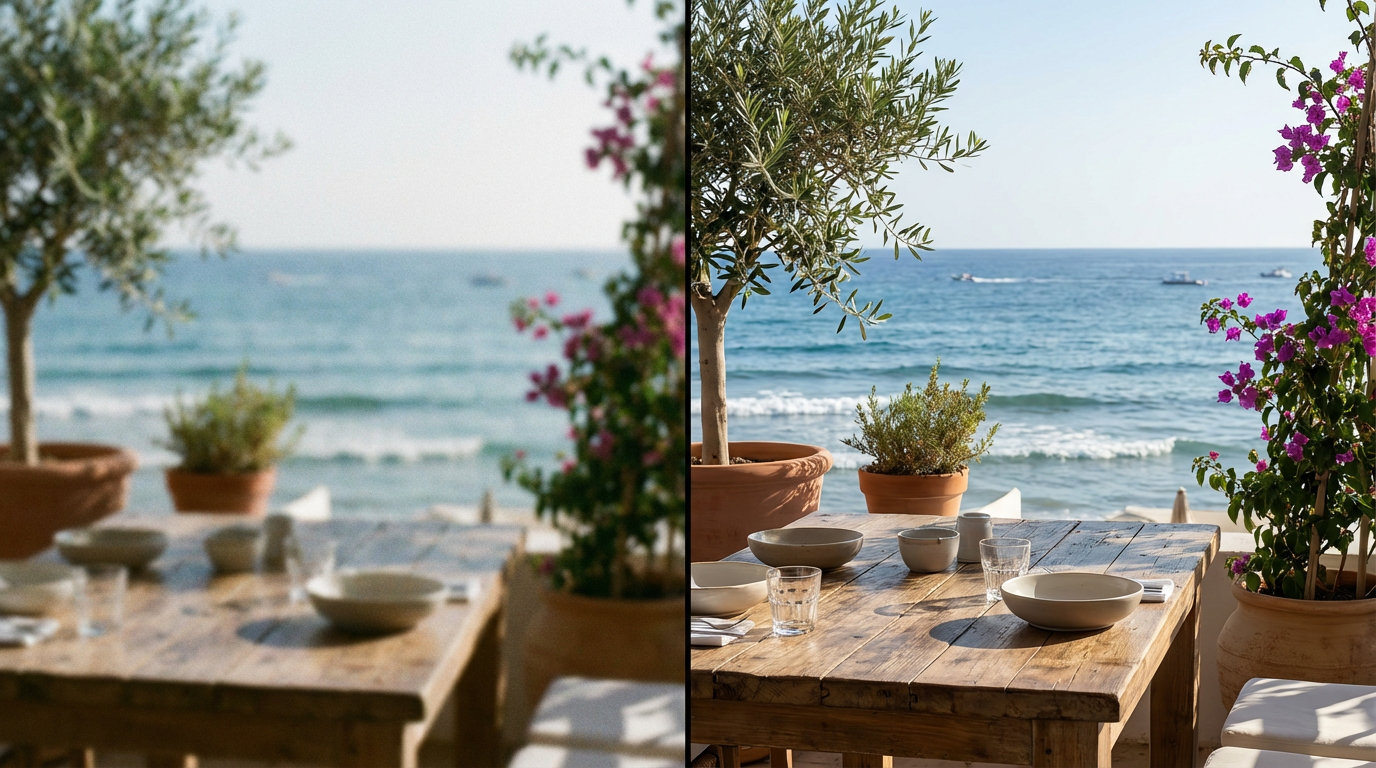
Sample Images:
Explore More: Multi-Size Ad Image Generator(Optional)
After restoring your image to HD quality, KreadoAI can also generate multiple ad sizes with one click, making it easy to adapt visuals for different platforms and placements.
No manual cropping or redesign needed. KreadoAI intelligently creates platform-ready ad dimensions while maintaining proper composition, subject focus, and consistent visual quality—helping your creatives perform across all channels with ease.

Stop Reshooting. Start Upgrading.
In today's highly competitive e-commerce environment, clear and professional product images are no longer optional—they're essential for both conversion and ad performance. KreadoAI's Image Upscaler helps brands quickly upgrade blurry, low-quality visuals, bringing existing images up to advertising and product display standards.
No reshoots. No redesigns. With AI, you can unlock the value of your existing assets, build stronger visual trust, and significantly reduce production costs.
Turn every image into a conversion-driving asset.


