


Step 1: Put your video on Smart Canvas
Upload a clip in Smart Canvas, or open an AI video you already made and enter Smart Canvas from Video Quality Enhance. UGC, ads, landing-page loops, and AI drafts all work.


Upscale existing videos to 1080P, 2K, 4K, or 8K with AI. Enhance UGC, marketing videos, landing-page loops, and AI-generated drafts in KreadoAI Smart Canvas without rebuilding your edit or voiceover.
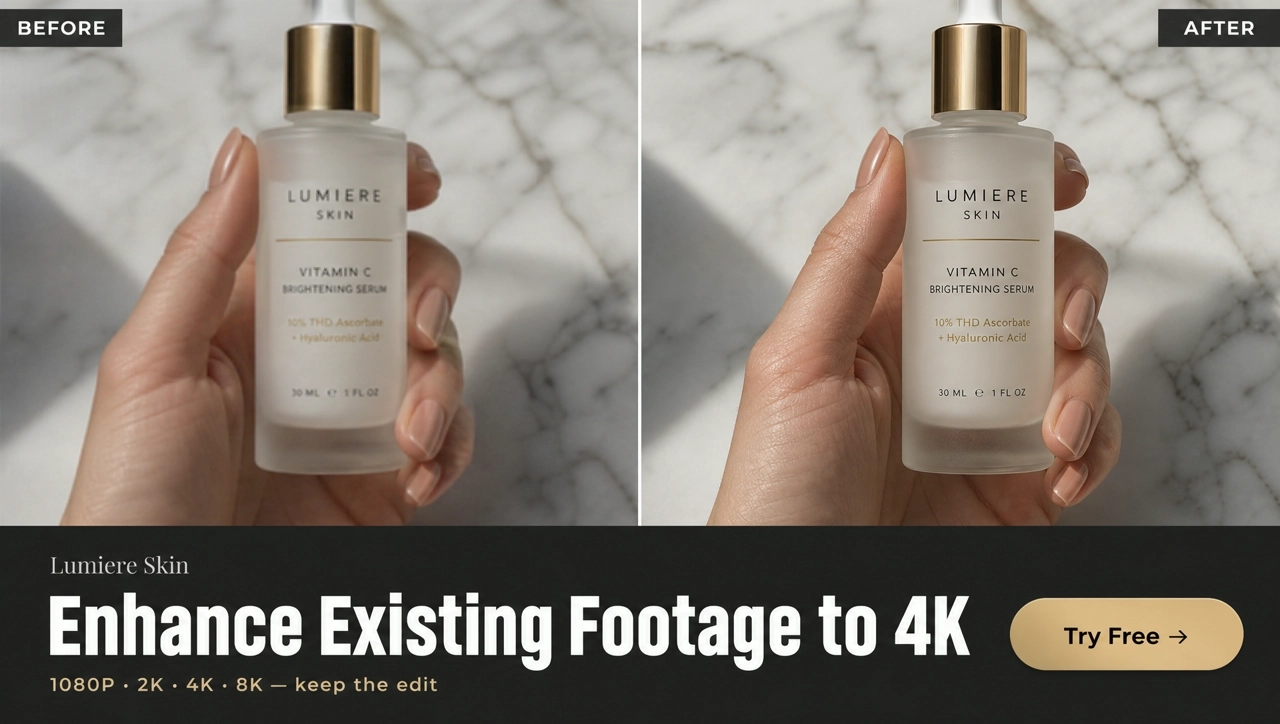
An AI video enhancer improves the resolution and clarity of a video you already have — shot or generated — without rebuilding the edit. It is not a new image-to-video generation, and it is not a brightness slider. KreadoAI Video Quality Enhancement upscales existing footage to 1080P, 2K, 4K, or 8K while keeping timing and audio intact. A video upscaler mainly adds pixels; an enhancer also recovers edge detail and compression softness. KreadoAI does both in one pass.
Enhance an Existing VideoThis is not a new image-to-video generation. Upload a shot or generated clip, run Quality Enhancement, and keep the original edit.
The modal offers two modes. Standard (better value) is the lighter pass for footage that is already fairly clean. AI Pro (quality first) uses a heavier model for compressed phone clips and soft AI drafts.
Output 1080P, 2K, 4K, or 8K. Target frame rate ranges from 15 to 120 FPS. For most paid-social UGC, 1080P at 30 FPS is enough.
Analysis, trim, extend, and video translation stay on one Smart Canvas board. If the trafficked version is translated, enhance after translation — not twice.
Upload a clip in Smart Canvas, or open an AI video you already made and enter Smart Canvas from Video Quality Enhance. UGC, ads, landing-page loops, and AI drafts all work.
Select the clip and click Upscale. In Video Quality Enhance, choose Standard or AI Pro, set output clarity and frame rate, then submit generation.
When enhancement finishes, preview the clear result on the canvas and click Download.
Pick Standard when the source is already fairly clean. Use AI Pro to recover more detail from compressed phone footage and soft AI-generated clips. Choose by source, not by marketing labels.
Try both modes →Set resolution independently of frame rate. For most 720P social clips, 1080P is enough. Use 4K or 8K only when the display and the source can support it. Footage below 480P will not become a true 8K commercial.
Set output resolution →Target frame rate is set on its own. 30 FPS remains the sensible default for UGC ads. Raising a shaky handheld clip to 120 FPS mainly makes the shake easier to see.
Keep 30 FPS for ads →Several files can share one Smart Canvas. Enhancement should not change story, timing, or voiceover. Review lips, labels, and audio once at normal speed before you export.
Upload a batch →Move a vertical phone unboxing or creator take to 1080P so Meta’s short-side minimum is met, without reshooting a clip that already converts.
A 1080P loop can still look mushy on a large display. Start with Standard; step to 2K or 4K only when the page actually plays at that size.
Seedance, Kling, or Sora clips often land soft. Lock the cut first, enhance once, then export. A warped original will not become live-action at 4K.
Run several files on one board so a launch stays on the same resolution and frame rate instead of mixing 720P and 1080P in one ad set.
Enhance stills, generate new clips, translate, or remove subtitles — then return to Quality Enhancement when the cut is locked.
Open Smart Canvas, upload the file, choose Quality Enhancement, and export 1080P–8K without rebuilding the edit.