Step 1: Put the flat image on Smart Canvas
Open Smart Canvas and upload the poster, product still, or campaign JPEG you were about to rebuild. High-contrast sources split more cleanly. Split the master before you crop it for feed or story.


Turn a flat poster or product still into editable layers with AI Image Layer Generator. Separate people, products, type, and background, then export transparent PNGs or a layered PSD on Smart Canvas.
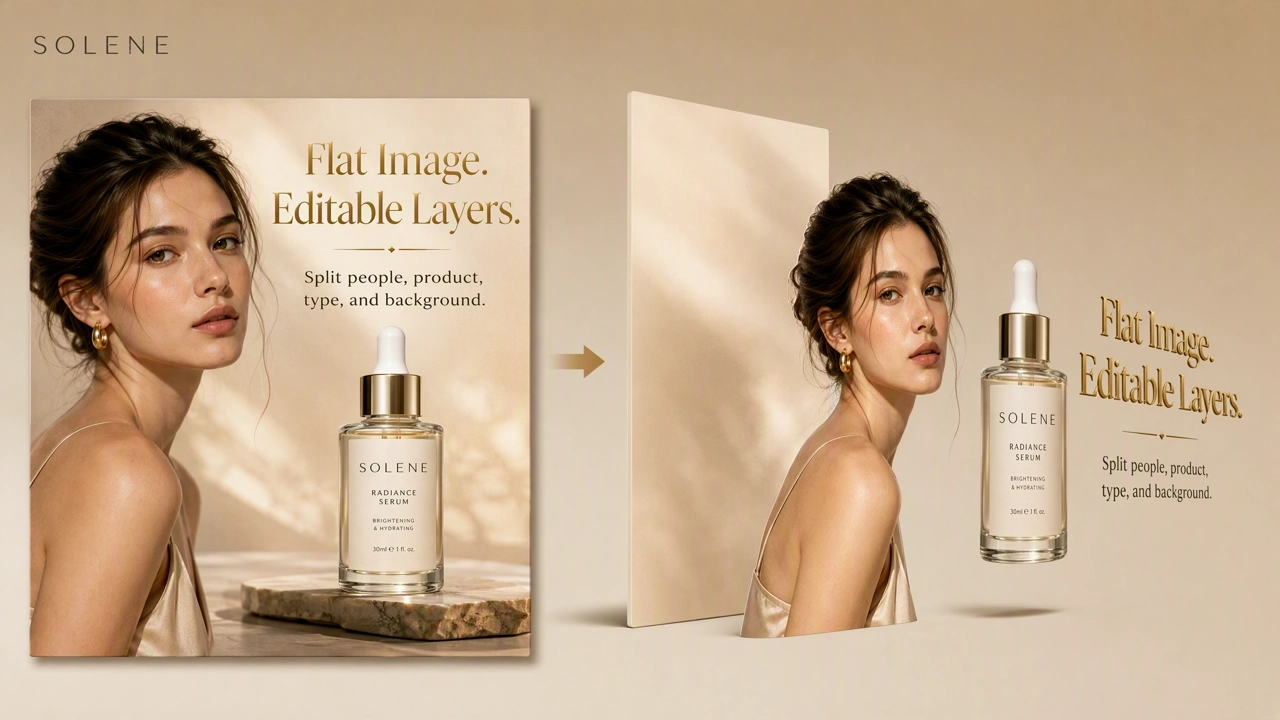
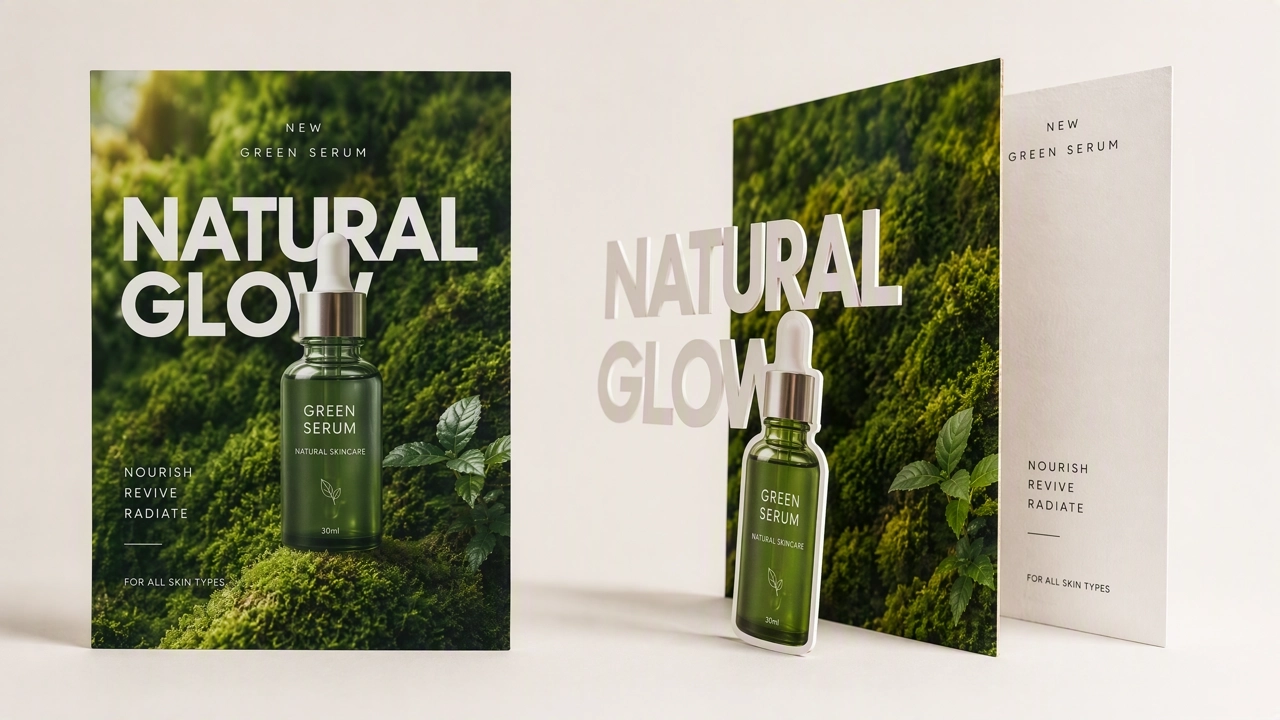
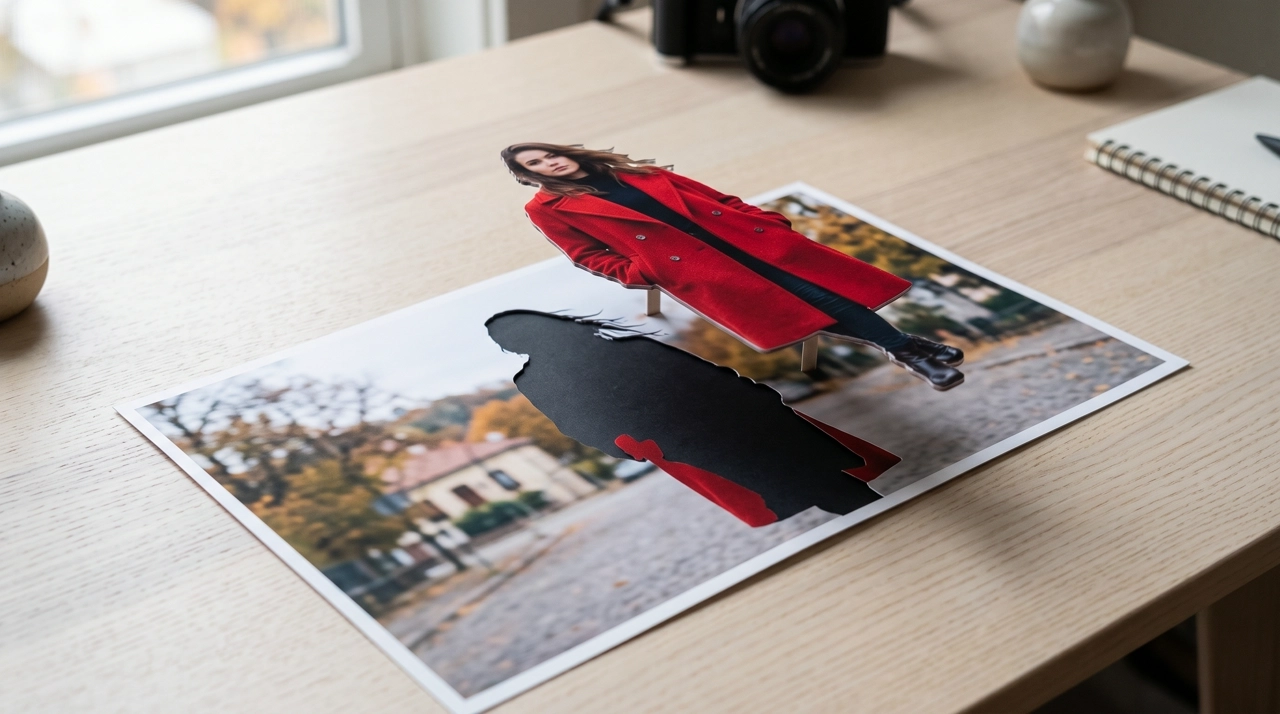
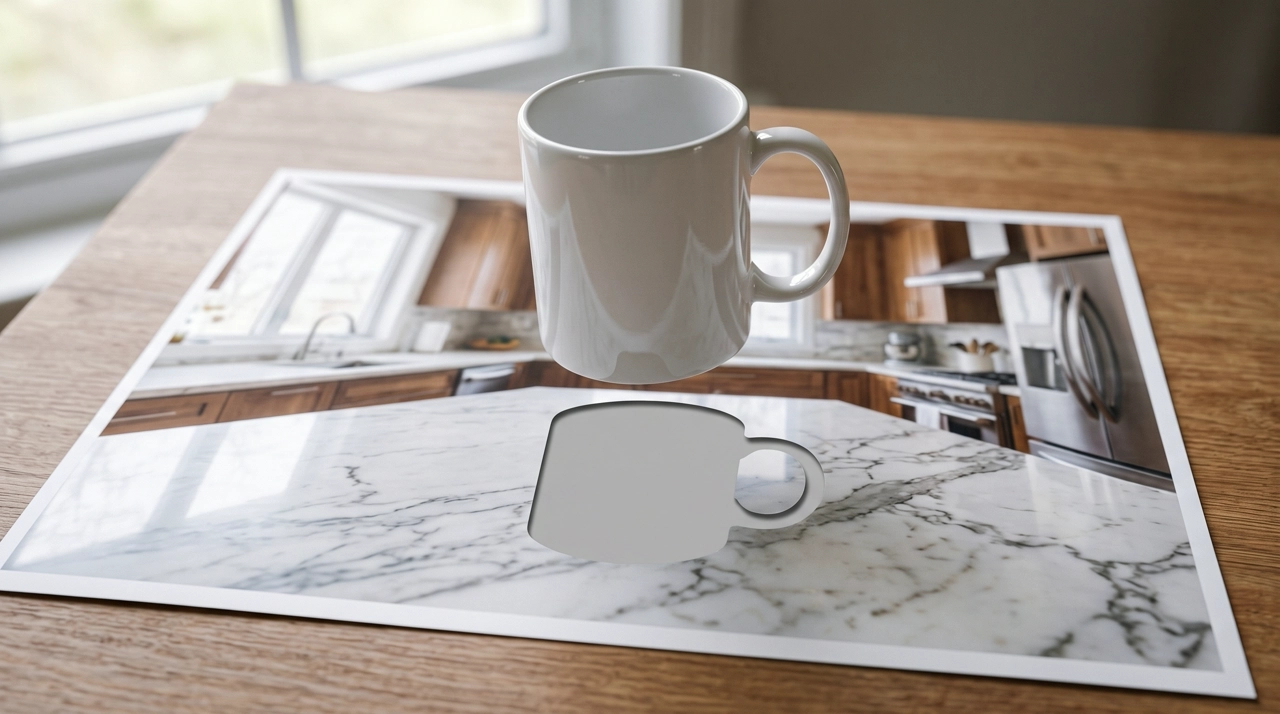
An AI Image Layer Generator turns one flat image into a stack of editable layers — typically subject, product, decoration, and background. It is not a background-removal slider, and it is not a new generate from a prompt. On KreadoAI, AI image layer separation runs in Smart Canvas on Seedream 5.0 Pro. You upload a still you already have; the model splits it into up to 16 layers, inpaints the plate where the subject sat, and lets you move, scale, and recompose on the canvas. Export transparent PNGs or a layered PSD. Used this way, it is also an AI image to PSD tool and an image-to-layers workflow for designers who need reusable assets, not another JPEG.
Split Image into LayersThis is not a new generation. Upload a poster, pack shot, or campaign still and use AI Image Layer Generator on the file you already trust.
The model pulls independent elements onto their own layers — talent, SKU, ornaments, and the plate behind them — so a headline change does not mean regenerating the whole ad.
Download a PNG stack for a quick comp, or take an AI image to PSD handoff when Photoshop work continues outside KreadoAI.
Run several files in one session. Each image lands on its own board so SKUs do not merge into one stack. Output size: Auto, 1K, 1.5K, or 2K.
Open Smart Canvas and upload the poster, product still, or campaign JPEG you were about to rebuild. High-contrast sources split more cleanly. Split the master before you crop it for feed or story.
Start AI Image Layer Generator on the image. Seedream 5.0 Pro identifies independent elements and returns each as its own layer — up to 16 per file. Simple scenes often return fewer, which is usually the better design file.
Move, scale, and rebuild the layout on the canvas. Download all layers as transparent PNGs, or take a layered PSD for Photoshop. Match output size to the destination: 1K for drafts, 1.5K for most social stills, 2K for large placements and PSD handoff.
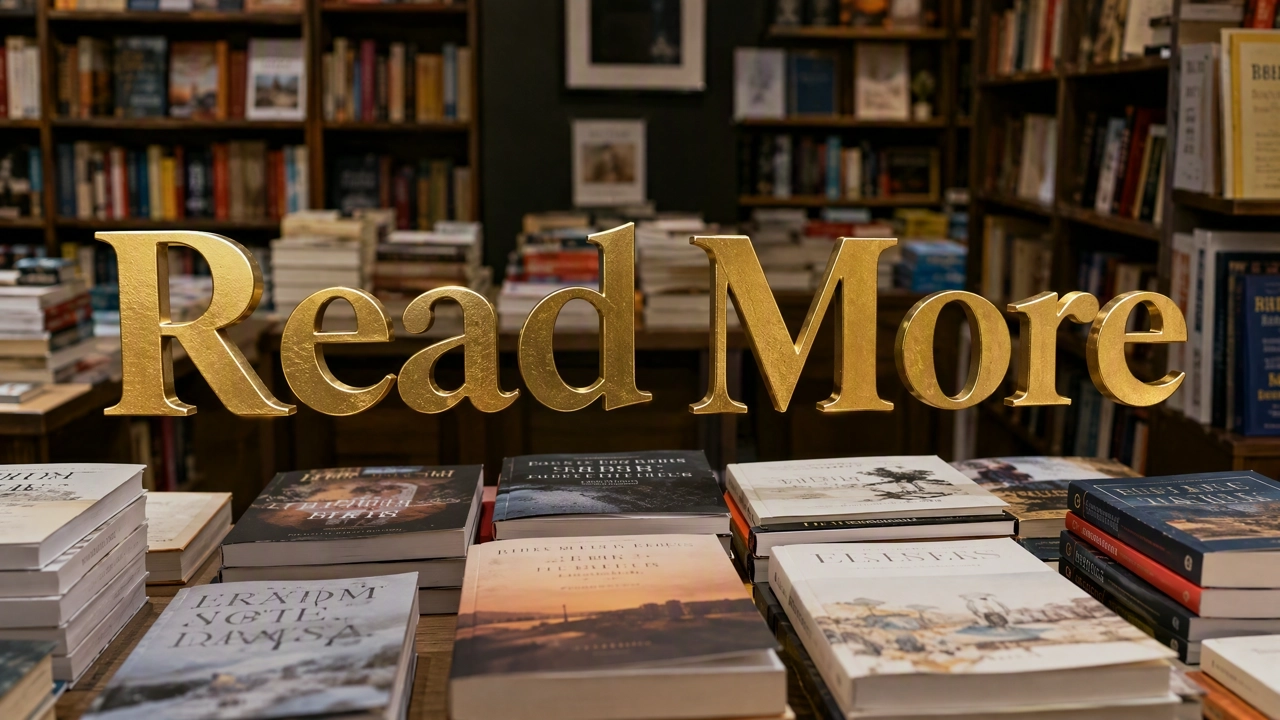
Seedream 5.0 Pro splits people, products, ornaments, and background onto independent layers. Sixteen is the ceiling, not a quality score. A clean five-layer split is often more useful than a noisy sixteen.
Separate image into layers →Take a layered PSD when a designer will keep the file. Convert a flat image to editable Photoshop layers without rebuilding the illustration from scratch. Review the stack once before you hand it off.
Export a layered PSD →Download each element as a transparent PNG for comps, multi-size ads, and quick layout. PNG is the fast path; PSD is the design-document path. Both start from the same split.
Download transparent PNGs →Run multiple images in one Smart Canvas session. Each image stays on its own board. Set Auto, 1K, 1.5K, or 2K to match the destination — not the highest label on the menu.
Batch split images →A flattened Meta or marketplace poster becomes a file you can design with: move the bottle, swap the badge, stretch the backdrop for 9:16. Use AI Image Layer Generator on the existing creative, not another regenerate.
Pull the SKU off the plate, keep an inpainted backdrop, and rebuild PDP or paid-social crops without a reshoot. Hair, glass, and a missed logo may still need a short cleanup.
When the next round happens in Photoshop, export a layered PSD instead of a flattened JPEG. Transparent PNGs are enough for a Figma or media comp; PSD is the better package for continued design work.
Process several images in one session. Each file gets its own board so a launch set stays separable. This is batch image layer separation for design reuse, not a single mixed stack.
AI Image Layer Generator splits a still you already have. Open Smart Canvas for other edits, or generate a new ad when the file does not exist yet.
Open Smart Canvas, upload the poster, run AI Image Layer Generator, and export transparent PNGs or a layered PSD without rebuilding the illustration.