


Ever tried cleaning up a video and those stubborn subtitles just won't quit?
Yeah… we've all been there. Whether you're making content that looks slick, reposting clips for social media, or just trying to make your videos look tidy, those captions are the absolute worst. And erasing them by hand? Forget it—slow, messy, and usually ends up looking amateurish.
That's where a video subtitle remover comes in clutch. These tools spot text and erase it automatically, so your video ends up looking clean and professional. Some are super quick for a fast online fix, while others are full-on pro tools if you want everything polished.
Here's a list of the best ones out there and what makes them awesome.
👉Try the best video subtitle remover online & free
1.KreadoAI Video Subtitle Remover
KreadoAI is a powerhouse for subtitle removal and clearly a leader in this space. Its AI subtitle removal tool doesn't just blur text or mask it — it removes subtitles completely, leaving your video looking crisp and professional. The AI handles a variety of languages, fonts, and background complexities, making it ideal for content that needs a flawless finish.
The workflow is simple: upload your video, select your options, and let KreadoAI do heavy lifting. Within seconds, you have a clean video ready to use on YouTube, Instagram, TikTok, or any platform.
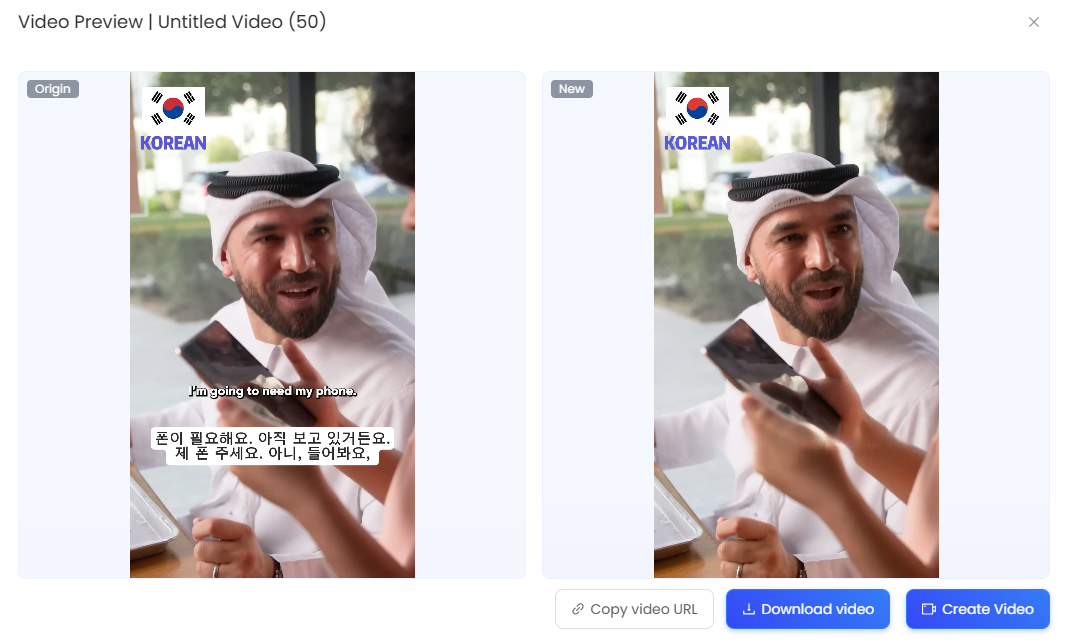
✅Features: AI-powered subtitle removal, supports multiple languages, works with moving/static backgrounds.
✅Pros: High accuracy, fast processing, easy-to-use interface.
✅Cons: Slight color artifacts in some static scenes.
✅Best For: Professional video editors and content creators who need quick and accurate subtitle removal.
✅Performance: Outperformed all competitors in speed and accuracy during our tests.
2.Unwatermark AI Subtitle Remover
Unwatermark is totally free and does all the heavy lifting for you. No sign-ups, no complicated menus—just upload your video and boom, subtitles gone. Video stays sharp, no messy edges.
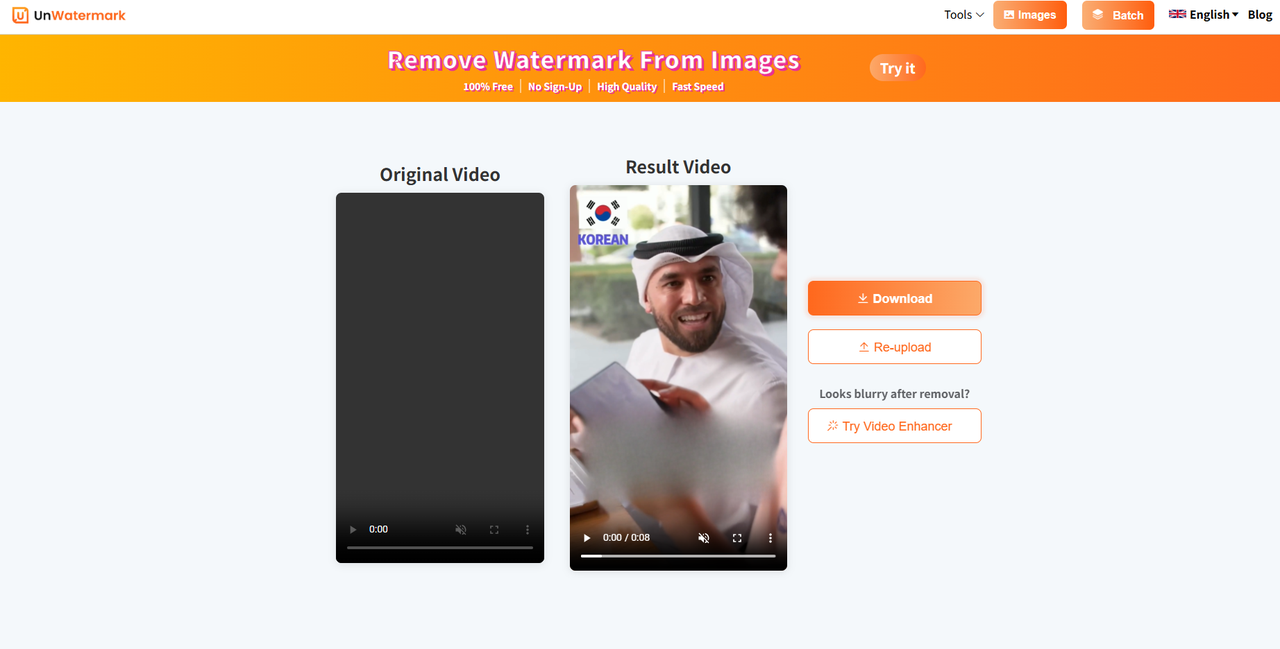
✅Features: AI-based detection, auto background fill, no install required.
✅Pros: 100% free, super easy to use, no signup.
✅Cons: Subtitle removal quality is poor and results are blurry.
✅Best For: Casual users who need a quick subtitle cleanup.
✅Performance: Works well for basic removal, but struggles with detailed or moving backgrounds.
3.Vmake AI
Vmake AI is a cloud-based tool built for speed. Short clips, simple backgrounds—it eats them up and spits out a clean video. Upload, let it work its magic, and watch those subtitles vanish.
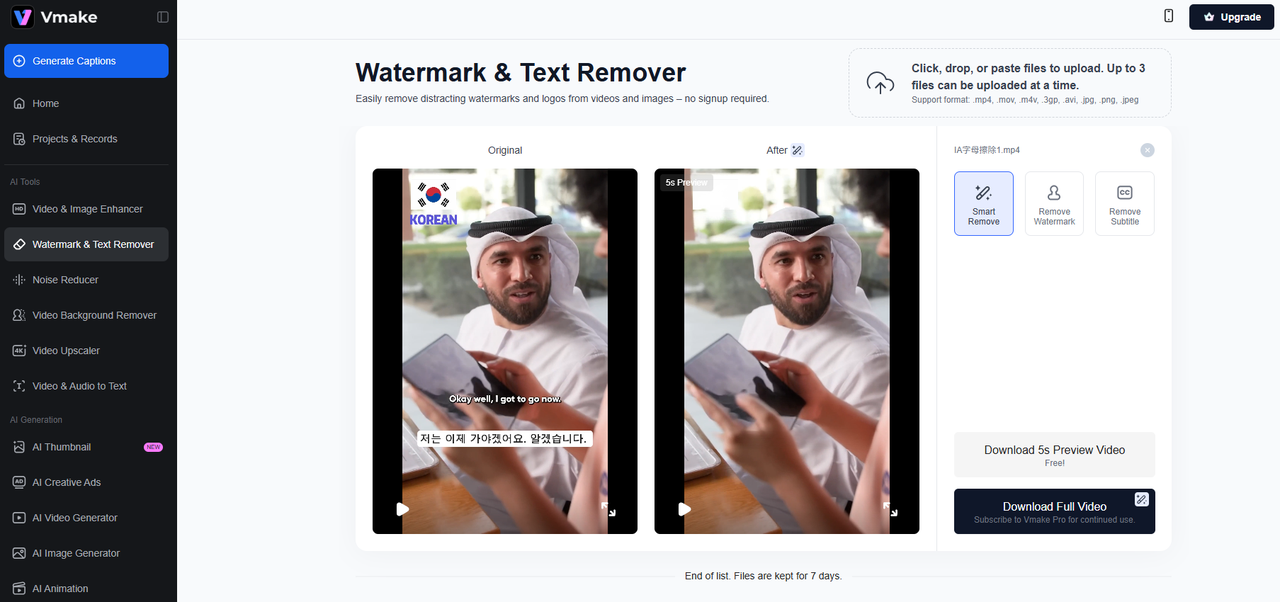
✅Features: Cloud-based, fast AI detection, optimized for short-form content.
✅Pros: Quick processing, beginner-friendly, no software installs.
✅Cons: Best only for simple clips, not ideal for complex edits.
✅Best For: YouTubers, TikTok creators, or casual editors needing fast cleanup.
✅Performance: Blazing fast for short clips, but quality dips with complex scenes.
4.Blur Video AI
Blur Video is an AI-powered online tool that detects and removes subtitles, logos, and watermarks while seamlessly restoring the background for a clean, professional look. It supports multiple video formats and works quickly, making subtitle removal simple and hassle-free.
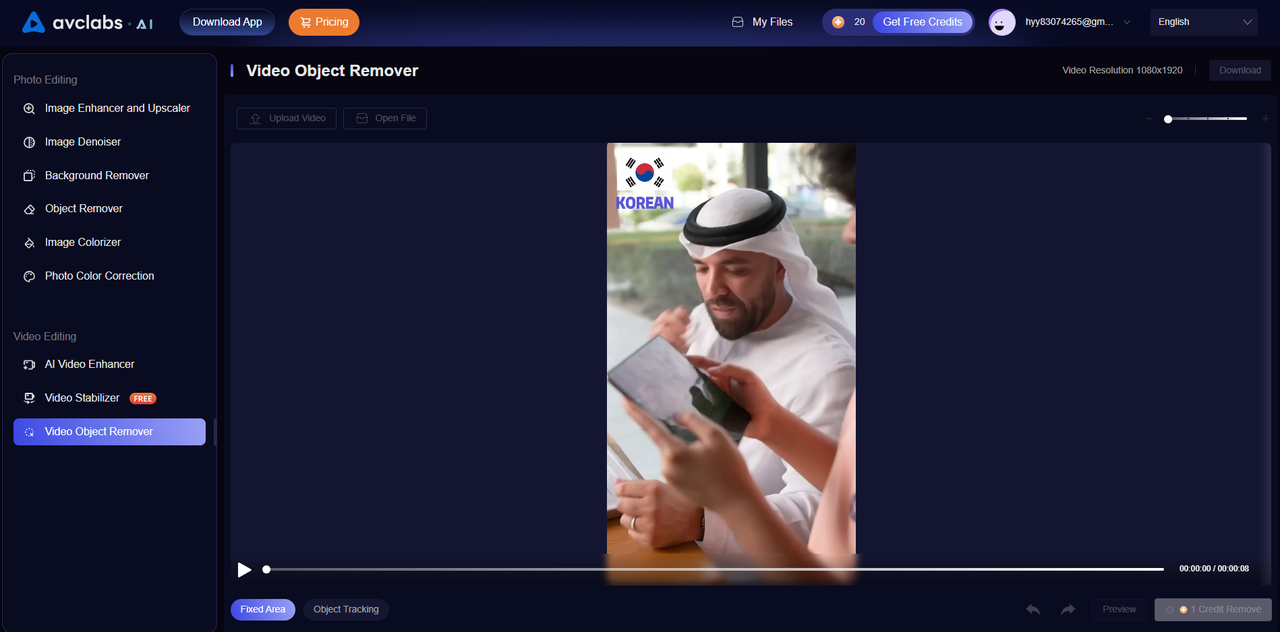
✅ Features: AI-driven subtitle removal, supports multiple formats, automatic background restoration.
✅ Pros: No registration required, supports multiple formats, simple workflow.
✅ Cons: Limited performance on complex backgrounds.
✅ Best For: Users needing quick subtitle removal for casual videos.
5.GhostCut
GhostCut is an AI-powered tool designed to remove subtitles, captions, and text overlays from videos. It works online without installation and supports multiple video formats while preserving the original quality.
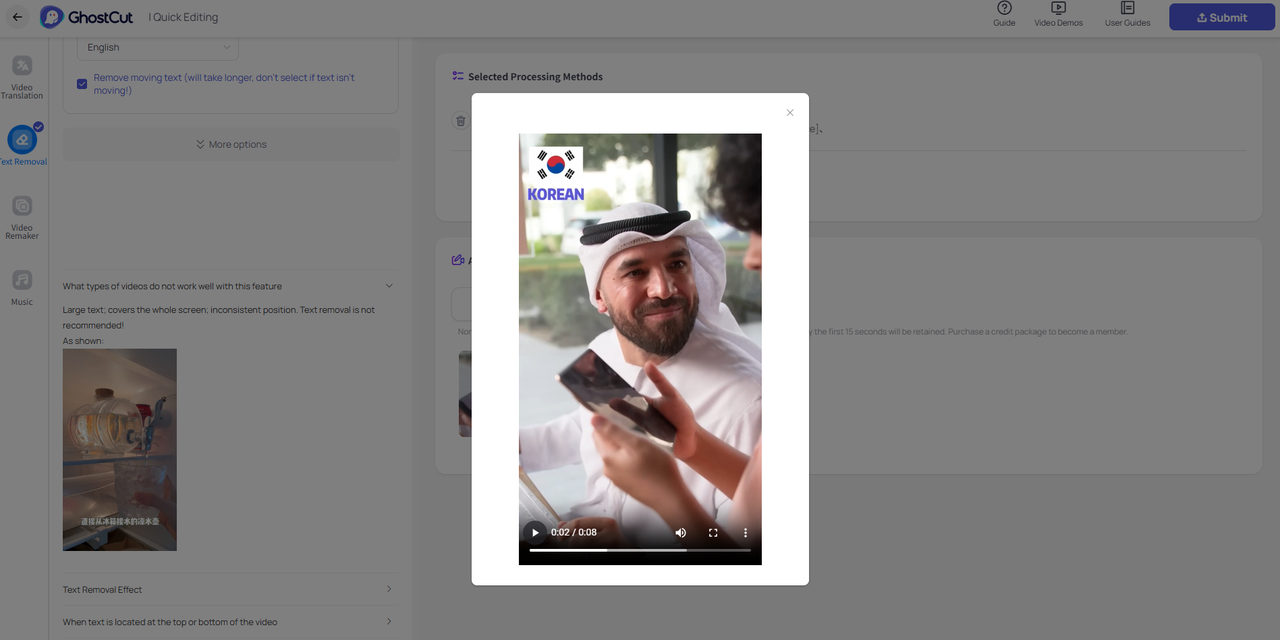
✅ Features: AI-driven removal of subtitles, captions, and text overlays; supports multiple video formats.
✅ Pros: Fast, cloud-based, easy-to-use interface, no installation required.
✅ Cons: Free version has limitations on video length and resolution.
✅ Best For: Content creators and social media editors who need quick subtitle removal online.
✅ Performance: Reliable for short and medium-length videos; performs best on standard-definition and HD content.
Top Free Video Subtitle Removal Tools for 2025
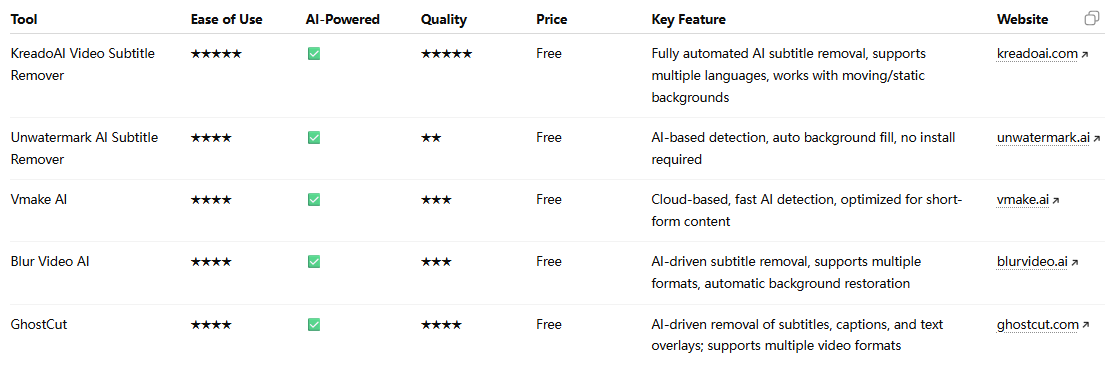
Tired of stubborn subtitles ruining your videos? Whether you're editing clips for YouTube, TikTok, or social media, manually removing captions is slow, messy, and often leaves your video looking unprofessional. These free AI-powered tools make subtitle removal quick, easy, and precise, so you can get back to creating content that looks polished and ready to share. Compare the top options below:
Conclusion / Recommendation
For creators who want a clean, professional look without tedious manual editing, KreadoAI is clearly the top choice!
It's fast, intuitive, and its AI subtitle removal tool outperforms other solutions, leaving no traces and preserving video quality. Whether you need to remove subtitles from video for social media, professional projects, or global content repurposing, KreadoAI makes it effortless.
Try it free and experience the easiest, most effective video subtitle remover of 2025!


