


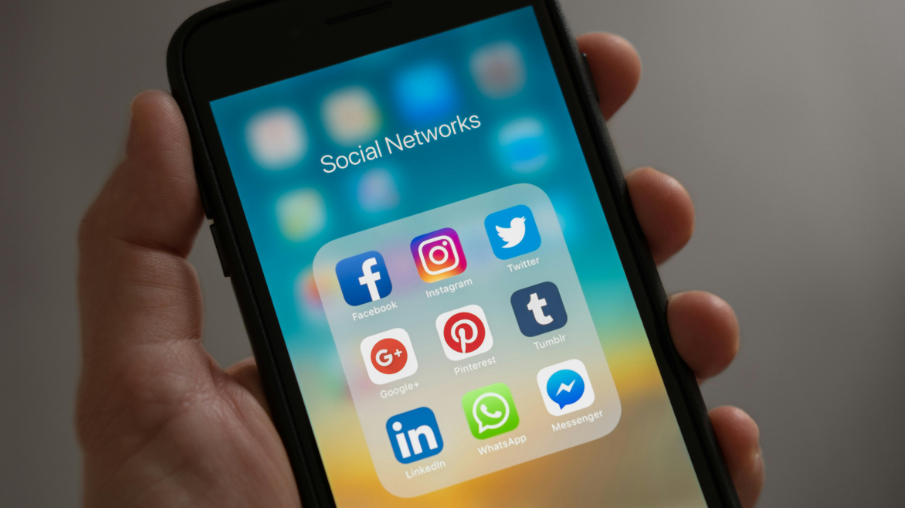
In today’s fast-paced digital world, social media videos dominate the internet. Platforms like TikTok, Instagram, YouTube, and Facebook thrive on short, engaging, and shareable video content. But creating viral videos consistently is no easy task—until now.
With AI-powered video creation tools, you can automate, optimize, and enhance video production without needing expensive equipment or professional editing skills. AI helps generate eye-catching visuals, trending content, and personalized engagement strategies that increase the chances of your video going viral.
In this guide, we’ll explore how AI can help you create viral social media videos, the best tools available, and key strategies to maximize your reach and engagement.
Why AI is the Key to Viral Video Success
AI has transformed content creation by offering:
Faster Production & Automation
AI tools streamline the video creation process, from scriptwriting to editing, reducing the time required to produce high-quality videos.
Trend Analysis & Optimization
AI-powered analytics tools can identify trending topics, hashtags, and video styles that increase the likelihood of virality.
Enhanced Engagement with AI Avatars & Voiceovers
AI-generated avatars and voiceovers create dynamic, personalized videos that resonate with a global audience.
AI-Powered Editing & Special Effects
AI can generate motion graphics, captions, and effects automatically, making your videos more engaging without manual editing.
Multilingual Video Creation
AI can translate and dub your videos into multiple languages, helping you reach a wider audience.
Step-by-Step Guide to Creating Viral AI Videos
Step 1: Choose the Right AI Video Creation Tool
Different AI platforms cater to different aspects of video production. Here are some top picks:
KreadoAI – AI-generated avatars and realistic voiceovers.
Synthesia – AI-powered talking avatars for business and marketing videos.
Runway ML – AI-based special effects and video automation.
Step 2: Research Trending Topics & Video Formats
Before creating a video, research what’s currently trending on your target platform. AI tools like BuzzSumo, Vidooly, or TikTok Trends can help you identify viral trends.
Popular video formats include:
☑️Short-Form Content (TikTok, Instagram Reels, YouTube Shorts)
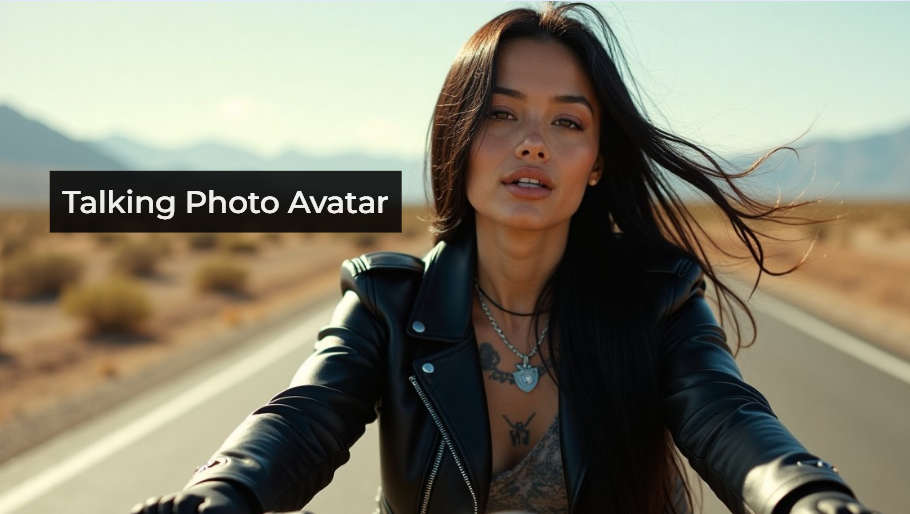
☑️AI-Powered Talking Avatars
☑️How-To Videos & Tutorials
☑️Storytelling & User-Generated Content
☑️Reaction & Challenge Videos
Step 3: Generate AI-Powered Scripts & Voiceovers
If you’re not a natural scriptwriter, AI can do it for you. Tools like ChatGPT, Jasper AI, and KreadoAI Text Generator can generate engaging video scripts optimized for virality.
For AI-generated voiceovers, use KreadoAI, Murf AI, or WellSaid Labs to create natural-sounding narration in multiple languages.
Step 4: Create Engaging Visuals & Animations
To capture attention, your video needs eye-catching visuals. AI-powered video editing tools can generate unique graphics, animations, and transitions:
🔹AI Image Generators (DALL·E, MidJourney) – Create custom video backgrounds.
🔹AI Motion Graphics (Runway ML, Pika Labs) – Generate cinematic effects.
Step 5: Optimize for Social Media Platforms
Each platform has different video formats and best practices:
TikTok & Instagram Reels – Short-form (15–60 sec), vertical, high-energy content.
YouTube Shorts – Short, engaging videos with hooks in the first 3 seconds.
Facebook & LinkedIn Videos – Captions and storytelling work best.
Step 6: Add AI-Generated Captions & Subtitles
Captions boost engagement by making your videos accessible and skimmable. Use AI-powered tools like Kapwing, Descript, or Rev AI to generate automatic subtitles.
Step 7: Analyze Performance & Optimize with AI
After posting, track engagement metrics using AI-powered analytics tools like TubeBuddy, Vidooly, or Social Blade to refine your content strategy.
AI Video Creation Best Practices for Virality
✅ Hook Viewers in the First 3 Seconds
AI can analyze viral trends and suggest high-impact opening lines to grab attention instantly.
✅ Use AI for Personalized & Interactive Content
AI-powered customization (e.g., tailored captions, voiceovers, and interactive elements) makes videos more engaging.
✅ Leverage AI-Powered Hashtag & Trend Analysis
AI can predict trending hashtags and optimize video metadata for better discoverability.
✅ A/B Test AI-Generated Thumbnails & Titles
AI tools like Canva AI and Adobe Sensei can help design eye-catching thumbnails that improve click-through rates.
✅ Post Consistently with AI Scheduling Tools
AI-powered tools like Hootsuite, Buffer, or Later can automate content posting at peak engagement times.
Final Thoughts
AI is revolutionizing social media video marketing by making content creation faster, more accessible, and highly optimized for engagement. By leveraging AI for scriptwriting, voiceovers, editing, and analytics, you can produce viral videos effortlessly.


