


Key takeaways
What is a YouTube video ad?
YouTube video ad formats: planning table
|
Format
|
Typical resolution
|
Aspect
|
Length (planning)
|
Creative implication
|
|
Skippable in-stream
|
1920×1080 (1080p)
|
16:9
|
Often 12s+ creatives used in tests
|
Must win first 5 seconds
|
|
Non-skippable in-stream
|
1920×1080
|
16:9
|
Often short (regional rules vary)
|
Tighter story; avoid slow intros
|
|
Bumper
|
1920×1080
|
16:9
|
Up to 6 seconds
|
One claim + brand finish
|
|
In-feed video ads (discovery-style surfaces)
|
Often 16:9
|
16:9
|
Varies
|
Thumbnail + title matter too
|
Use cases: when YouTube video ads are the right channel
-
High-Consideration Purchases: Use the extra time to explain setups or specs. Use AI to nail the first 5 seconds, then deliver a deep dive for viewers who stay.
-
Search & Video Synergy: Use Search to capture intent and YouTube to build the narrative. Consistent messaging across both channels drives higher trust and conversion.
-
Time-Sensitive Promos: Combine 6s Bumpers for deadlines/codes with skippable ads for lifestyle context. This two-pronged approach builds both desire and urgency.
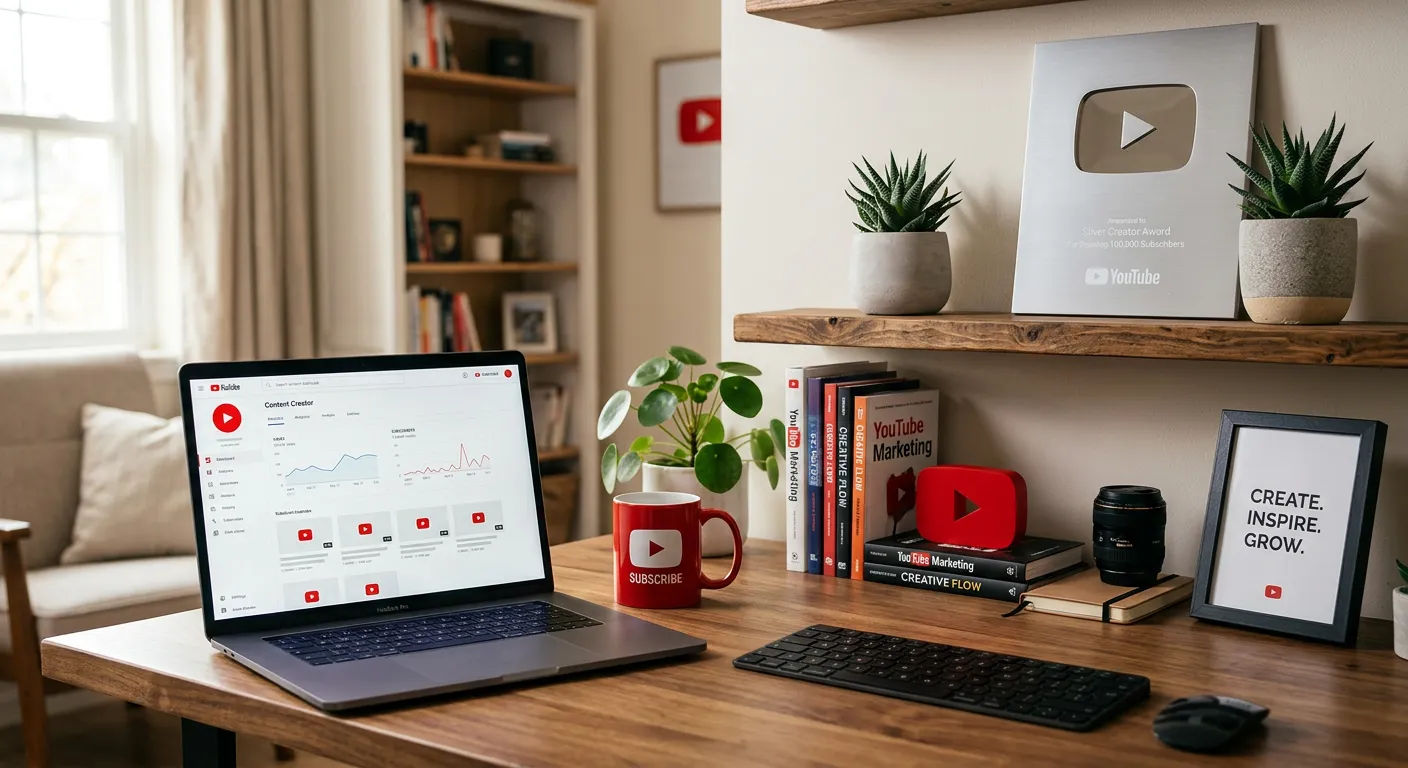
Why the first 5 seconds dominate skippable YouTube ads
-
A 5-second audition to earn continued viewing
-
The remaining narrative for people who stay
What is the most important rule for skippable YouTube ads?
Step-by-step: YouTube video ads with AI
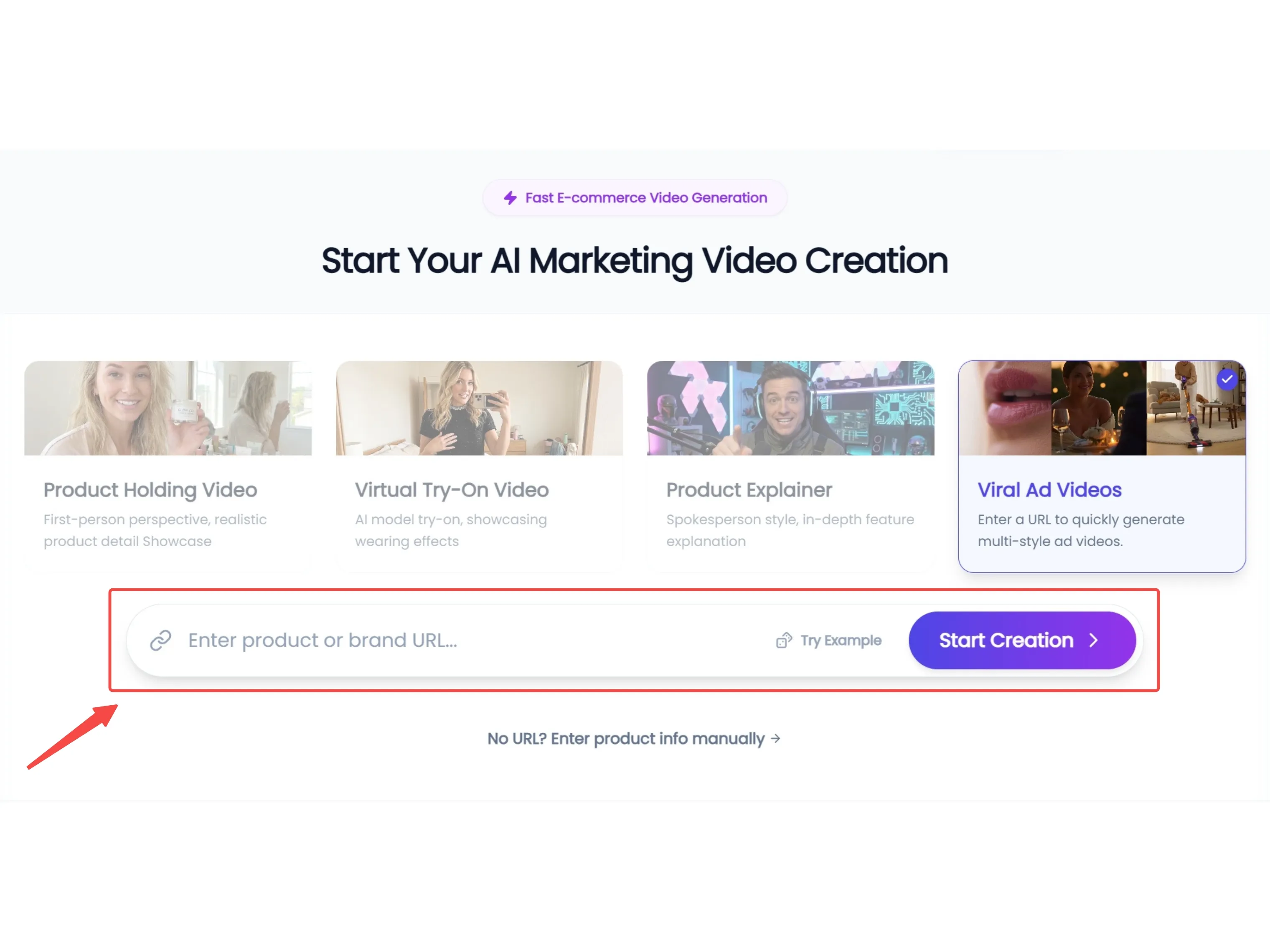
Step 1: Horizontal Asset Sync & Scene Selection
Input your product URL, and KreadoAI will extract high-resolution assets optimized for a 16:9 widescreen layout. Select from YouTube-native scenarios,ensuring your video has the professional polish required for desktop and TV viewership.
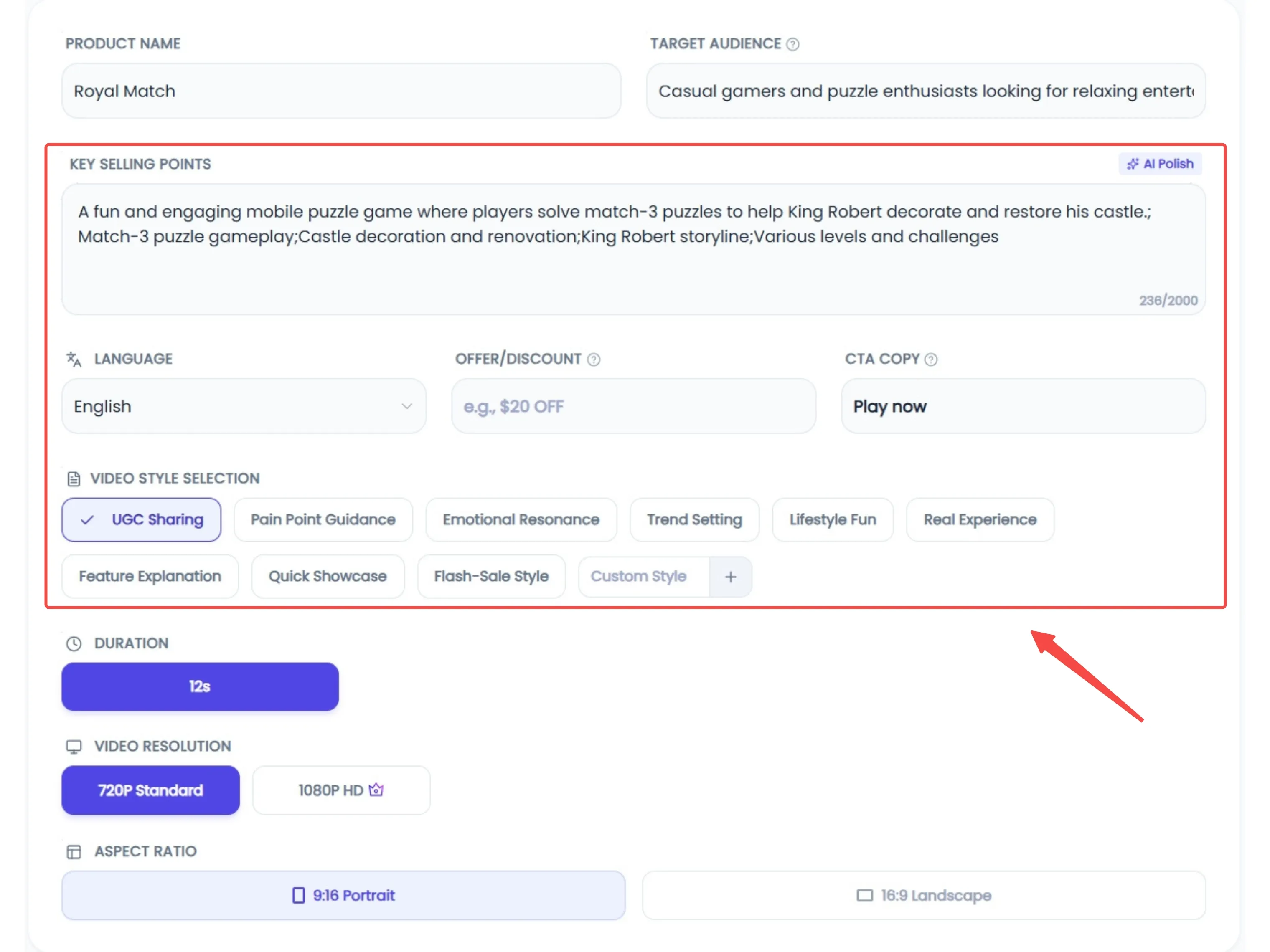
Step 2: Hook-Centric Scripting & Global VO
On YouTube, you have just 5 seconds to beat the 'skip' button. Use the AI Polishing tool to craft a hook-first script that captures attention instantly. With support for 20+ languages and professional voiceovers, you can transform technical specs into a compelling narrative that keeps viewers engaged past the 30-second mark.
Step 3: End-Card Optimization & Deployment
Maximize your ROI by selecting the perfect opening and closing frames, with a focus on strong End-Card calls to action. Once the AI generates your 16:9 master, conduct a final quality review and deploy your ad directly to Google Ads Manager with a single click.

Measurement notes advertisers overlook
-
CTR alone can mislead on video—pair with view rate, conversions, and incrementality where possible.
-
Creative fatigue appears as rising CPVs and declining engagement—plan refreshes.
Pitfalls and limitations
|
Pitfall
|
Symptom
|
Fix
|
|
Slow logo intro
|
High skip rate
|
Move brand after hook
|
|
Too many claims in 6s bumper
|
Confusing message
|
One benefit + brand
|
|
Mismatch with landing page
|
Low conversion
|
Align offer and product
|
|
Ignoring policy
|
Disapprovals
|
Pre-check restricted claims
|
Refining Your YouTube Ad Production with AI
Developing effective YouTube ads requires a balance of technical precision and compelling storytelling. KreadoAI's specialized workflow assists in bridging the gap between a raw concept and a polished 16:9 master.This platform helps you maintain a consistent presence in the auction without the typical production overhead.


